Chrome修改User Agent插件推荐
·
发现了chrome一个很好用的能够修改User Agent的插件:
User-Agent Switcher and Manager
网址:https://chrome.google.com/webstore/detail/user-agent-switcher-and-m/bhchdcejhohfmigjafbampogmaanbfkg
用法
直接在user agent中输入
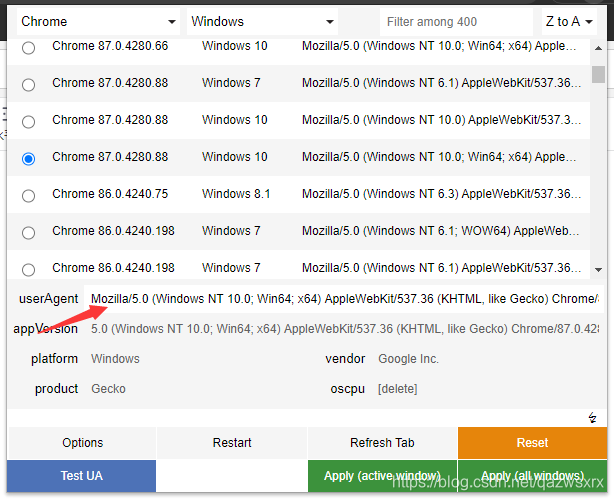
或:
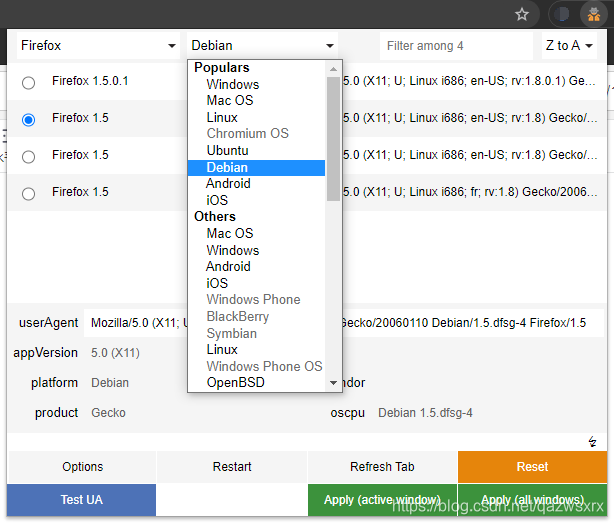
如下图,最左侧选择想要的UA,点击右下角按钮apply即可;
通过Test UA可以对目前的UA进行测试:
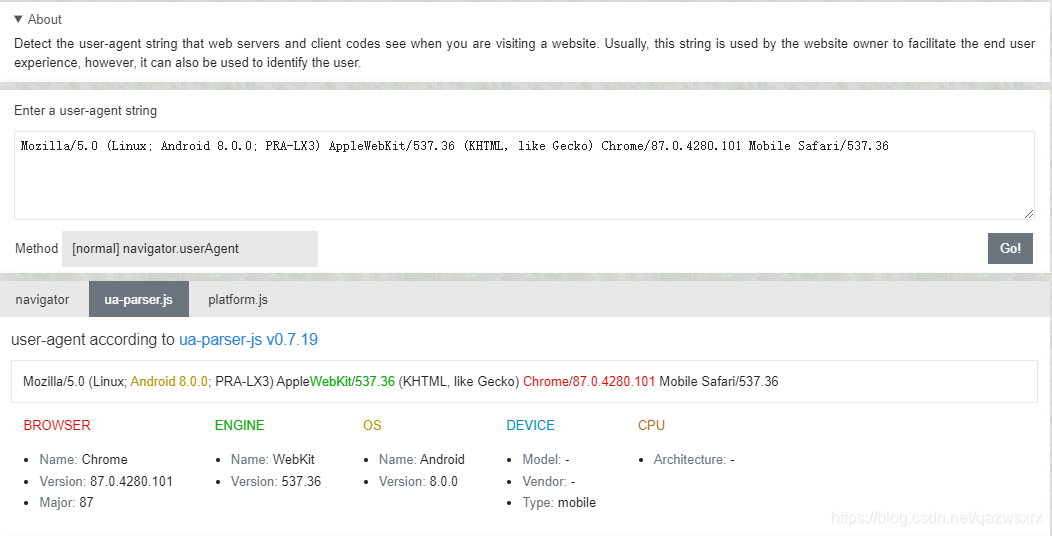
访问一个网站后使用clustrmaps进行验证:

验证成功。
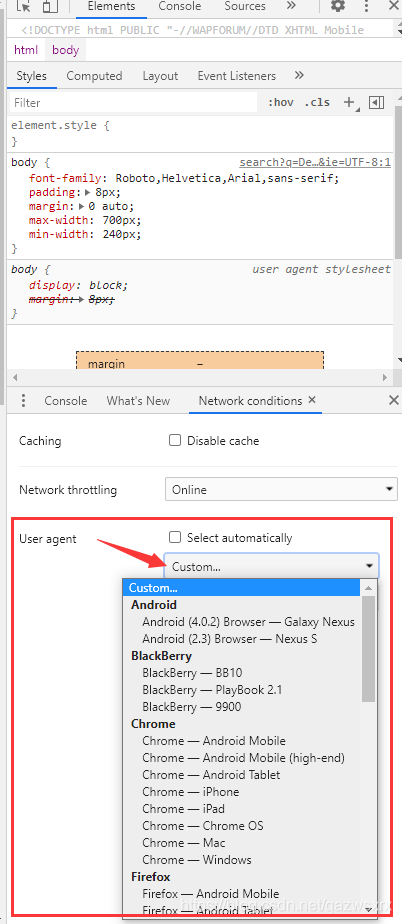
注手动修改方法:
F12-->more tools-->network conditions
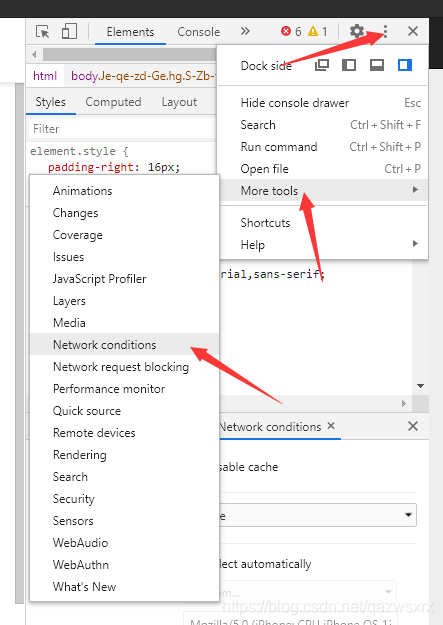
User agent-->custom

讨论HarmonyOS开发技术,专注于API与组件、DevEco Studio、测试、元服务和应用上架分发等。
更多推荐



 2
2 0
0- 0


 已为社区贡献3条内容

所有评论(0)