windows 通过cmd命令(netsh wlan命令)连接wifi
文章目录1. 连接1.1. 显示本机保存的profiles1.2. 用netsh wlan connect name=xxxxx 连接其中一个profile1.3. 断开连接2. 帮助信息3. 其它常用的命令4. 参考链接1. 连接1.1. 显示本机保存的profilesnetsh wlan show profiles注:配置文件是以wifi的ssid命名的,如无目标WiFi的配置文件,可以尝试手
·
文章目录
1. 连接
1.1. 显示本机保存的profiles
netsh wlan show profiles
注:配置文件是以wifi的ssid命名的,如无目标WiFi的配置文件,可以尝试手动先连接该目标WiFi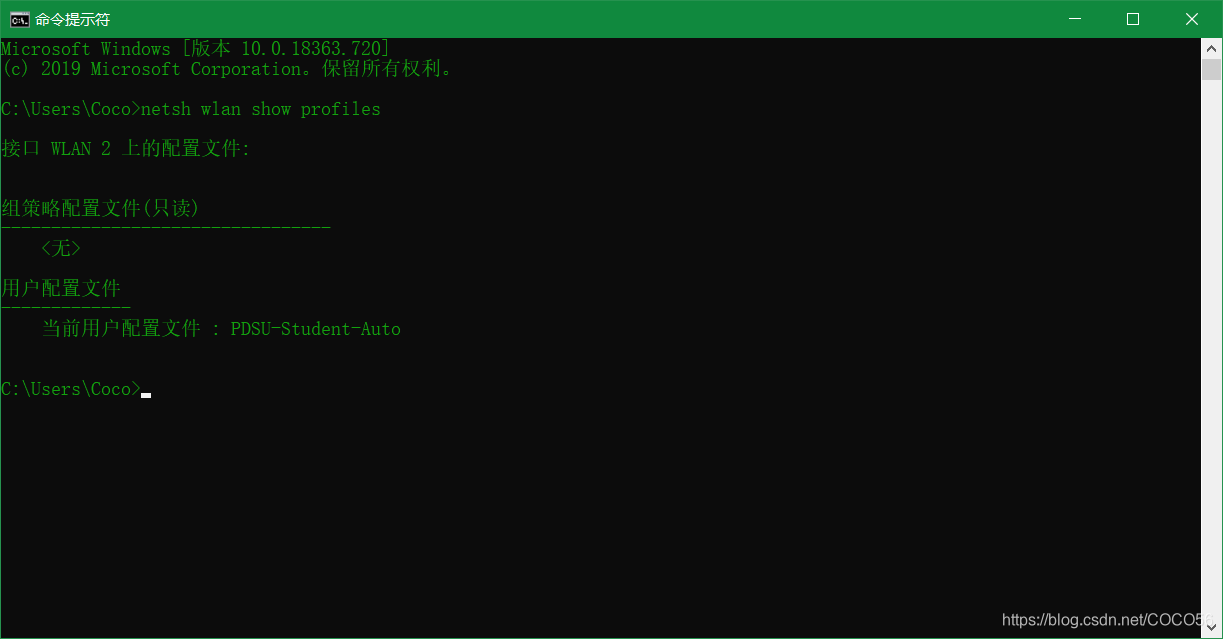
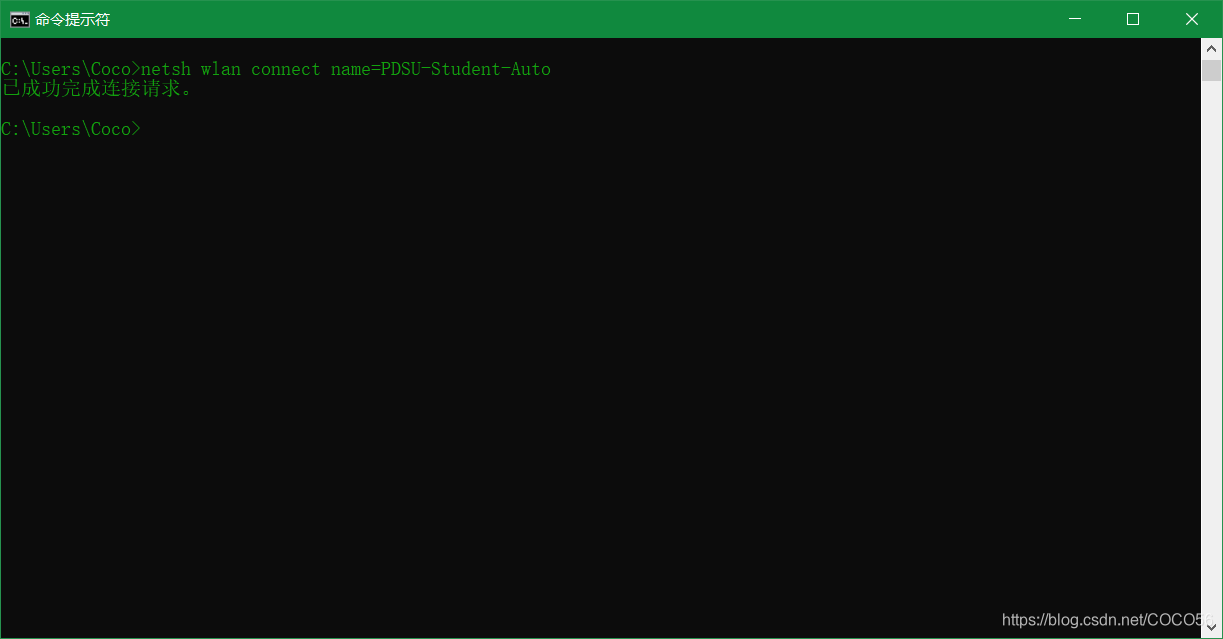
1.2. 用netsh wlan connect name=xxxxx 连接其中一个profile
如:
netsh wlan connect name=PDSU-Student-Auto
1.3. 断开连接
netsh wlan disconnect
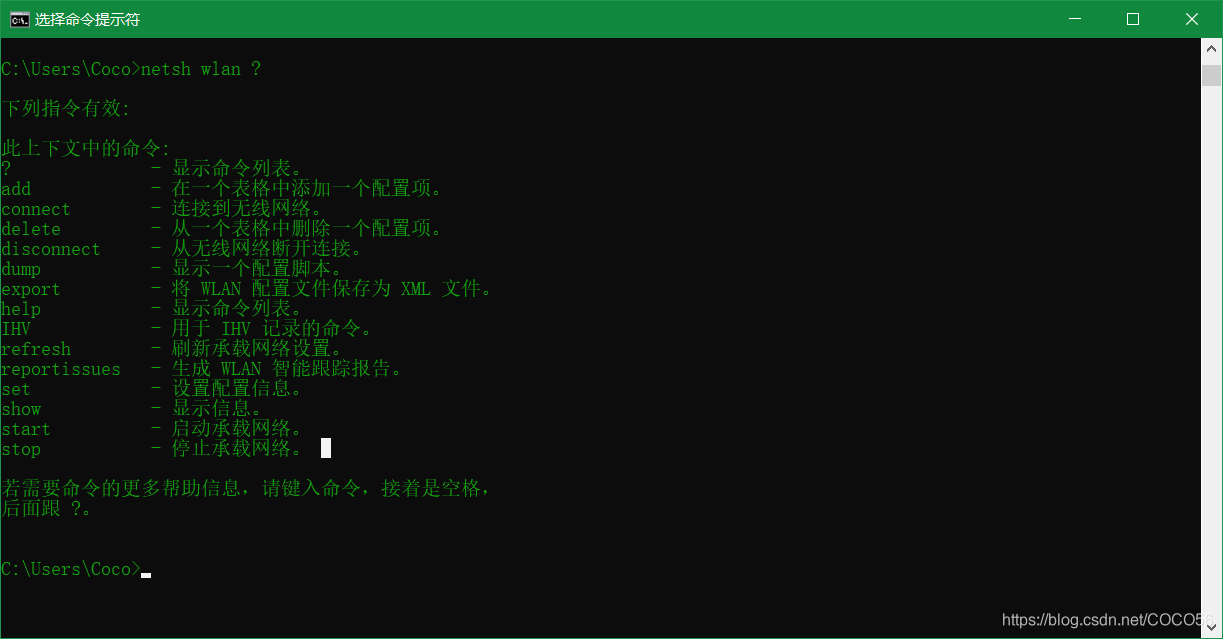
2. 帮助信息
netsh wlan ?
3. 其它常用的命令
Netsh WLAN set profileparameter name=“Profile_Name” connectionmode=manual
Netsh WLAN set profileparameter name=" Profile_Name" connectionmode=auto
列出配置文件:netsh wlan show profile
导出配置文件:netsh wlan export profile key=clear
删除配置文件:
netsh wlan delete profile name=PDSU-Student-Auto
添加配置文件:netsh wlan add profile filename=""
连接指定热点:netsh wlan connect name=“wifi name”
列出无线接口:netsh wlan show interface
开启无线接口:netsh interface set interface “Interface Name” enabled
4. 参考链接

讨论HarmonyOS开发技术,专注于API与组件、DevEco Studio、测试、元服务和应用上架分发等。
更多推荐



 4
4 0
0- 0


 已为社区贡献2条内容

所有评论(0)