鸿蒙应用项目运行到真机报错compatibleSdkVersion and releaseType of the app do not match the apiVersion and...
首先,使用hdc命令查询设备的API版本。然后,修改项目中的build-profile.json5文件,将targetSdkVersion和compatibleSdkVersion更改为与设备匹配的版本。接着,调整项目结构中的Compatible SDK版本,并自动生成签名。最后,重新运行项目,成功解决了版本不兼容的问题,使应用能够在设备上正常运行。
·
该错误信息“compatibleSdkVersion and releaseType of the app do not match the apiVersion
and releaseType on the device”通常出现在尝试在设备上安装或运行应用时,设备的API版本和应用所
需的API版本不兼容。
1.这种情况下可以使用hdc来查询设备的版本
hdc shell param get const.ohos.apiversion
我这边的设备查询出来是: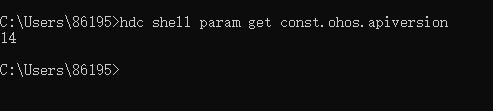
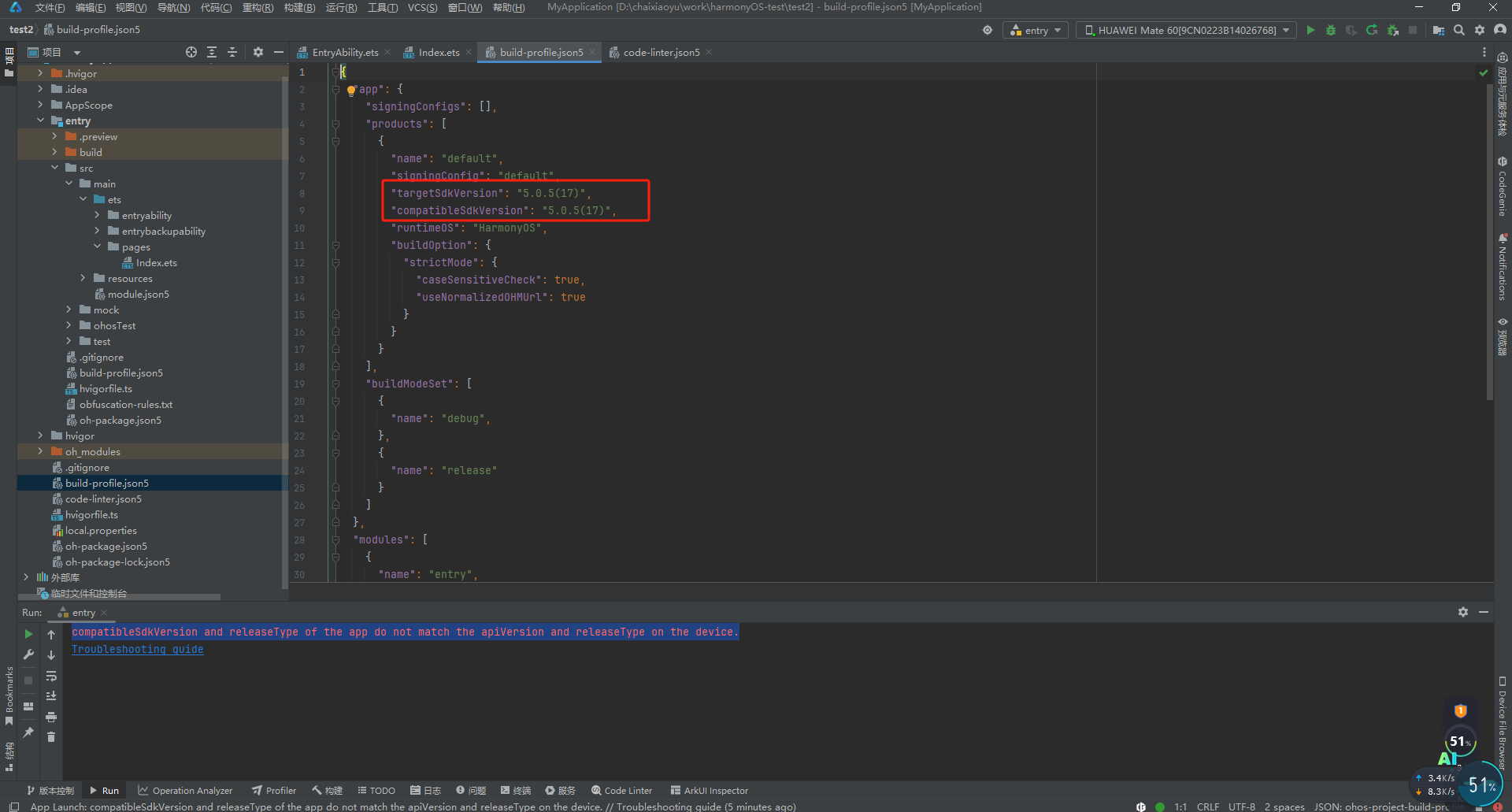
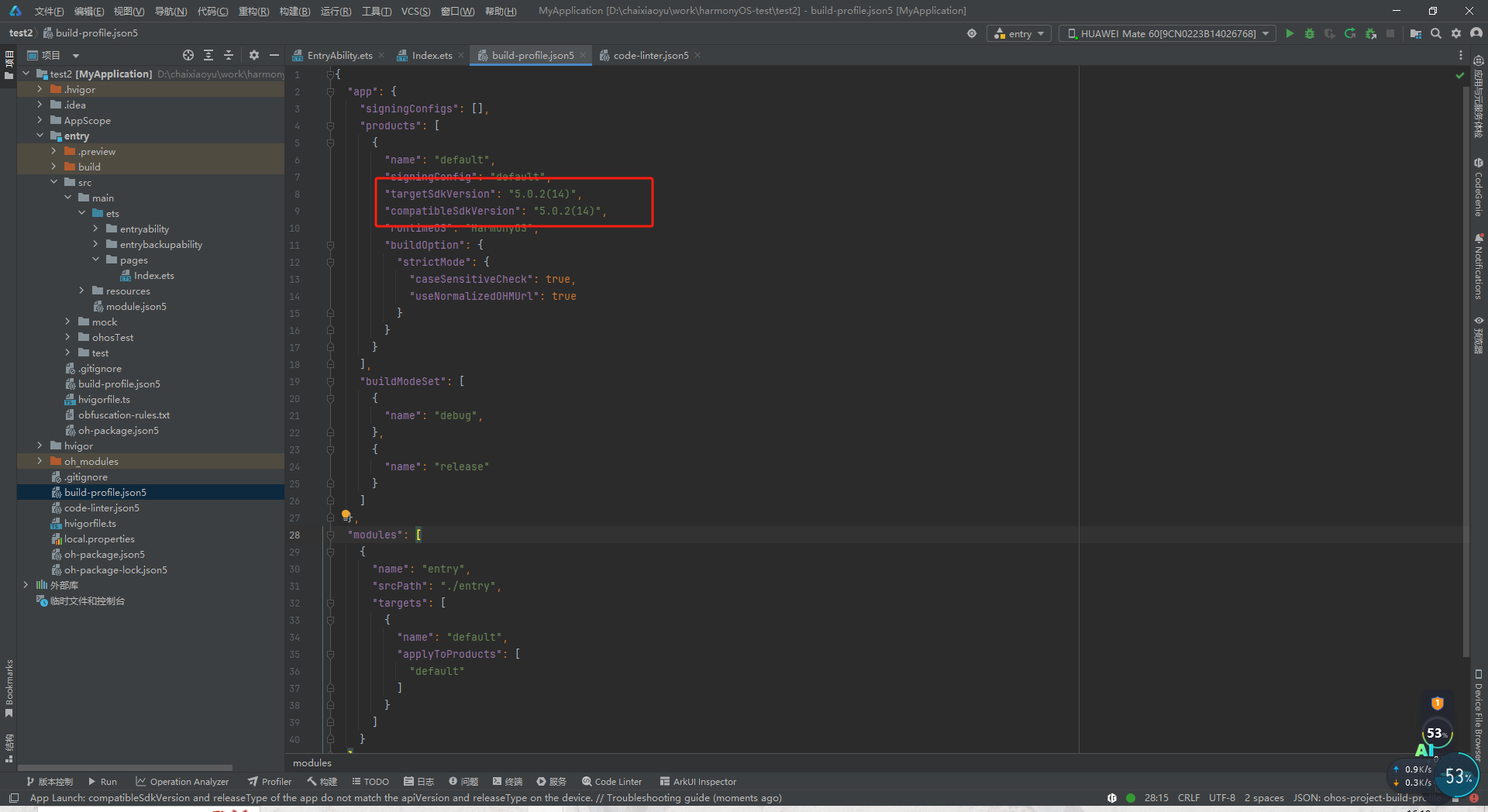
2.更改项目中 build-profile.json5中的版本号
将以下版本更改为 5.0.2(14)
更改前:
"targetSdkVersion": "5.0.5(17)",
"compatibleSdkVersion": "5.0.5(17)",
更改后:
"targetSdkVersion": "5.0.2(14)",
"compatibleSdkVersion": "5.0.2(14)",
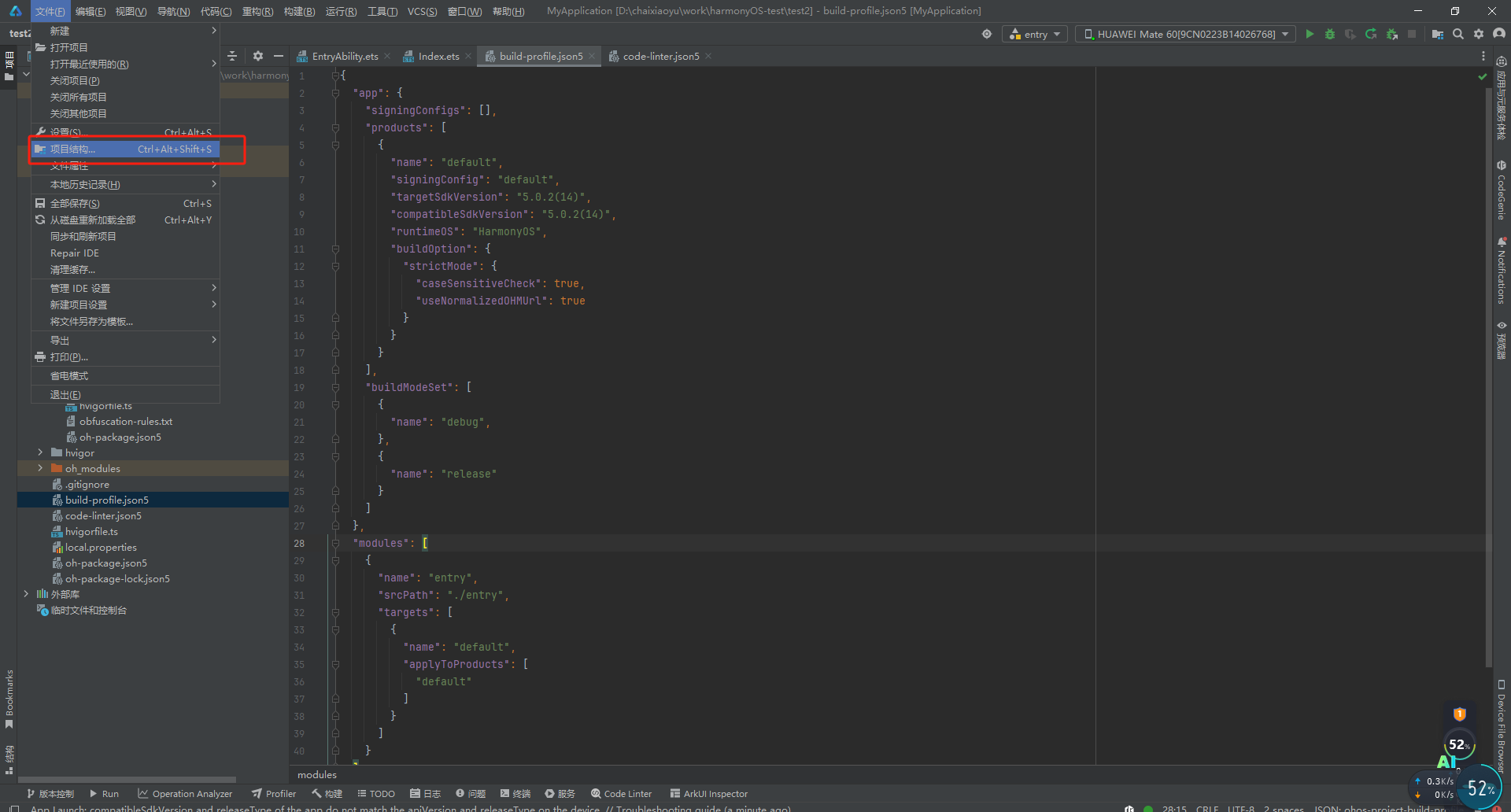
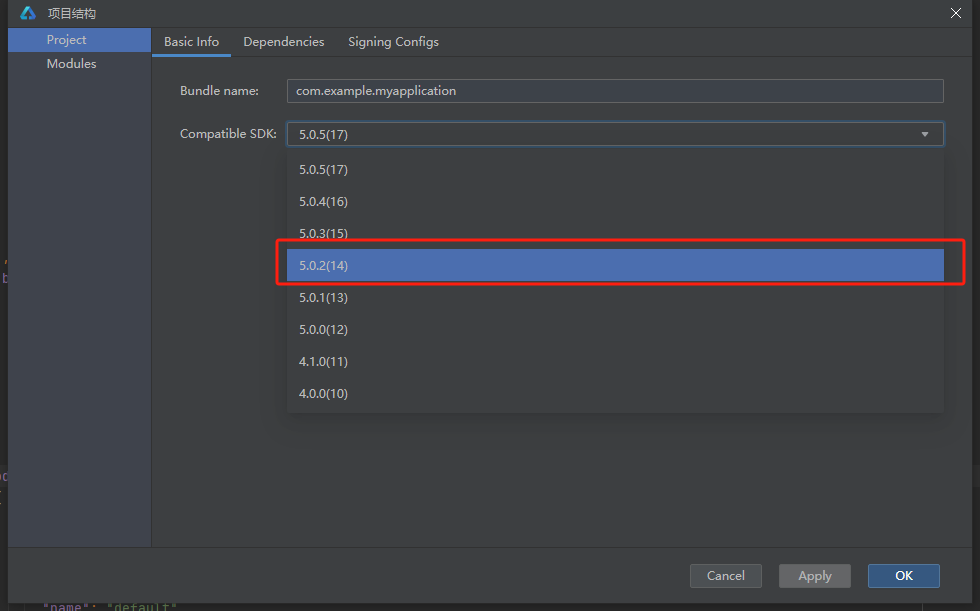
3.更改项目结构中Compatible SDK版本为5.0.2(14)
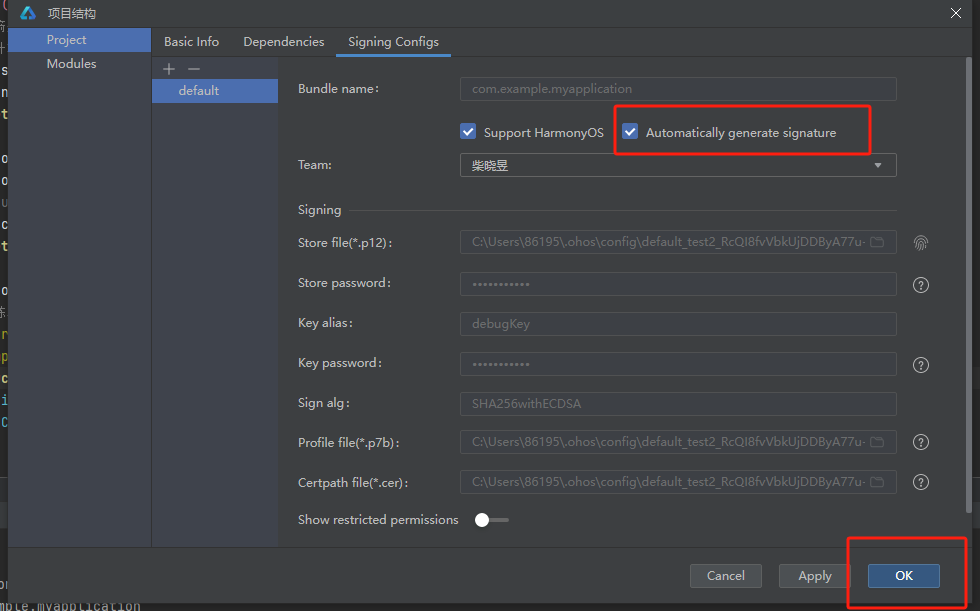
4.自动生成签名
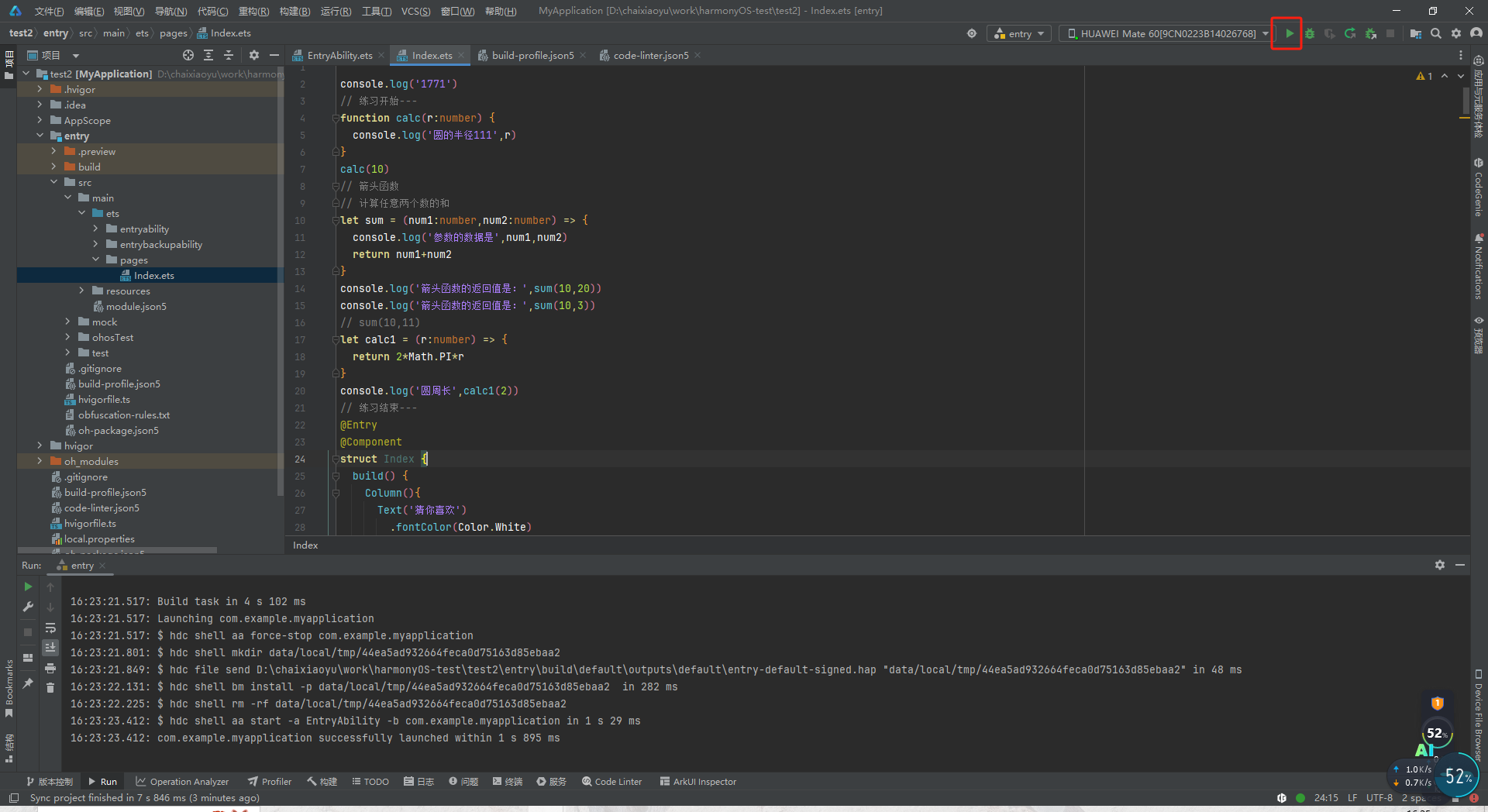
5.重新运行该项目
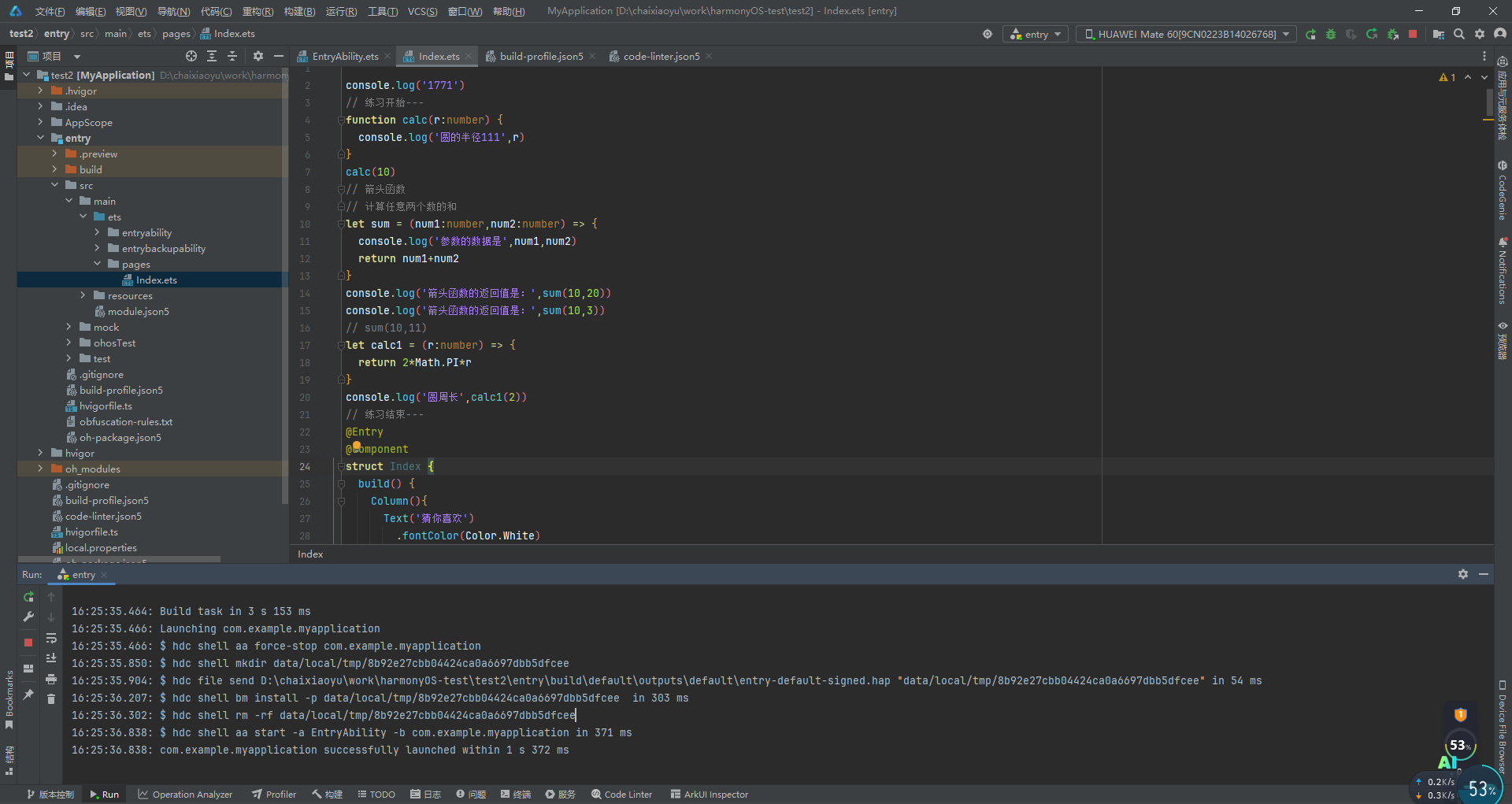
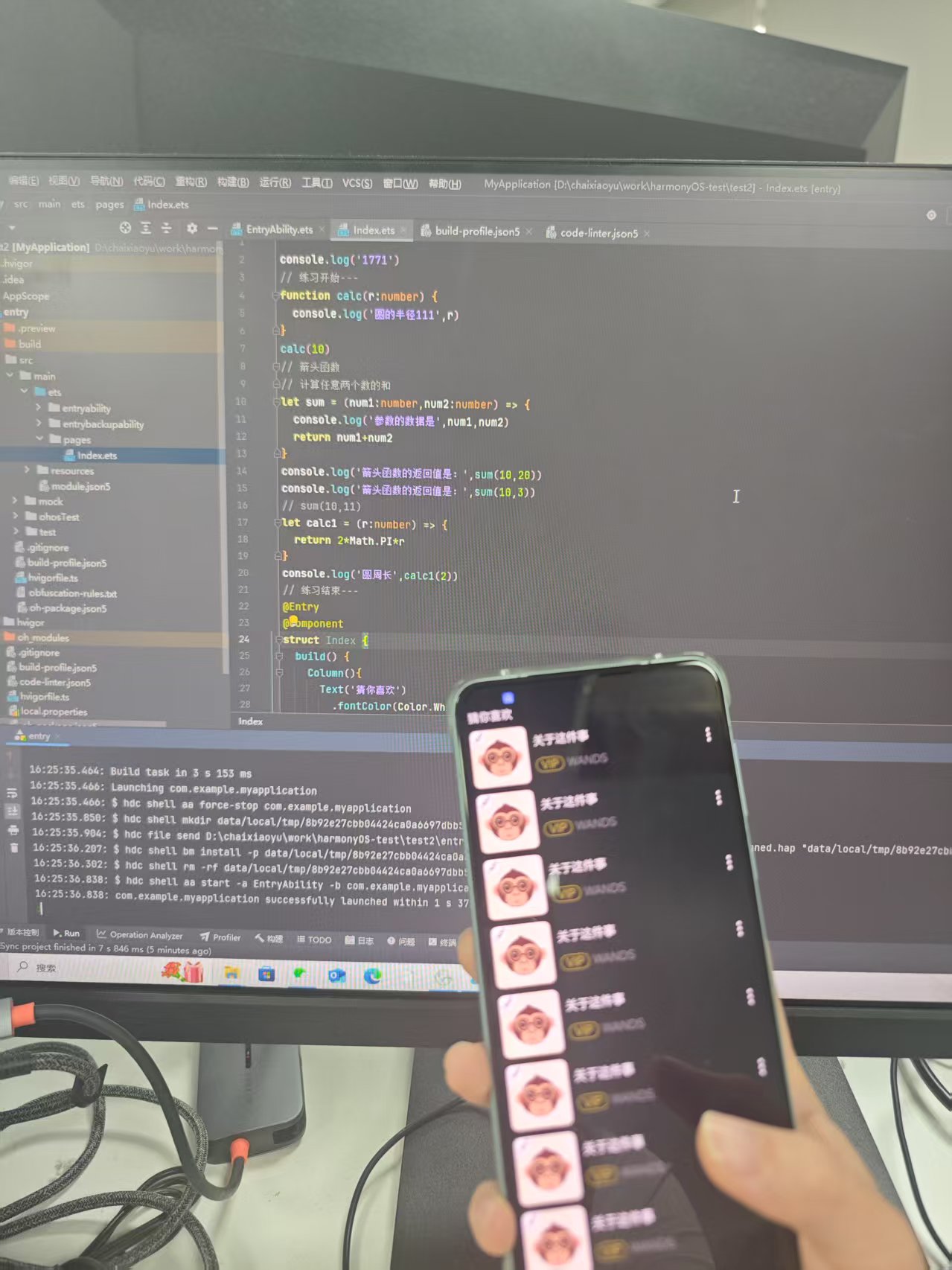
6.成功运行

讨论HarmonyOS开发技术,专注于API与组件、DevEco Studio、测试、元服务和应用上架分发等。
更多推荐



 3
3 0
0- 0


 已为社区贡献6条内容

所有评论(0)