记录 Photo Sphere Viewer 在个别浏览器 marker位置失效问题
Photo Sphere Viewer全景在鸿蒙系统浏览器发现marker都缩在左上角了,所有的translate都失效了
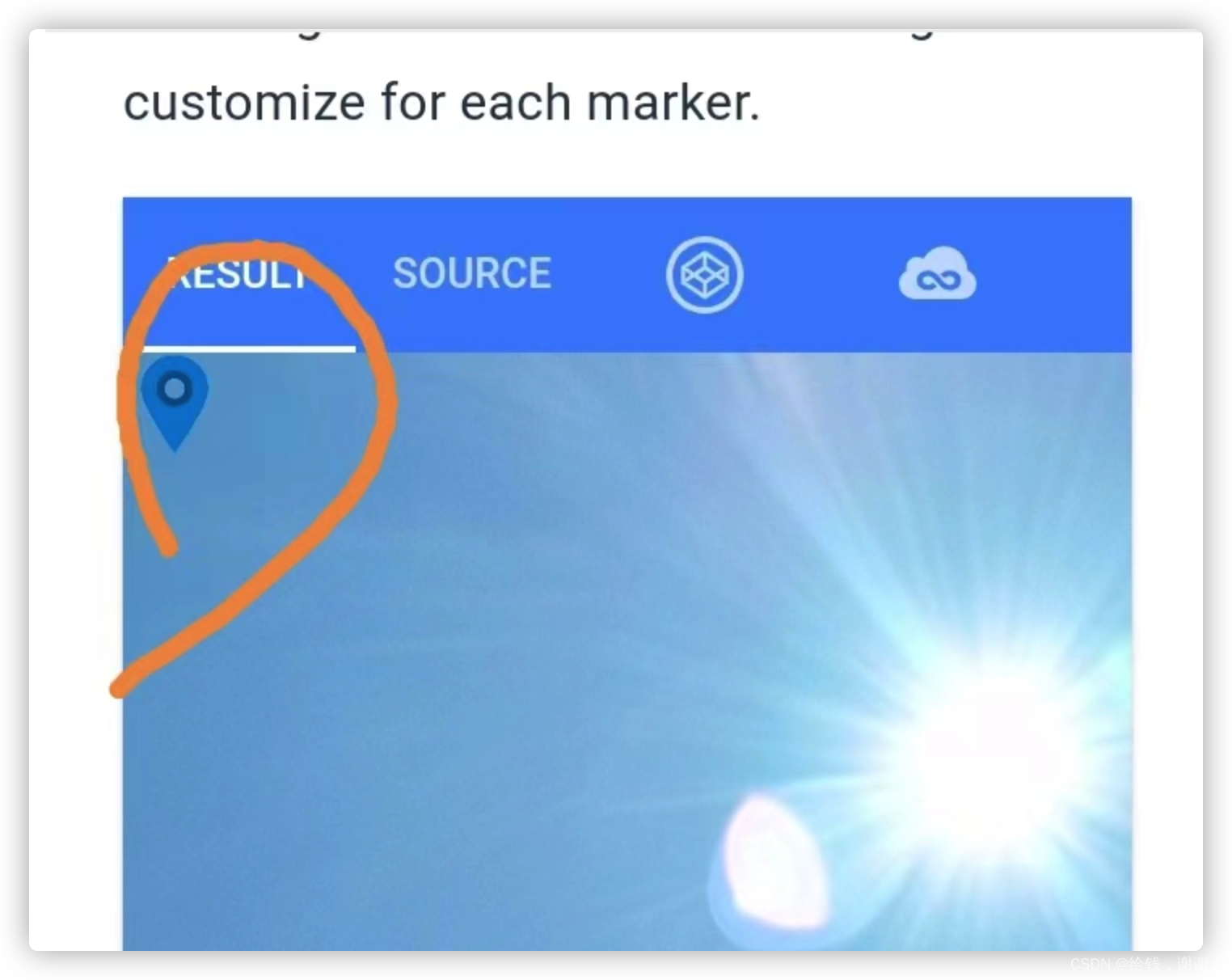 
经过测试发现是因为在部分浏览器上translate: 795px 163px;这种写法是不生效的,而且`translate(${position.x}px, ${position.y}px, 0px)``这种写法也没有生效
解决办法就是改成translate3d
操作如下,修改他的node_modules代码,把this.domElement.style.translate = ${position.x}px position.ypx0px‘;‘改成‘this.domElement.style.transform=‘translate({position.y}px 0px`;`改成` this.domElement.style.transform = `translate(position.ypx0px‘;‘改成‘this.domElement.style.transform=‘translate({position.x}px, ${position.y}px);
改了后拖动缩放会有问题,所以还要把同文件下缩放的东西改了
把this.domElement.style.scale =KaTeX parse error: Expected 'EOF', got '&' at position 66: …[0];
child &̲& (child.style.…{scale}));
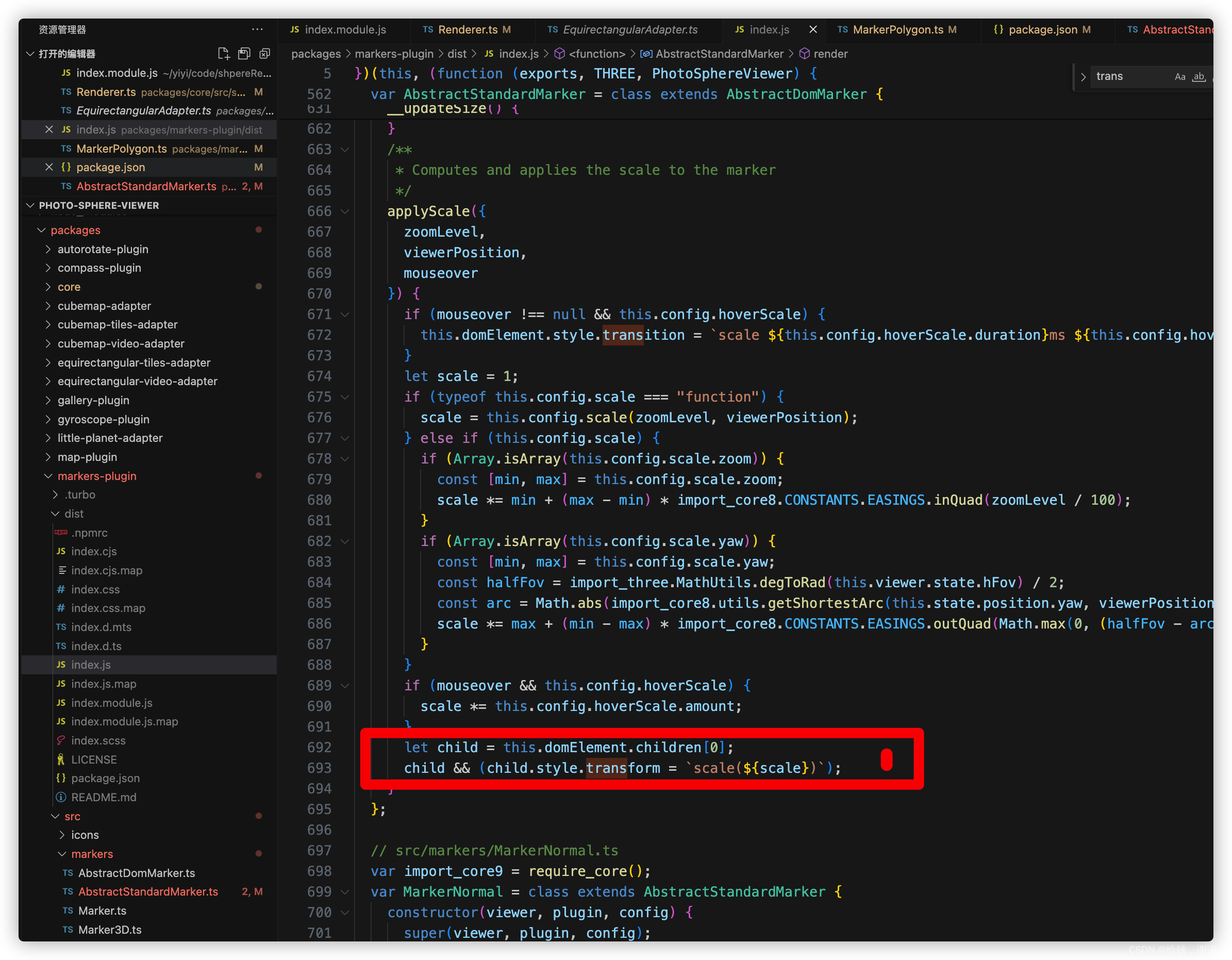
经测试没有问题
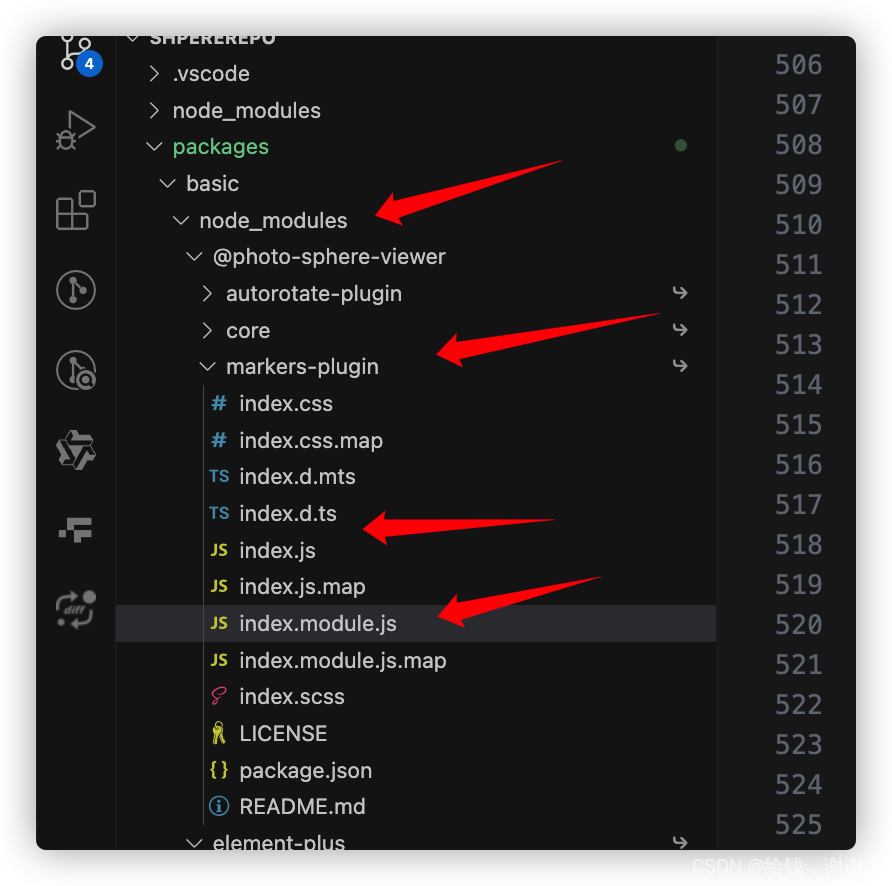
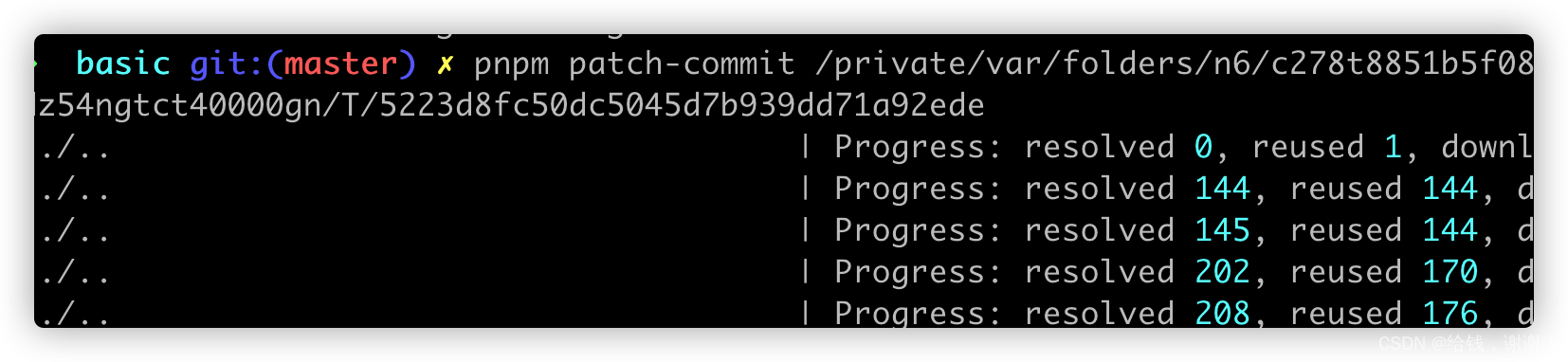
修改可以使用 pnpm patch
1、执行命令
pnpm patch @photo-sphere-viewer/markers-plugin@5.5.0
2、点击,打开文件夹并修改对应的代码
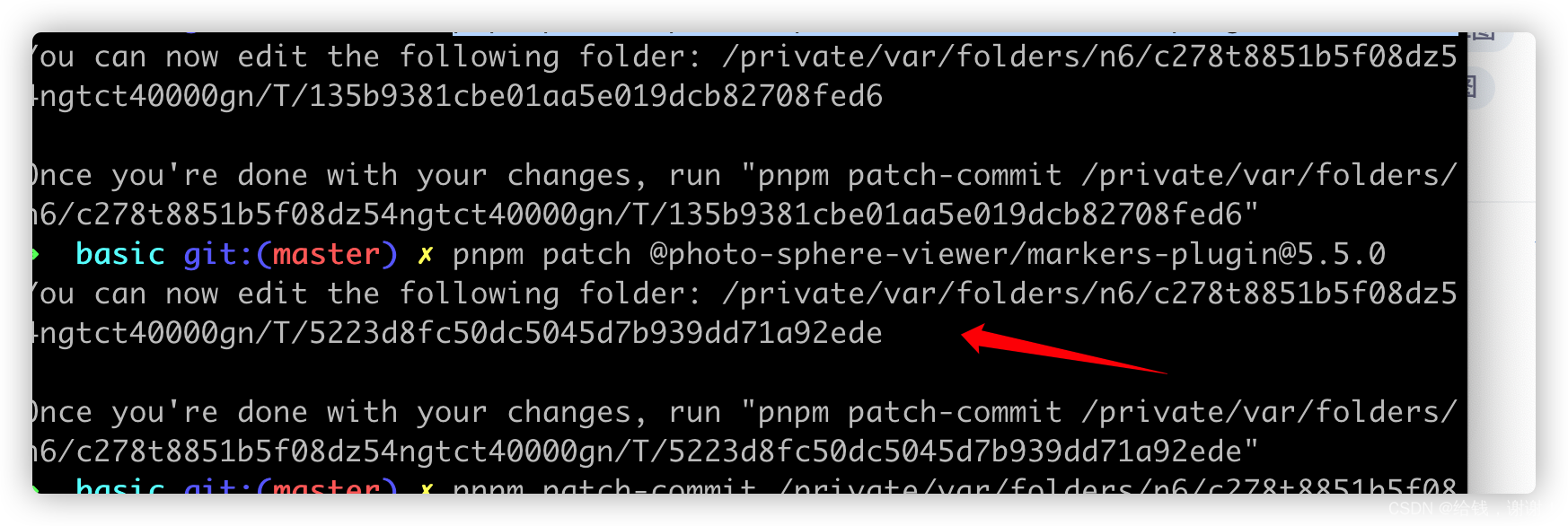
3、执行提示的命令

讨论HarmonyOS开发技术,专注于API与组件、DevEco Studio、测试、元服务和应用上架分发等。
更多推荐


 23
23 0
0- 0


 已为社区贡献2条内容

所有评论(0)