鸿蒙开发TypeScript第12课:declare
declare 关键字用于环境声明,告诉 TypeScript/ArkTS 编译器某个变量、函数、类或模块在运行时已经存在,但不需要生成实际的实现代码。declare 告诉编译器,某个类型是存在的,可以在当前文件中使用。有需要完整教程demo的私信我,我每天都看私信的。
·
鸿蒙开发TypeScript第12课:declare
declare 告诉编译器,某个类型是存在的,可以在当前文件中使用
declare 关键字用于环境声明,告诉 TypeScript/ArkTS 编译器某个变量、函数、类或模块在运行时已经存在,但不需要生成实际的实现代码
示例代码:
 const currentUserId: number = 123;


// 声明全局工具函数
declare function showLoading(): void;
declare function hideLoading(): void;
declare function showDialog(title: string, message: string): Promise<boolean>;

// 声明全局事件
declare function emitEvent(eventName: string, data?: object): void;
declare function onEvent(eventName: string, callback: (data: object) => void): void;


@Entry
@Component
struct Lesson_12_declare_Page {
  @State message: string = 'Lesson_12_declare_Page';

  aboutToAppear(): void {

    logContent("congge12",currentUserId)
  }

  @State isLoading: boolean = false;

   handleAction() {
    showLoading();
    this.isLoading = true;

    try {
      // 模拟异步操作
      showDialog("成功", "操作完成");
    } finally {
      hideLoading();
      this.isLoading = false;
    }
  }
教程项目的全部源码图:
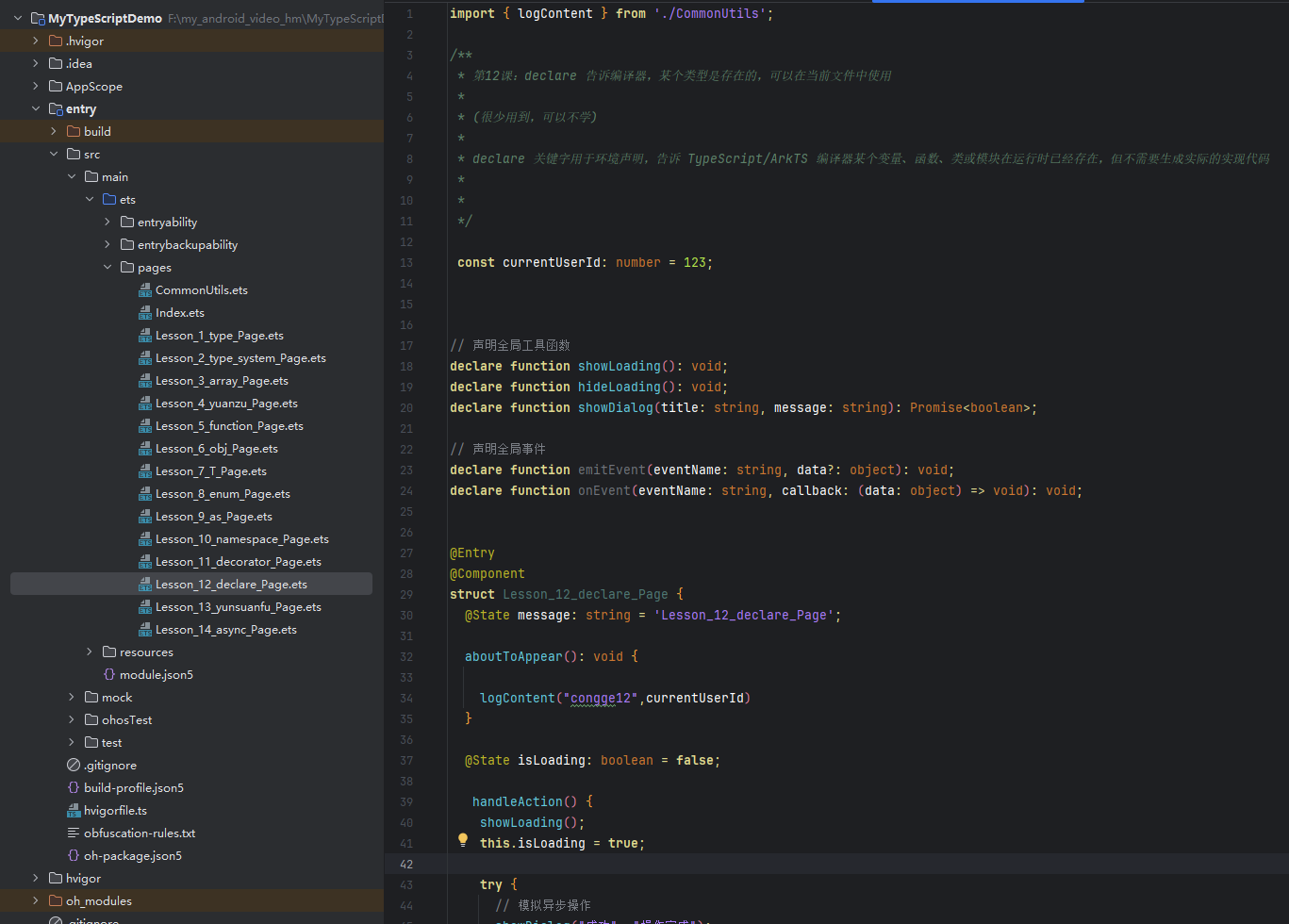
有需要完整教程demo的私信我,我每天都看私信的。

讨论HarmonyOS开发技术,专注于API与组件、DevEco Studio、测试、元服务和应用上架分发等。
更多推荐



 1
1 0
0- 0


 已为社区贡献9条内容

所有评论(0)