升级DevEcoStudio后编译报错:ERR_PNPM_NO_MATCHING_VERSION No matching version found for @ohos/hvigor@4.2.0;
·
报错描述及处理过程:
DevEco Studio更新到4.0+后,老项目编译可能会报Upgrade the project to the latest version and try again.
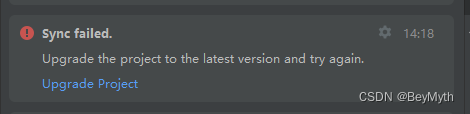
点击Upgrade Project后,报错变为
1. The value of hvigorVersion (2.4.2) is not within the expected range 4.x.x (4.x.x >= 4.2.0).
2. The value of @ohos/hvigor-ohos-plugin (2.4.2) is not within the expected range 4.x.x (4.x.x >= 4.2.0).
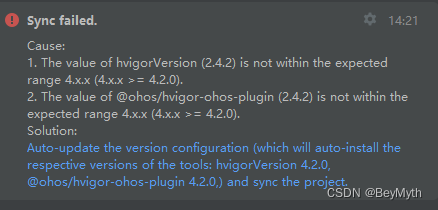
按照提示点击自动更新后,报错Update the Hvigor-wrapper.js tool to work with the latest Hvigor version.
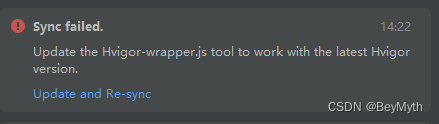
点击Update and Re-sync后,报错变为
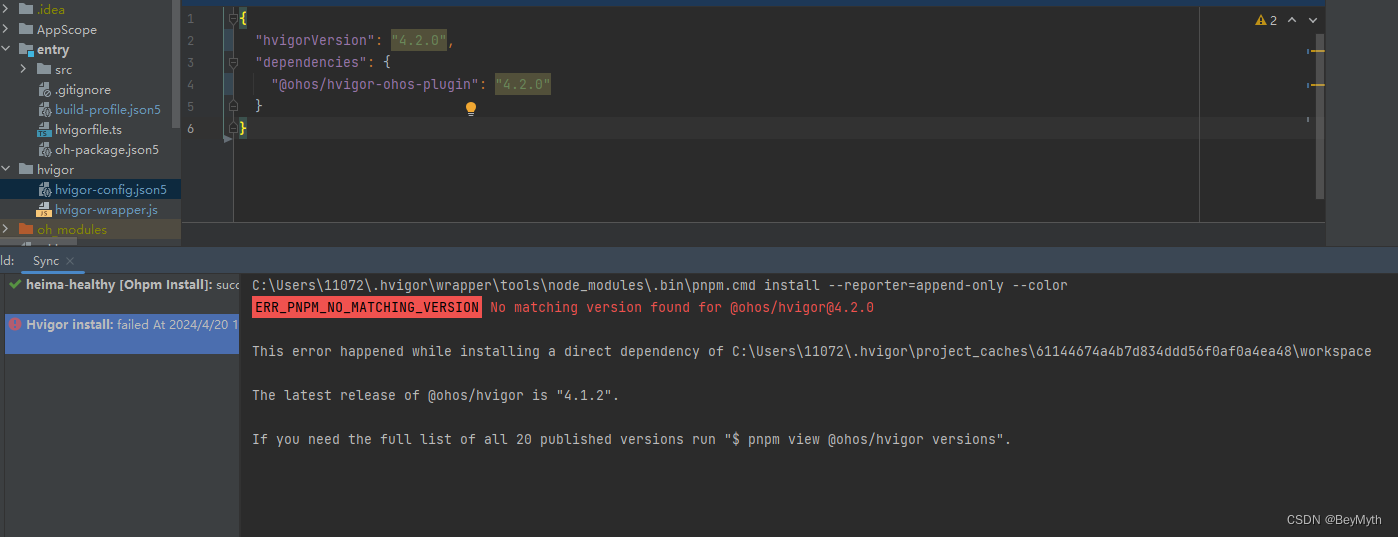
至此,不能再按照编译工具提示进行操作,可以按照下面的方式手动操作解决。
最终解决方案:
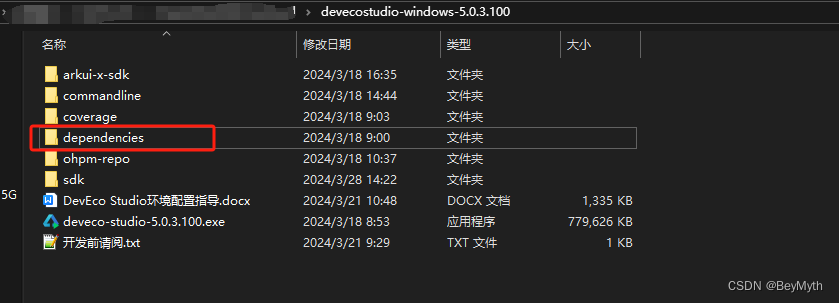
将解压出来的开发套件打开,找到dependencies,里面会有我们报错找不到的hvigor-4.2.0.tgz和hvigor-ohos-plugin-4.2.0.tgz。

将项目hvigor-config.json5中的路径地址,改为我们本地的
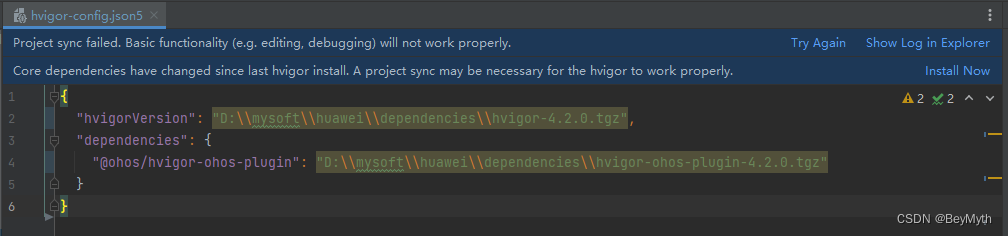
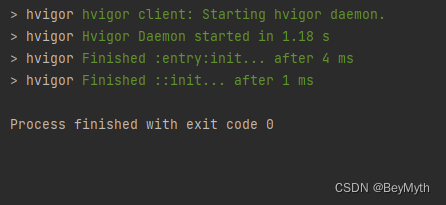
点击Try Again,重新编译即可

讨论HarmonyOS开发技术,专注于API与组件、DevEco Studio、测试、元服务和应用上架分发等。
更多推荐
 12
12 0
0- 0


 已为社区贡献6条内容

所有评论(0)