鸿蒙6.0开发常见问题【在深色模式切换下如何适配状态栏颜色?】
问题描述
在深色模式下,状态栏颜色可能与背景色重叠,导致内容难以辨认。
解决措施
- base/element/color.json中定义浅色模式的状态栏背景色。
- 在dark/element/color.json中定义深色模式的状态栏背景色。
- 监听深浅色模式的切换。
- 监听到颜色切换后,手动使用[setWindowSystemBarProperties]设置状态栏字体颜色。
参考代码如下:
- 定义深浅色模式下的颜色资源。
// resources/dark/element/color.json
{
  "color": [
    {
      "name": "status_bar",
      "value": "#000000"
    }
  ]
}
// resources/base/element/color.json
{
  "color": [
    {
      "name": "status_bar",
      "value": "#FFFFFF"
    }
  ]
}
- 缓存窗口对象和当前颜色模式,便于后续使用[setWindowSystemBarProperties]接口设置状态栏属性。
// EntryAbility.ets


onCreate(want: Want, launchParam: AbilityConstant.LaunchParam): void {
  hilog.info(0x0000, 'testTag', '%{public}s', 'Ability onCreate');
  // 缓存当前设备的颜色模式
  AppStorage.setOrCreate('currentColorMode', this.context.config.colorMode);
}


onWindowStageCreate(windowStage: window.WindowStage): void {
  // Main window is created, set main page for this ability
  hilog.info(0x0000, 'testTag', '%{public}s', 'Ability onWindowStageCreate');


  windowStage.loadContent('pages/Index', (err) => {
    if (err.code) {
      hilog.error(0x0000, 'testTag', 'Failed to load the content. Cause: %{public}s', JSON.stringify(err) ?? '');
      return;
    }
    hilog.info(0x0000, 'testTag', 'Succeeded in loading the content.');
    let windowClass: window.Window = windowStage.getMainWindowSync(); // 获取应用主窗口
    // 1. 设置窗口全屏
    let isLayoutFullScreen = true;
    windowClass.setWindowLayoutFullScreen(isLayoutFullScreen);
    // 2. 缓存窗口对象
    AppStorage.setOrCreate('windowClass', windowClass);
  });
}
- 颜色模式变更时,更新缓存中的颜色模式。
// EntryAbility.ets


// 监听系统配置变更
onConfigurationUpdate(newConfig: Configuration): void {
  let newColorMode = newConfig.colorMode;
  let currentColorMode = AppStorage.get<ConfigurationConstant.ColorMode>('currentColorMode');
  if (newColorMode === currentColorMode) {
    return;
  }
  // 更新缓存中的颜色模式
  AppStorage.setOrCreate('currentColorMode', newConfig.colorMode);
}
- 页面监听颜色模式,模式变更时更新状态栏字体颜色。
import { window } from '@kit.ArkUI';
import { ConfigurationConstant } from '@kit.AbilityKit';


@Entry
@Component
struct SysDarkMode {
  @State message: string = 'page layout';
  @StorageProp('currentColorMode') @Watch('onColorModeChange') currentColorMode: number =
    ConfigurationConstant.ColorMode.COLOR_MODE_LIGHT;


  aboutToAppear(): void {
    this.onColorModeChange();
  }


  onColorModeChange(): void {
    // Get the current application window
    let windowClass = AppStorage.get<window.Window>('windowClass') as window.Window;


    if (this.currentColorMode === ConfigurationConstant.ColorMode.COLOR_MODE_LIGHT) {
      // Currently in light color mode
      //Set the font to black
      windowClass.setWindowSystemBarProperties({
        // Status bar text color
        statusBarContentColor: '#000000'
      });
    } else if (this.currentColorMode === ConfigurationConstant.ColorMode.COLOR_MODE_DARK) {
      // Currently in dark mode
      //Set the font to white
      windowClass.setWindowSystemBarProperties({
        // Status bar text color
        statusBarContentColor: '#FFFFFF'
      });
    }
  }


  build() {
    Column() {
      Row()
        .width('100%')
        .height(100)
        .backgroundColor($r('app.color.status_bar'))
      // page layout
      Text(this.message)
        .fontSize(50)
        .fontColor(Color.Red)
        .fontWeight(FontWeight.Bold)
        .alignRules({
          center: {
            anchor: '__container__',
            align: VerticalAlign.Center
          },
          middle: {
            anchor: '__container__',
            align: HorizontalAlign.Center
          }
        })
        .layoutWeight(1)
    }
    .height('100%')
    .width('100%')
  }
}
最后呢
很多开发朋友不知道需要学习那些鸿蒙技术?鸿蒙开发岗位需要掌握那些核心技术点?为此鸿蒙的开发学习必须要系统性的进行。
而网上有关鸿蒙的开发资料非常的少,假如你想学好鸿蒙的应用开发与系统底层开发。你可以参考这份资料,少走很多弯路,节省没必要的麻烦。由两位前阿里高级研发工程师联合打造的《鸿蒙NEXT星河版OpenHarmony开发文档》里面内容包含了(ArkTS、ArkUI开发组件、Stage模型、多端部署、分布式应用开发、音频、视频、WebGL、OpenHarmony多媒体技术、Napi组件、OpenHarmony内核、Harmony南向开发、鸿蒙项目实战等等)鸿蒙(Harmony NEXT)技术知识点
如果你是一名Android、Java、前端等等开发人员,想要转入鸿蒙方向发展。可以直接领取这份资料辅助你的学习。下面是鸿蒙开发的学习路线图。
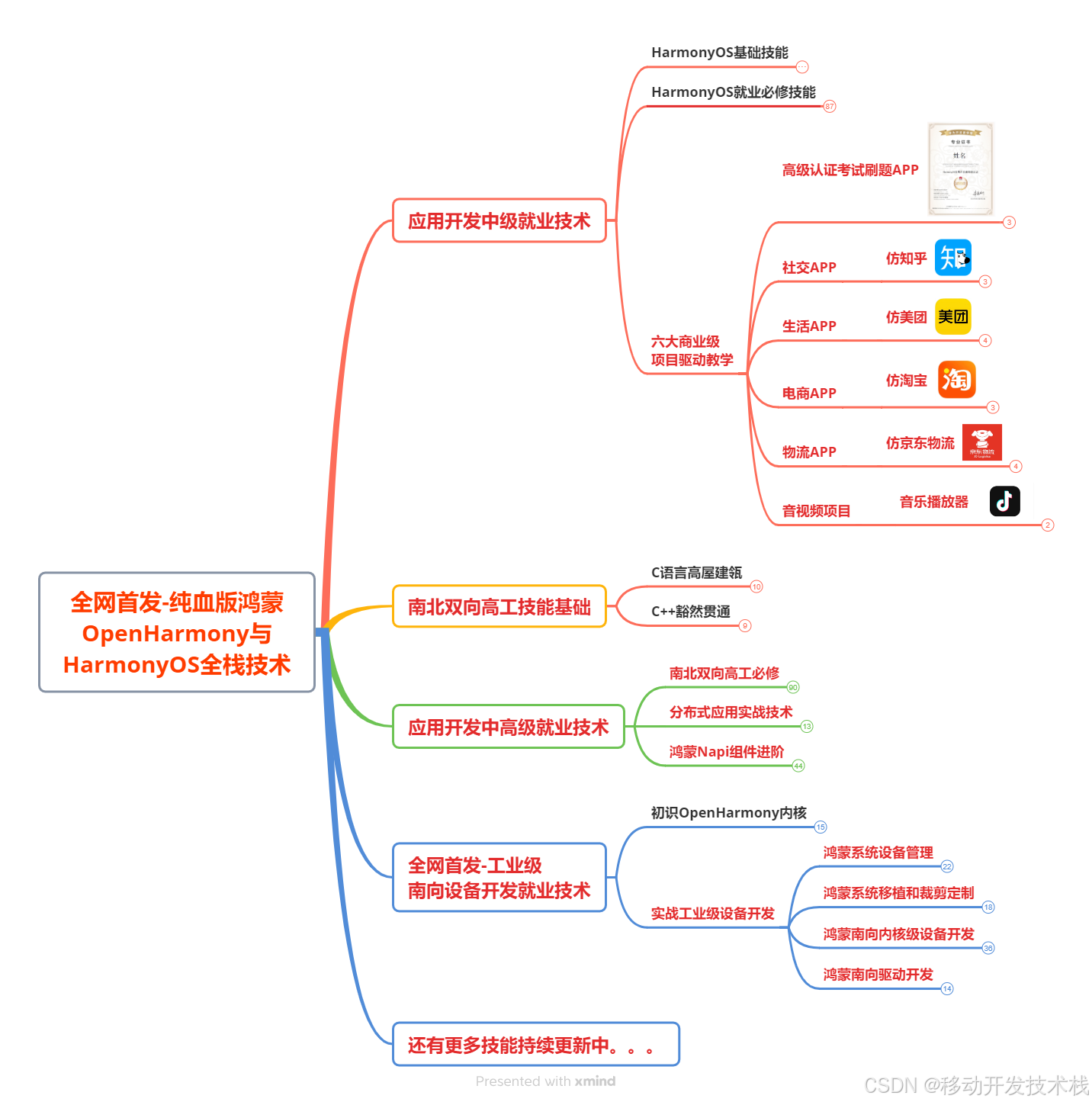
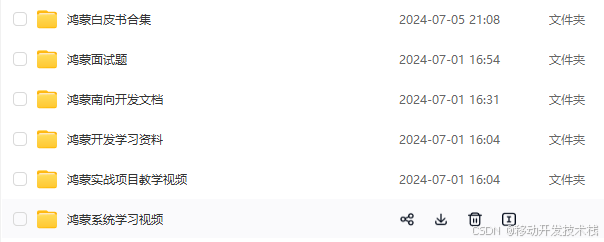
针对鸿蒙成长路线打造的鸿蒙学习文档。话不多说,我们直接看详细鸿蒙(OpenHarmony )手册(共计1236页)与鸿蒙(OpenHarmony )开发入门视频,帮助大家在技术的道路上更进一步。
- 《鸿蒙 (OpenHarmony)开发学习视频》
- 《鸿蒙生态应用开发V2.0白皮书》
- 《鸿蒙 (OpenHarmony)开发基础到实战手册》
- OpenHarmony北向、南向开发环境搭建
- 《鸿蒙开发基础》
- 《鸿蒙开发进阶》
- 《鸿蒙开发实战》
总结
鸿蒙—作为国家主力推送的国产操作系统。部分的高校已经取消了安卓课程,从而开设鸿蒙课程;企业纷纷跟进启动了鸿蒙研发。
并且鸿蒙是完全具备无与伦比的机遇和潜力的;预计到年底将有 5,000 款的应用完成原生鸿蒙开发,未来将会支持 50 万款的应用。那么这么多的应用需要开发,也就意味着需要有更多的鸿蒙人才。鸿蒙开发工程师也将会迎来爆发式的增长,学习鸿蒙势在必行! 自↓↓↓拿


讨论HarmonyOS开发技术,专注于API与组件、DevEco Studio、测试、元服务和应用上架分发等。
更多推荐
 4
4 0
0- 0


 已为社区贡献1577条内容

所有评论(0)