鸿蒙开发实现标题下拉缩放案例
本文以备忘录应用为示例,介绍如何在实现标题跟随手势移动并放缩的动效。
·
介绍
本文以备忘录应用为示例,介绍如何在实现标题跟随手势移动并放缩的动效。
效果图预览

使用说明:
- 进入页面,起初标题并没有展开,与增加/分享的菜单在同一行。
- 进行第一次下拉操作,此时标题跟随手势慢慢放大,并渐渐显示笔记数目信息。
- 继续下拉,标题与菜单都下拉一段距离,并放大,达到阈值距离后标题大小不再发生变化;松手后回弹至第一次下拉后的状态。
- 向上滑动,标题随手势折叠,回到初始时的状态。
下载安装
1.下载标题下拉缩放三方库
ohpm install @ohos-cases/expandtitle
2.ets文件import引入自定义视图标题缩放视图。
import { TitleExpansion, AnimationAttribute, TitleAttribute } from '@ohos-cases/expandtitle';
快速使用
1.构建主标题与子标题属性。
private titleAttribute: TitleAttribute = new TitleAttribute($r("app.string.expanded_title_memo_title"), new TitleAttributeModifier());
private subTitleAttribute: TitleAttribute = new TitleAttribute($r("app.string.expanded_title_memo_counts"), new SubTitleAttributeModifier());
2.构建动效属性。
private animationAttribute: AnimationAttribute = new AnimationAttribute(Configure.NORMAL_TITLE_HEIGHT, Configure.EXPAND_TITLE_HEIGHT,
 Configure.CONTINUE_PULL_THRESHOLD, Configure.TITLE_SCALE_MAX_VALUE, Configure.ANIMATION_DURATION);
3.设置主标题及子标题位置。
private titlePostion: HorizontalAlign = HorizontalAlign.Start;
4.构建菜单栏样式。
@Builder
export function titleMenu(): void {
  TitleMenu();
}
5.构建页面内容
@Builder
export function titleContent() {
  TitleContent();
}
6.构建标题扩展组件。
TitleExpansion({
  titleAttribute: this.titleAttribute,
  subTitleAttribute: this.subTitleAttribute,
  titlePosition: this.titlePostion,
  animationAttribute: this.animationAttribute,
  menu: titleMenu,
  content: titleContent
})
属性(接口)说明
TitleAttribute标题属性
| 属性 | 类型 | 释义 | 默认值 |
|---|---|---|---|
| textTmp | ResourceStr | 标题内容 | - |
| attributeTmp | AttributeModifier | 标题样式 | - |
AnimationAttribute动效属性
| 属性 | 类型 | 释义 | 默认值 |
|---|---|---|---|
| normalTitleHeightVar | number | 标准标题栏高度 | - |
| expandTitleHeightVar | number | 扩展标题栏高度 | - |
| continuePullThresholdVar | number | 扩展后标题继续下拉阈值 | - |
| titleScaleVar | number | 标题放缩系数 | - |
| animationDurationVar | number | 动画持续时间 | - |
TitleExpansion标题扩展组件
| 属性 | 类型 | 释义 | 默认值 |
|---|---|---|---|
| titleAttribute | TitleAttribute | 主标题属性 | - |
| subTitleAttribute | TitleAttribute | 子标题属性 | - |
| titlePosition | HorizontalAlign | 主标题及子标题位置 | - |
| animationAttribute | AnimationAttribute | 动效属性 | - |
| menu | () => void | 菜单栏样式 | - |
| content | () => void | 页面内容 | - |
实现思路
-
标题高度变化,通过状态变量heightValue控制,通过onScrollFrameBegin获取list偏移,并将其分配给标题高度变化和实际list偏移。
List({ space: Constants.SEARCH_MEMO_SPACE, scroller: this.scroller }) { ListItem() { // 内容 this.content(); } } .onScrollFrameBegin((offset: number, state: ScrollState) => { let listOffset: number = 0; console.log(`offset: ${offset}`) // 保证list没有在顶部时以list滑动为主 if (offset < 0) { listOffset = Math.max(offset, -this.scroller.currentOffset().yOffset); offset -= listOffset; } // 标题高度变化 let titleHeightChange = this.getTitleHeightChangeOptions(-offset); this.heightValue += titleHeightChange; // list滑动距离 offset += titleHeightChange; offset += listOffset; return {offsetRemain: offset}; }) -
标题展开继续下拉偏移,通过状态变量curOffset控制,通过onDidScroll获取标题展开后,标题继续下拉的偏移。
List({ space: Constants.SEARCH_MEMO_SPACE, scroller: this.scroller }) { ListItem() { // 内容 this.content(); } } // 获取标题展开后,标题继续下拉偏移 .onDidScroll((scrollOffset: number, scrollState: ScrollState) => { this.curOffset = this.scroller.currentOffset().yOffset; }) -
滚动停止动画,通过onScrollStop获取滚动停止时的标题高度。当标题高度大于阈值时,产生展开标题动画;相反,则产生收缩标题动画。
List({ space: Constants.SEARCH_MEMO_SPACE, scroller: this.scroller }) {
  ListItem() {
    // 内容
    this.content();
  }
}
// TODO: 知识点: 在滚动停止时判断是否需要展开或者收缩标题
.onScrollStop(() => {
  if (this.heightValue >= this.thresholdValue) {
    this.animateToThrottle(() => {
      this.heightValue = Constants.EXPAND_TITLE_HEIGHT;
    }, this.delay)
  } else {
    this.animateToThrottle(() => {
      this.heightValue = Constants.NORMAL_TITLE_HEIGHT;
    }, this.delay)
  }
})
4. 响应状态变量,标题和菜单的tranlate和scale参数以及笔记数量的opacity参数在下拉过程中会更新。
/**
 * 获取标题展开时,继续下拉的菜单栏Translate参数
 * @returns {TranslateOptions} 标题展开后继续下拉的菜单栏Translate参数
 */
getMenuTranslateOptions(): TranslateOptions {
  return { y: Math.max(-this.curOffset, 0) };
}

/**
 * 获取标题展开时,继续下拉的标题栏Translate参数
 * @returns {TranslateOptions} 标题展开后继续下拉的标题栏Translate参数
 */
getTitleTranslateOptions(): TranslateOptions {
  return {y: Math.max(-this.curOffset, 0)};
}

/**
 * 获取标题栏高度变化参数
 * @param offset: 当前产生的偏移
 * @returns {number} 标题栏高度变化值
 */
getTitleHeightChangeOptions(offset: number): number {
  return Math.max(Math.min(offset, this.animationAttribute.expandTitleHeight - this.heightValue), this.animationAttribute.normalTitleHeight - this.heightValue);
}

/**
 * 获取主标题缩放的Scale参数
 * @returns {ScaleOptions} 主标题缩放系数
 */
getTitleScaleOptions(): ScaleOptions {
  let scaleRatio = 1 + (this.animationAttribute.titleScale - 1) *
    Math.min((this.heightValue - this.animationAttribute.normalTitleHeight + Math.max(-this.curOffset, 0)) / this.animationAttribute.continuePullThreshold, 1);
  return {
    x: scaleRatio,
    y: scaleRatio,
    centerX: Constants.INIT_COORDINATE,
    centerY: Constants.INIT_COORDINATE
  };
}

/**
 * 获取子标题显隐参数
 * @returns {number} 子标题显隐系数
 */
getTitleOpacityOptions(): number {
  return (this.heightValue - this.animationAttribute.normalTitleHeight) /
    (this.animationAttribute.expandTitleHeight - this.animationAttribute.normalTitleHeight)
}
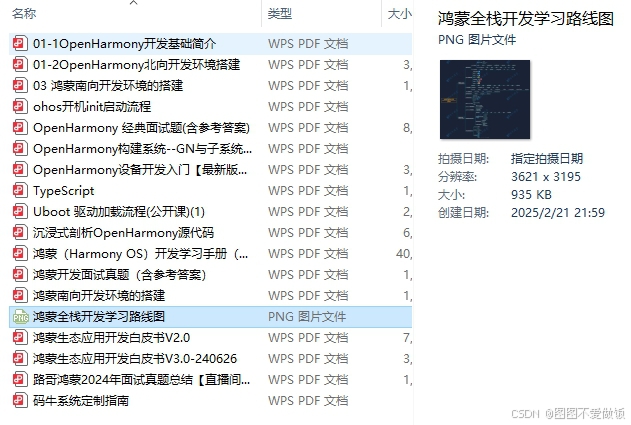

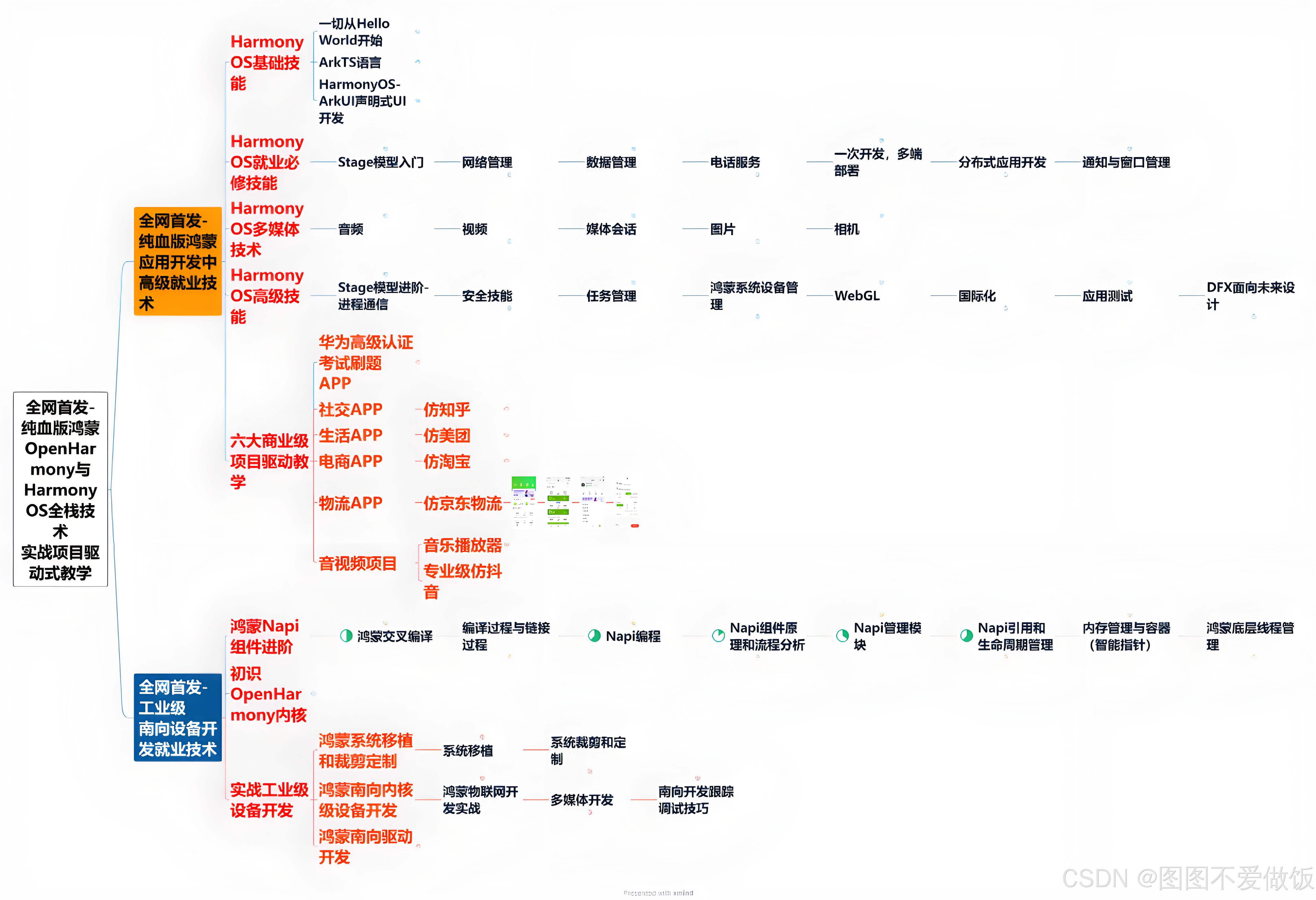
更多鸿蒙南北向开发最新详细资料可以参考→《鸿蒙全栈开发学习资料》
高性能知识点
本示例使用了LazyForEach进行数据懒加载以及显式动画animateTo实现文本偏移。
工程结构&模块类型
expandtitle                                     // har类型
|---model
|   |---AnimationAttribute.ets                  // 动效属性
|   |---Constants.ets                           // 常量
|   |---TitleAttribute.ets                      // 标题属性
|---page
|   |---Configure.ets                           // 样例配置文件
|   |---DataSource.ets                          // 懒加载数据源
|   |---MemoInfo.ets                            // 数据类型
|   |---MemoItem.ets                            // 笔记视图
|   |---MockData.ets                            // 模拟数据
|   |---TitleContent.ets                        // 内容界面
|   |---TitleExpansionView.ets                  // 标题扩展组件UI样例
|   |---TitleMenu.ets                           // 菜单栏
|---page
|   |---TitleExpansion.ets                      // 标题扩展组件
|---FeatureComponent.ets                        // AppRouter入口文件
模块依赖
routermodule(动态路由)

讨论HarmonyOS开发技术,专注于API与组件、DevEco Studio、测试、元服务和应用上架分发等。
更多推荐

 7
7 0
0- 0


 已为社区贡献58条内容

所有评论(0)