【Pygame实战】风靡全球的切水果游戏升级版,2024年最新hashmap面试题总结
}
if random.random() >= 0.75: # 返回在[0.0, 1.0]范围内的下一个随机浮点数,以保持水果在游戏中的显示。
data[fruit][‘throw’] = True
else:
data[fruit][‘throw’] = False
🍍3.5 用一个字典来存放水果的数据
data = {}
for fruit in fruits:
generate_random_fruits(fruit)
def hide_cross_lives(x, y):
gameDisplay.blit(pygame.image.load(“images/red_lives.png”), (x, y))
🍍3.6 在屏幕中绘制字体
font_name = pygame.font.match_font(‘comic.ttf’)
def draw_text(display, text, size, x, y):
font = pygame.font.Font(font_name, size)
text_surface = font.render(text, True, WHITE)
text_rect = text_surface.get_rect()
text_rect.midtop = (x, y)
gameDisplay.blit(text_surface, text_rect)
🍍3.7 绘制玩家的生命
def draw_lives(display, x, y, lives, image) :
for i in range(lives) :
img = pygame.image.load(image)
img_rect = img.get_rect()
img_rect.x = int(x + 35 * i)
img_rect.y = y
display.blit(img, img_rect)
🍍3.8 游戏开始与结束画面
def show_gameover_screen():
gameDisplay.blit(background, (0,0))
draw_text(gameDisplay, “FRUIT NINJA!”, 90, WIDTH / 2, HEIGHT / 4)
if not game_over :
draw_text(gameDisplay,"Score : " + str(score), 50, WIDTH / 2, HEIGHT /2)
draw_text(gameDisplay, “Press any key to start the game”, 64, WIDTH / 2, HEIGHT * 3 / 4)
pygame.display.flip()
waiting = True
while waiting:
clock.tick(FPS)
for event in pygame.event.get():
if event.type == pygame.QUIT:
pygame.quit()
if event.type == pygame.KEYUP:
waiting = False
🍍3.9 游戏主循环
first_round = True
game_over = True # 超过3个炸弹,终止游戏循环
game_running = True # 管理游戏循环
while game_running :
if game_over :
if first_round :
show_gameover_screen()
first_round = False
game_over = False
player_lives = 3
draw_lives(gameDisplay, 690, 5, player_lives, ‘images/red_lives.png’)
score = 0
for event in pygame.event.get():
检查是否关闭窗口
if event.type == pygame.QUIT:
game_running = False
gameDisplay.blit(background, (0, 0))
gameDisplay.blit(score_text, (0, 0))
draw_lives(gameDisplay, 690, 5, player_lives, ‘images/red_lives.png’)
for key, value in data.items():
if value[‘throw’]:
value[‘x’] += value[‘speed_x’] # x方向上移动水果
value[‘y’] += value[‘speed_y’] # y方向上移动
value[‘speed_y’] += (1 * value[‘t’]) # 递增
value[‘t’] += 1
if value[‘y’] <= 800:
gameDisplay.blit(value[‘img’], (value[‘x’], value[‘y’])) # 动态显示水果
else:
generate_random_fruits(key)
current_position = pygame.mouse.get_pos() # 获取鼠标的位置,单位为像素
if not value[‘hit’] and current_position[0] > value[‘x’] and current_position[0] < value[‘x’]+60
and current_position[1] > value[‘y’] and current_position[1] < value[‘y’]+60:
if key == ‘bomb’:
player_lives -= 1
if player_lives == 0:
hide_cross_lives(690, 15)
elif player_lives == 1 :
hide_cross_lives(725, 15)
elif player_lives == 2 :
hide_cross_lives(760, 15)
超过3次炸弹,提示游戏结束,重置窗口
if player_lives < 0 :
show_gameover_screen()
game_over = True
half_fruit_path = “images/explosion.png”
else:
half_fruit_path = “images/” + “half_” + key + “.png”
value[‘img’] = pygame.image.load(half_fruit_path)
value[‘speed_x’] += 10
if key != ‘bomb’ :
score += 1
score_text = font.render('Score : ’ + str(score), True, (255, 255, 255))
value[‘hit’] = True
else:
generate_random_fruits(key)
pygame.display.update()
clock.tick(FPS)
pygame.quit()
🍒四、游戏展示效果
🍑4.1 Part 1 动态视频展示效果如下
Python版水果忍者,有趣有趣~
🍑4.2 Part 2 静态截图展示效果如下
(1)游戏进入界面——
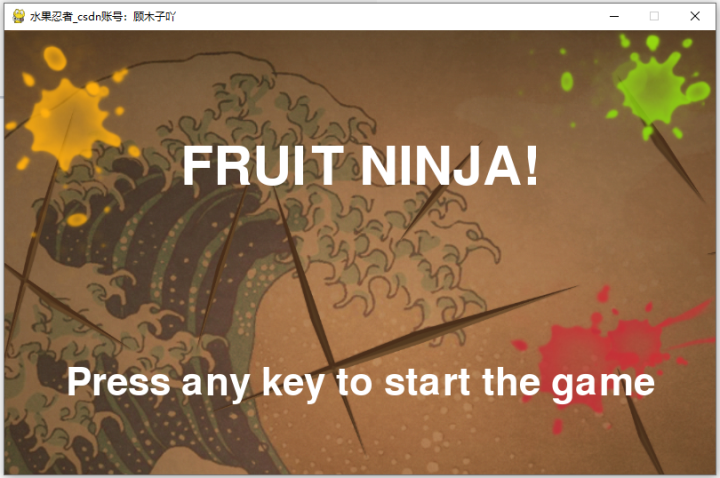
**(2)修改下背景图进入的界面——**这个感觉貌似好看点儿~
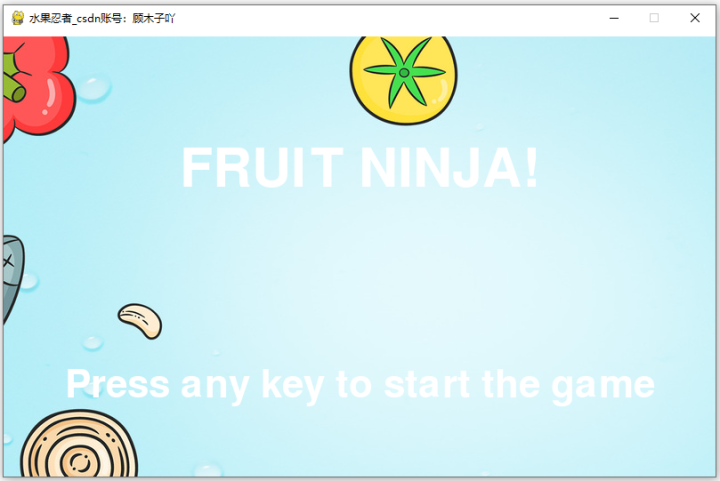
🍑4.3 Part 3 静态进入游戏界面截图如下
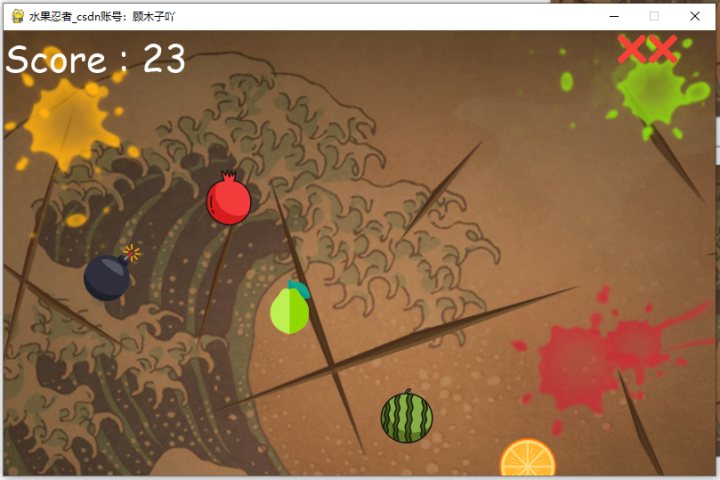

🍉总结
自我介绍一下,小编13年上海交大毕业,曾经在小公司待过,也去过华为、OPPO等大厂,18年进入阿里一直到现在。
深知大多数HarmonyOS鸿蒙开发工程师,想要提升技能,往往是自己摸索成长或者是报班学习,但对于培训机构动则几千的学费,着实压力不小。自己不成体系的自学效果低效又漫长,而且极易碰到天花板技术停滞不前!
因此收集整理了一份《2024年HarmonyOS鸿蒙开发全套学习资料》,初衷也很简单,就是希望能够帮助到想自学提升又不知道该从何学起的朋友,同时减轻大家的负担。
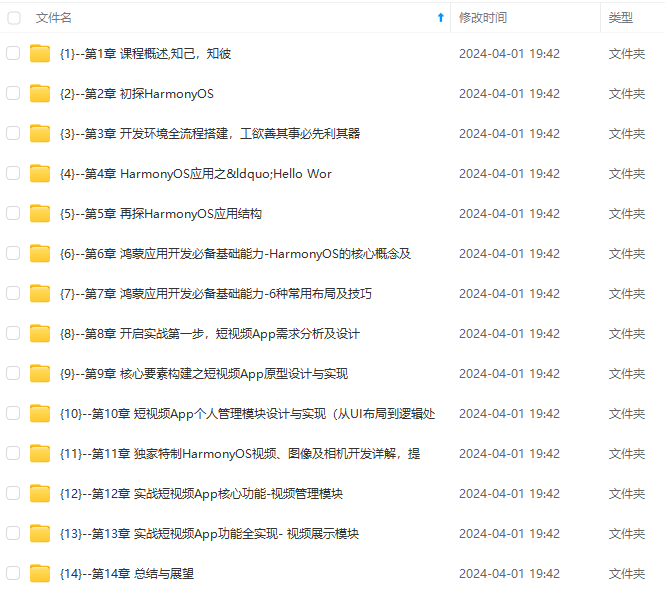
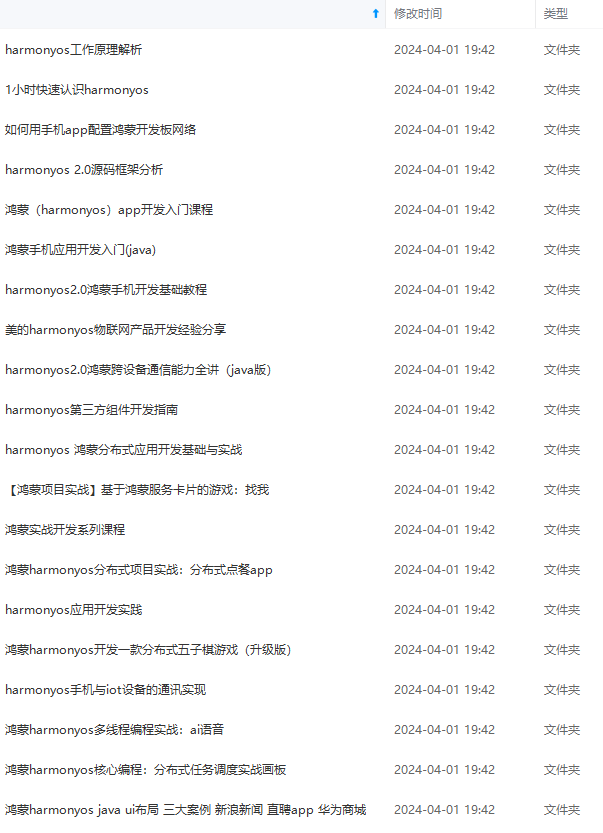
既有适合小白学习的零基础资料,也有适合3年以上经验的小伙伴深入学习提升的进阶课程,基本涵盖了95%以上HarmonyOS鸿蒙开发知识点,真正体系化!
由于文件比较大,这里只是将部分目录大纲截图出来,每个节点里面都包含大厂面经、学习笔记、源码讲义、实战项目、讲解视频,并且会持续更新
如果你觉得这些内容对你有帮助,可以添加VX:vip204888 (备注鸿蒙获取)

一个人可以走的很快,但一群人才能走的更远。不论你是正从事IT行业的老鸟或是对IT行业感兴趣的新人,都欢迎扫码加入我们的的圈子(技术交流、学习资源、职场吐槽、大厂内推、面试辅导),让我们一起学习成长!
,并且会持续更新**
如果你觉得这些内容对你有帮助,可以添加VX:vip204888 (备注鸿蒙获取)
[外链图片转存中…(img-VVSasItz-1712726904488)]
一个人可以走的很快,但一群人才能走的更远。不论你是正从事IT行业的老鸟或是对IT行业感兴趣的新人,都欢迎扫码加入我们的的圈子(技术交流、学习资源、职场吐槽、大厂内推、面试辅导),让我们一起学习成长!

讨论HarmonyOS开发技术,专注于API与组件、DevEco Studio、测试、元服务和应用上架分发等。
更多推荐


 17
17 0
0- 0


 已为社区贡献7条内容

所有评论(0)