鸿蒙HarmonyOS实战-ArkUI组件(Button)_harmony button多处调用
  Button('Circle', { type: ButtonType.Normal, stateEffect: false })
    .backgroundColor(0x317aff)
    .width(90)
    .height(90)
}
}
}
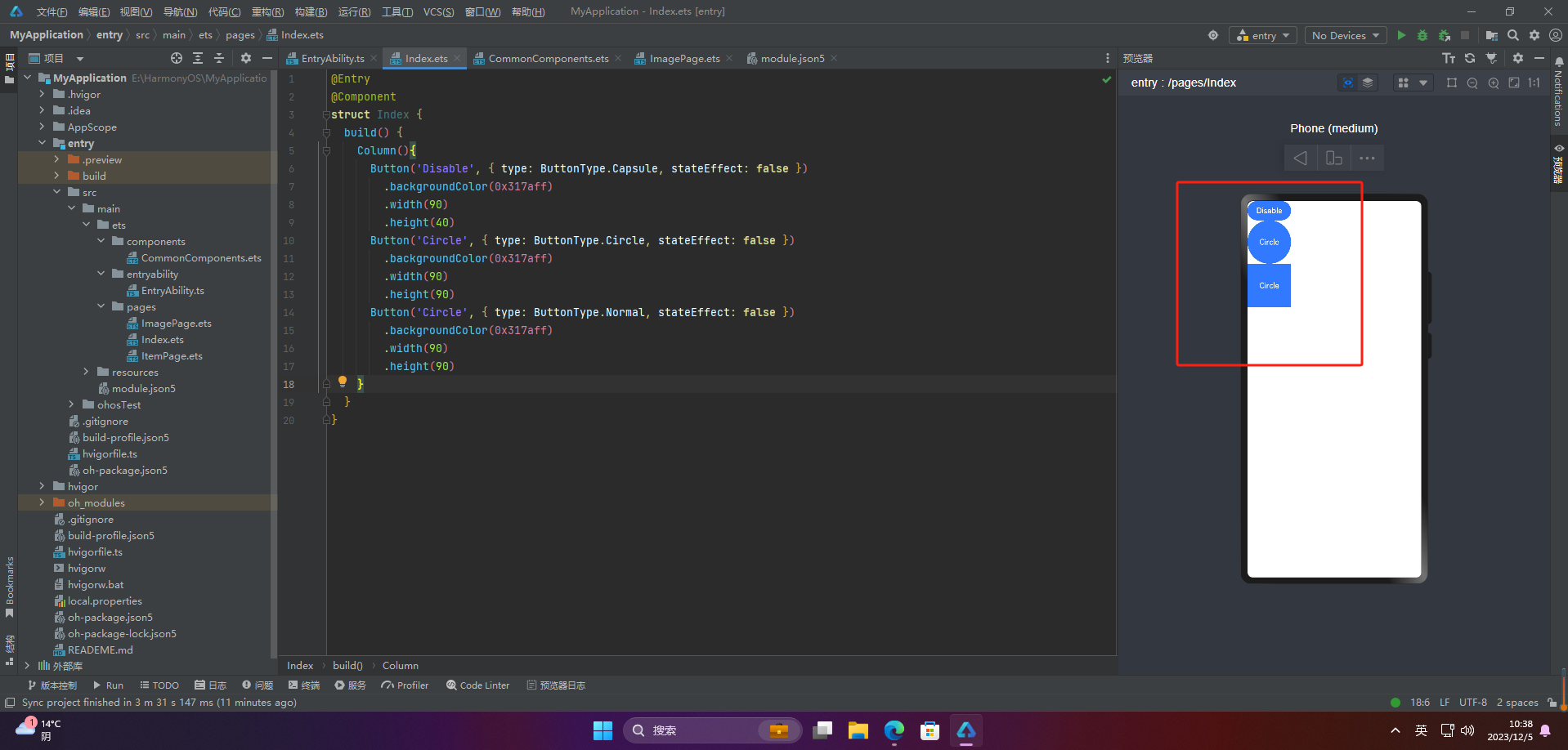
注意:不支持通过borderRadius属性重新设置
### 3.自定义样式
@Entry
@Component
struct Index {
build() {
Column(){
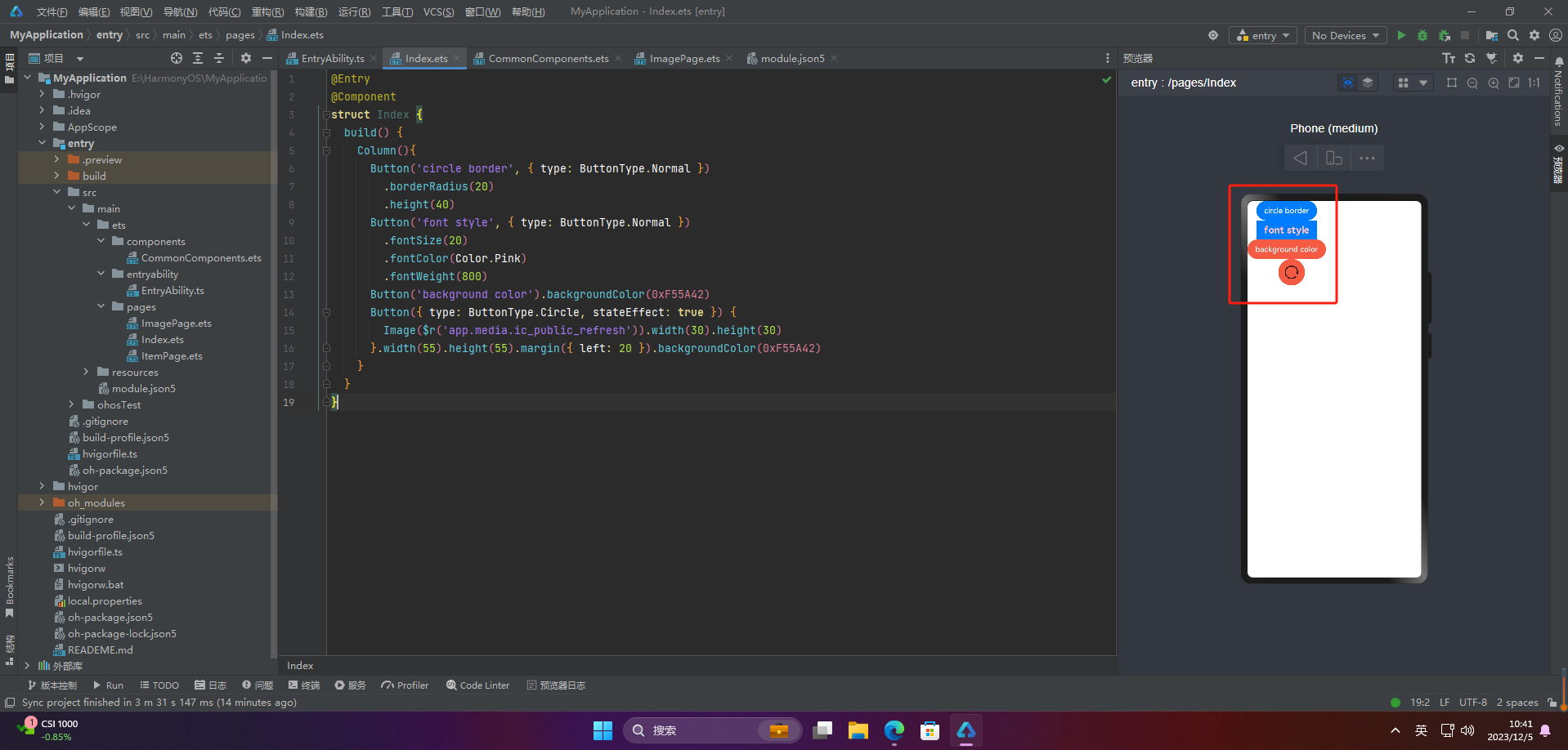
Button(‘circle border’, { type: ButtonType.Normal })
.borderRadius(20)
.height(40)
Button(‘font style’, { type: ButtonType.Normal })
.fontSize(20)
.fontColor(Color.Pink)
.fontWeight(800)
Button(‘background color’).backgroundColor(0xF55A42)
Button({ type: ButtonType.Circle, stateEffect: true }) {
Image($r(‘app.media.ic_public_refresh’)).width(30).height(30)
}.width(55).height(55).margin({ left: 20 }).backgroundColor(0xF55A42)
}
}
}
### 4.添加事件
Button(‘Ok’, { type: ButtonType.Normal, stateEffect: true })
.onClick(()=>{
console.info(‘Button onClick’)
})
### 5.案例


Button按钮的实际应用场景主要包括以下几个方面:


1. 点击提交表单
 当用户填写完表单后,点击Button按钮来提交表单数据,使得数据能够被服务器端处理或者保存到数据库中。
2. 跳转链接
 当用户点击Button按钮时,跳转到指定的网页、应用程序或者其他页面。
3. 打开或关闭弹窗
 当用户点击Button按钮时,打开或关闭弹窗,可以在弹窗中展示一些信息、广告或者提示。
4. 执行某个动作
 当用户点击Button按钮时,执行某个操作,比如刷新页面、播放音乐、暂停视频等。
5. 切换页面状态
 当用户点击Button按钮时,可以切换页面的状态,比如打开或关闭菜单、切换语言、切换主题等。


Button按钮的应用场景非常广泛,基本上所有需要用户交互的场景都可以使用Button按钮来实现。


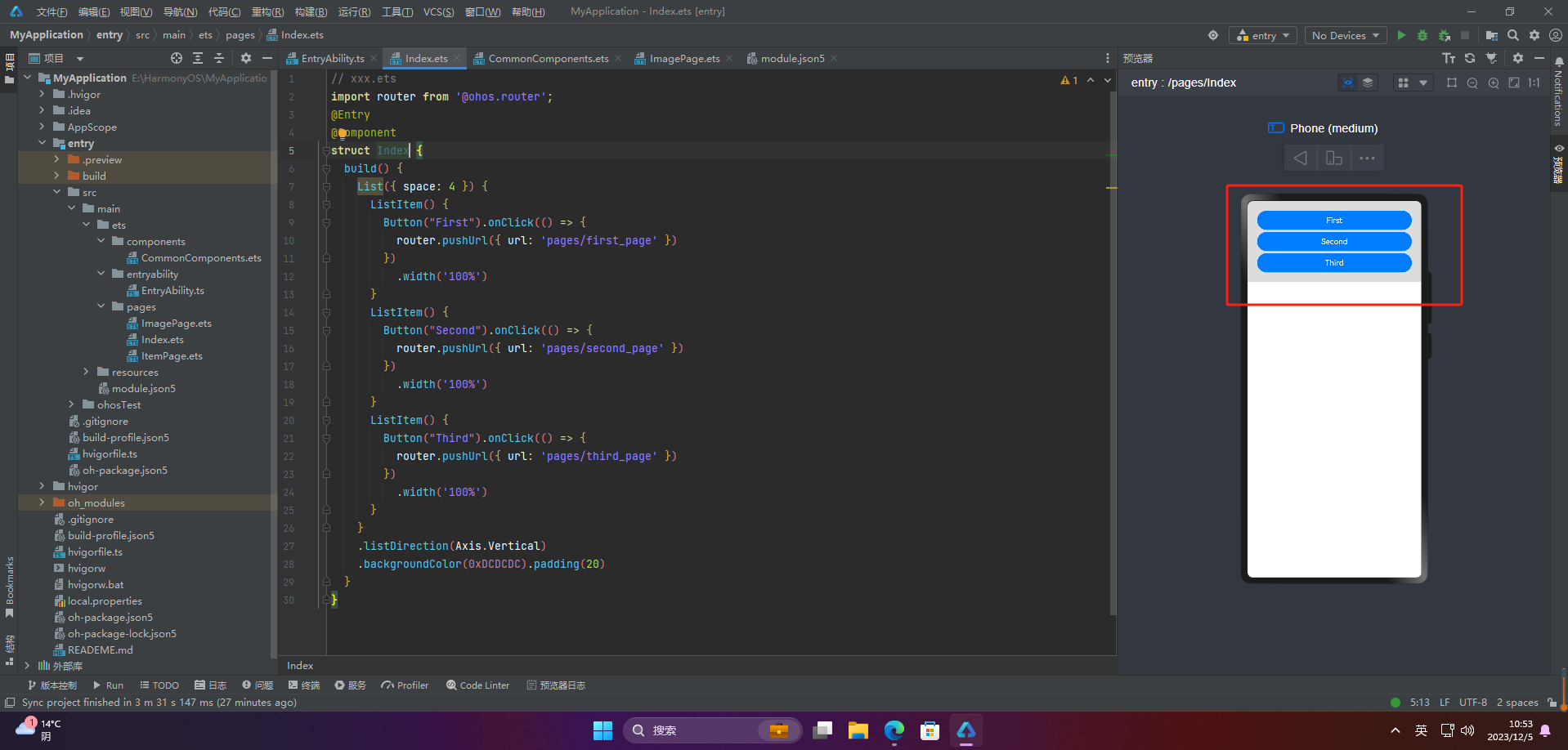
#### 🦋2.1 页面跳转
// xxx.ets
import router from ‘@ohos.router’;
@Entry
@Component
struct ButtonCase1 {
build() {
List({ space: 4 }) {
ListItem() {
Button(“First”).onClick(() => {
router.pushUrl({ url: ‘pages/first_page’ })
})
.width(‘100%’)
}
ListItem() {
Button(“Second”).onClick(() => {
router.pushUrl({ url: ‘pages/second_page’ })
})
.width(‘100%’)
}
ListItem() {
Button(“Third”).onClick(() => {
router.pushUrl({ url: ‘pages/third_page’ })
})
.width(‘100%’)
}
}
.listDirection(Axis.Vertical)
.backgroundColor(0xDCDCDC).padding(20)
}
}
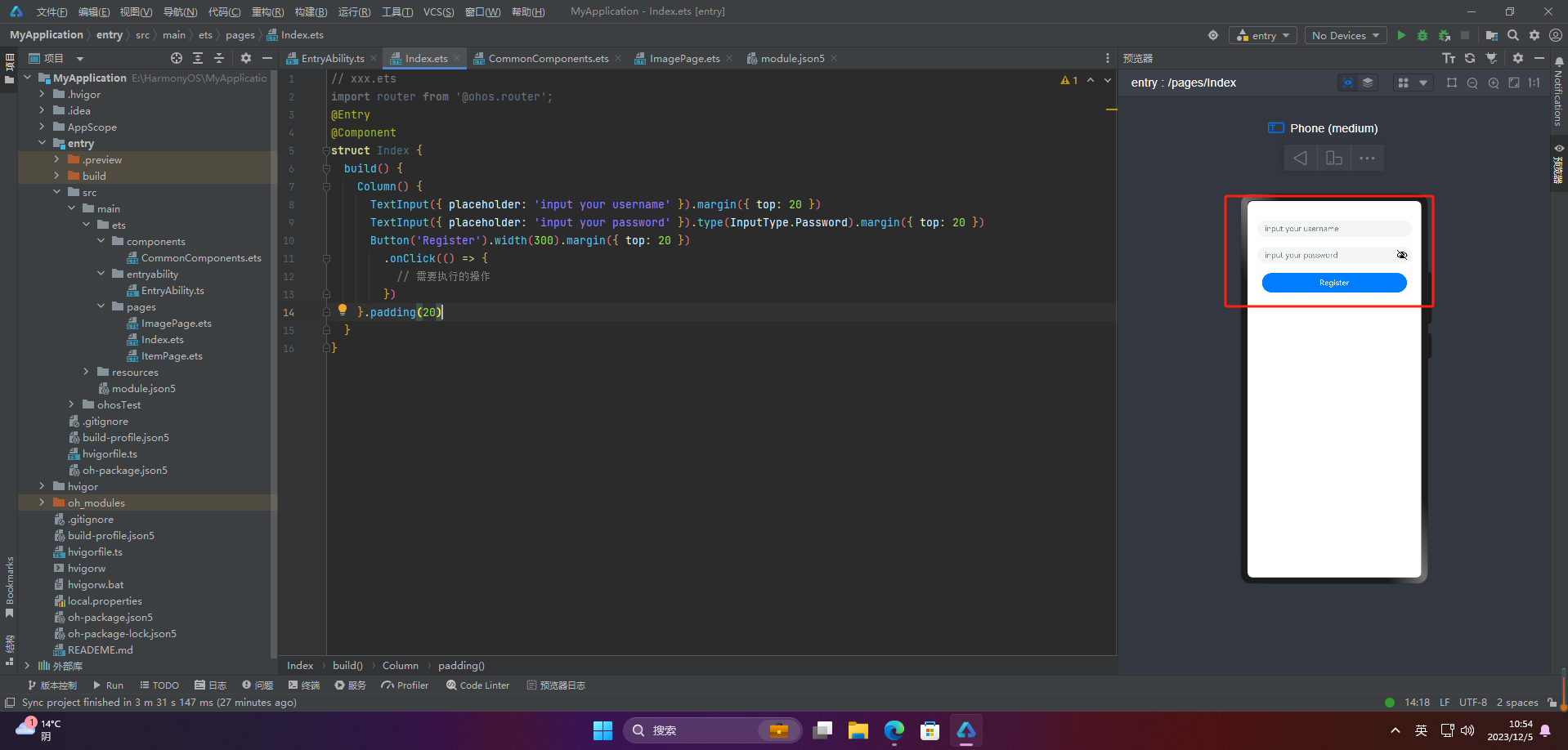
#### 🦋2.2 表单提交
// xxx.ets
import router from ‘@ohos.router’;
@Entry
@Component
struct Index {
build() {
Column() {
TextInput({ placeholder: ‘input your username’ }).margin({ top: 20 })
TextInput({ placeholder: ‘input your password’ }).type(InputType.Password).margin({ top: 20 })
Button(‘Register’).width(300).margin({ top: 20 })
.onClick(() => {
// 需要执行的操作
})
}.padding(20)
}
}
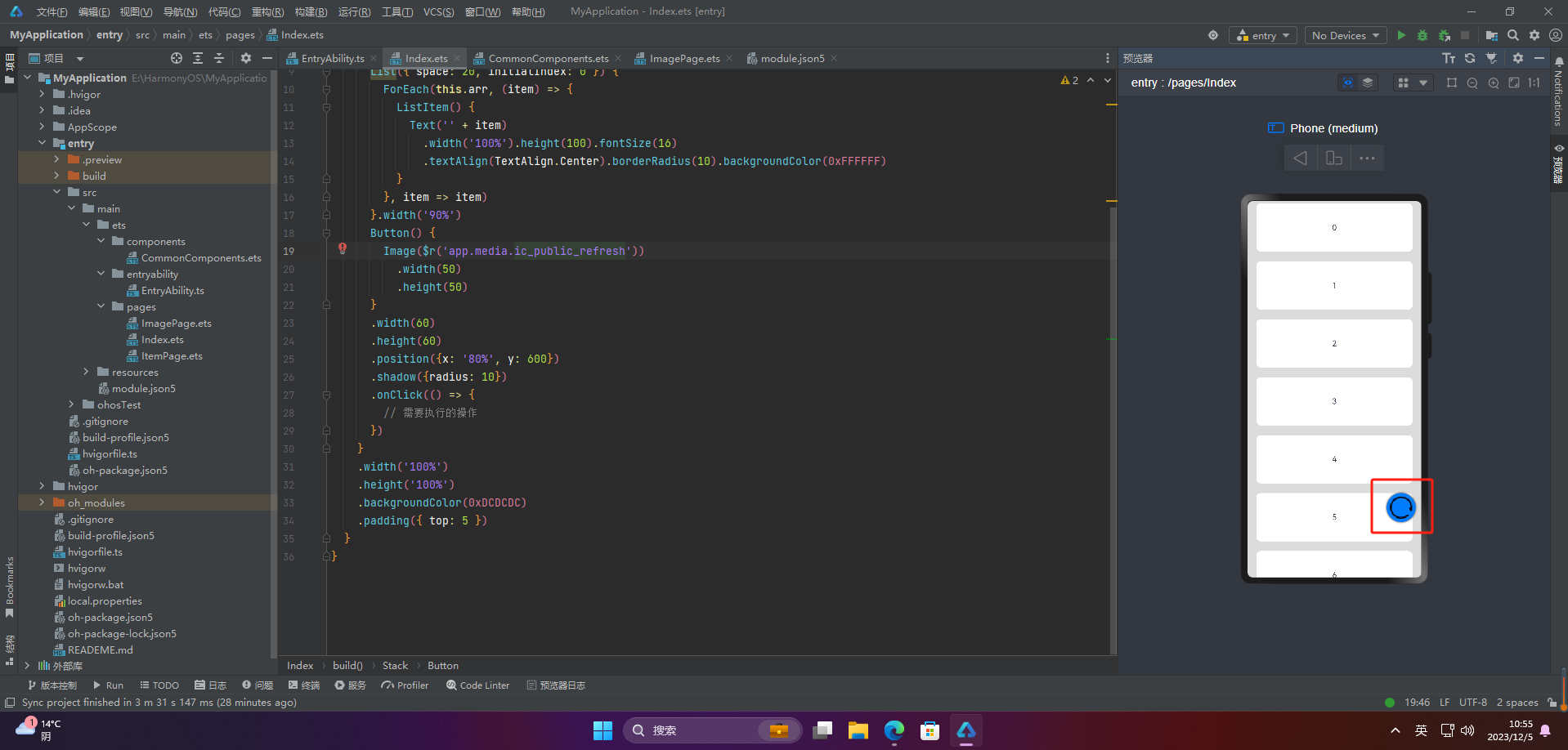
#### 🦋2.3 悬浮按钮
// xxx.ets
import router from ‘@ohos.router’;
@Entry
@Component
struct Index {
private arr: number[] = [0, 1, 2, 3, 4, 5, 6, 7, 8, 9]
build() {
Stack() {
List({ space: 20, initialIndex: 0 }) {
ForEach(this.arr, (item) => {
ListItem() {
Text(‘’ + item)
.width(‘100%’).height(100).fontSize(16)
.textAlign(TextAlign.Center).borderRadius(10).backgroundColor(0xFFFFFF)
}
}, item => item)
}.width(‘90%’)
Button() {
Image($r(‘app.media.ic_public_refresh’))
.width(50)
.height(50)
}
.width(60)
.height(60)
.position({x: ‘80%’, y: 600})
.shadow({radius: 10})
.onClick(() => {
// 需要执行的操作
})
}
.width(‘100%’)
.height(‘100%’)
.backgroundColor(0xDCDCDC)
.padding({ top: 5 })
}
}
### 🚀写在最后
* 如果你觉得这篇内容对你还蛮有帮助,我想邀请你帮我三个小忙:
* 点赞,转发,有你们的 『点赞和评论』,才是我创造的动力。
* 关注小编,同时可以期待后续文章ing🚀,不定期分享原创知识。
* 想要获取文中提到的学习资料,请点击→[全套鸿蒙HarmonyOS学习资料]( )
* 或者关注小编后私信回复【666】也可获取资料哦~~
**自我介绍一下,小编13年上海交大毕业,曾经在小公司待过,也去过华为、OPPO等大厂,18年进入阿里一直到现在。**
**深知大多数HarmonyOS鸿蒙开发工程师,想要提升技能,往往是自己摸索成长或者是报班学习,但对于培训机构动则几千的学费,着实压力不小。自己不成体系的自学效果低效又漫长,而且极易碰到天花板技术停滞不前!**
**因此收集整理了一份《2024年HarmonyOS鸿蒙开发全套学习资料》,初衷也很简单,就是希望能够帮助到想自学提升又不知道该从何学起的朋友,同时减轻大家的负担。**
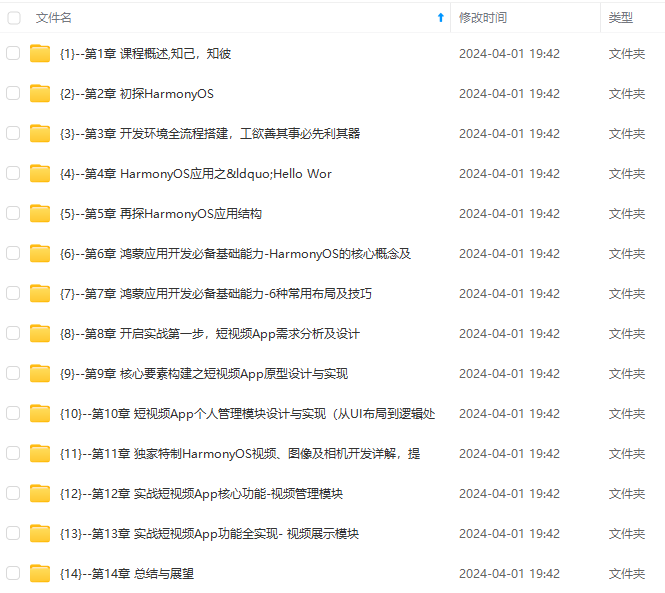
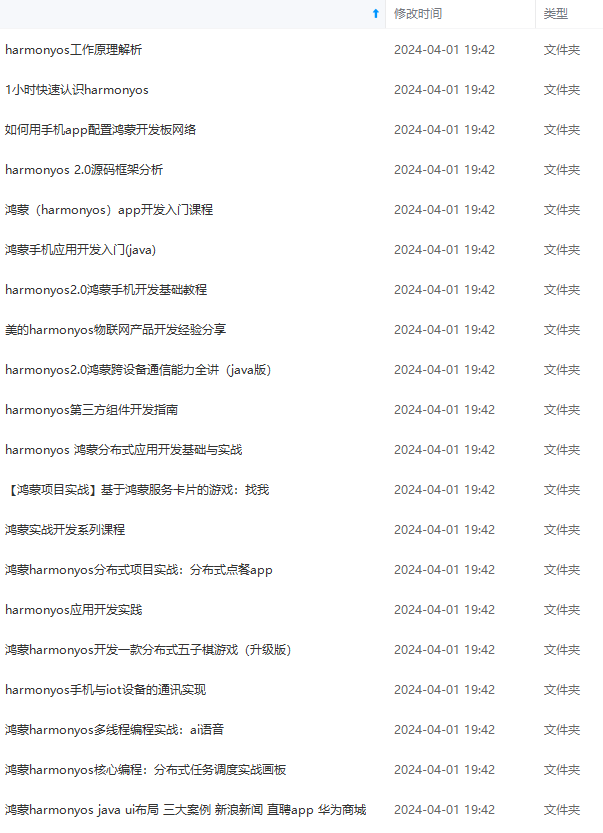
**既有适合小白学习的零基础资料,也有适合3年以上经验的小伙伴深入学习提升的进阶课程,基本涵盖了95%以上HarmonyOS鸿蒙开发知识点,真正体系化!**
**由于文件比较大,这里只是将部分目录大纲截图出来,每个节点里面都包含大厂面经、学习笔记、源码讲义、实战项目、讲解视频,并且会持续更新**
**如果你觉得这些内容对你有帮助,可以添加VX:vip204888 (备注鸿蒙获取)**

**一个人可以走的很快,但一群人才能走的更远。不论你是正从事IT行业的老鸟或是对IT行业感兴趣的新人,都欢迎扫码加入我们的的圈子(技术交流、学习资源、职场吐槽、大厂内推、面试辅导),让我们一起学习成长!**
讲义、实战项目、讲解视频,并且会持续更新**
**如果你觉得这些内容对你有帮助,可以添加VX:vip204888 (备注鸿蒙获取)**
[外链图片转存中...(img-ODo6HAQr-1712918501759)]
**一个人可以走的很快,但一群人才能走的更远。不论你是正从事IT行业的老鸟或是对IT行业感兴趣的新人,都欢迎扫码加入我们的的圈子(技术交流、学习资源、职场吐槽、大厂内推、面试辅导),让我们一起学习成长!**

讨论HarmonyOS开发技术,专注于API与组件、DevEco Studio、测试、元服务和应用上架分发等。
更多推荐


 3
3 0
0- 0


 已为社区贡献31条内容

所有评论(0)