2.2HarmonyOS NEXT 健康配餐项目实战:项目设计(2)
·
2.1.1功能实现
(1)用户输入界面 (user_profile.xml)
设计一个界面,用于收集用户的基本信息。
<DirectionalLayout
    xmlns:ohos="http://schemas.huawei.com/res/ohos"
    ohos:width="match_parent"
    ohos:height="match_parent"
    ohos:orientation="vertical"
    ohos:padding="20vp">

    <Text
        ohos:width="match_parent"
        ohos:height="wrap_content"
        ohos:text="Health Meal System"
        ohos:text_size="25fp"
        ohos:text_alignment="center"/>

    <Text
        ohos:width="match_parent"
        ohos:height="wrap_content"
        ohos:text="Enter Your Profile"
        ohos:text_size="20fp"
        ohos:margin_top="20vp"/>

    <TextInput
        ohos:id="$+id:input_height"
        ohos:width="match_parent"
        ohos:height="wrap_content"
        ohos:hint="Height (cm)"
        ohos:margin_top="10vp"/>

    <TextInput
        ohos:id="$+id:input_weight"
        ohos:width="match_parent"
        ohos:height="wrap_content"
        ohos:hint="Weight (kg)"
        ohos:margin_top="10vp"/>

    <TextInput
        ohos:id="$+id:input_age"
        ohos:width="match_parent"
        ohos:height="wrap_content"
        ohos:hint="Age"
        ohos:margin_top="10vp"/>

    <RadioContainer
        ohos:id="$+id:radio_gender"
        ohos:width="match_parent"
        ohos:height="wrap_content"
        ohos:margin_top="10vp">
        <RadioButton
            ohos:id="$+id:radio_male"
            ohos:width="wrap_content"
            ohos:height="wrap_content"
            ohos:text="Male"/>
        <RadioButton
            ohos:id="$+id:radio_female"
            ohos:width="wrap_content"
            ohos:height="wrap_content"
            ohos:text="Female"/>
    </RadioContainer>

    <Button
        ohos:id="$+id:btn_submit"
        ohos:width="match_parent"
        ohos:height="wrap_content"
        ohos:text="Submit"
        ohos:margin_top="20vp"/>
</DirectionalLayout>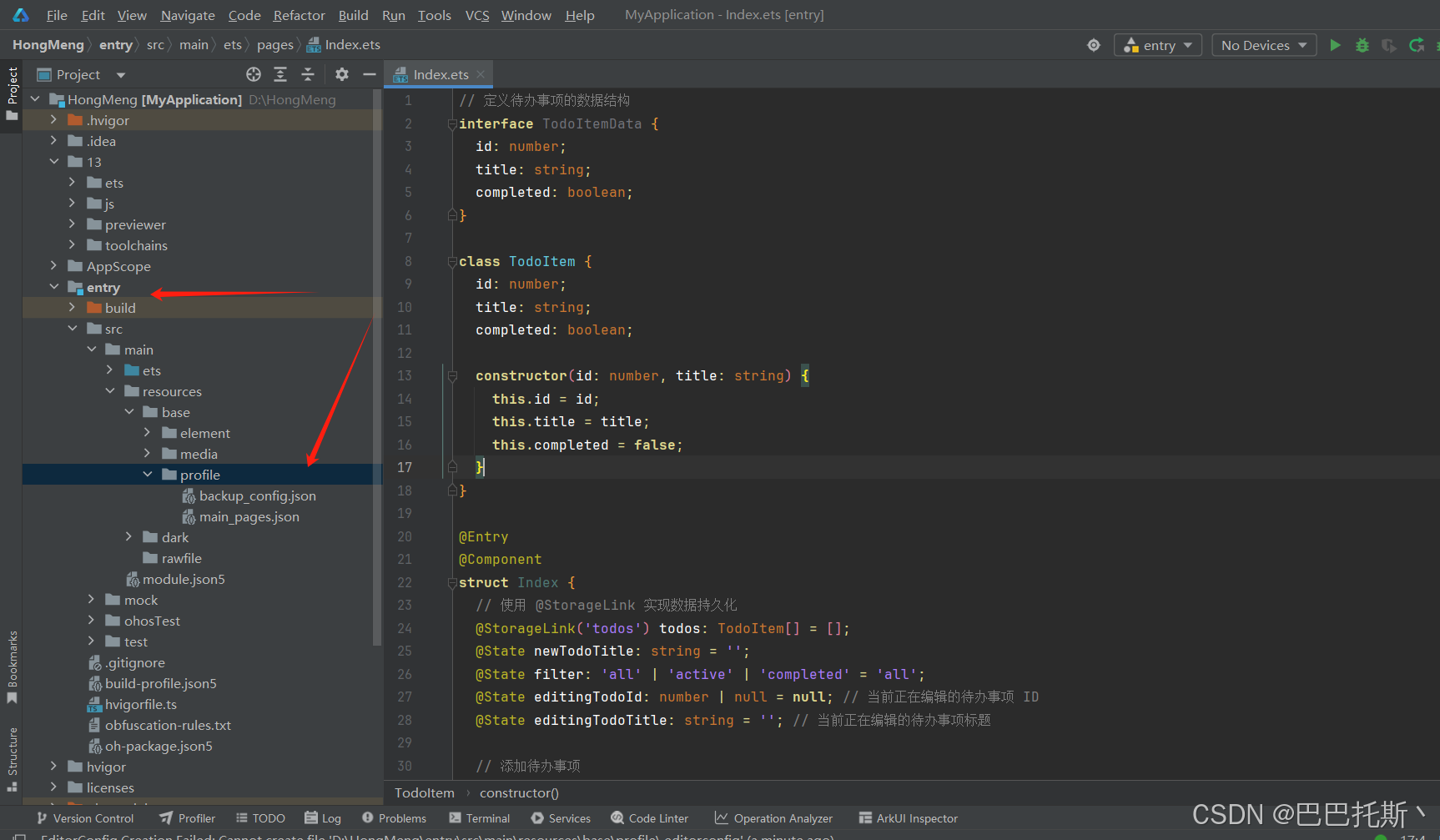
怎么在鸿蒙里创建xml大家可以打在评论区!
下一期继续拆解!

讨论HarmonyOS开发技术,专注于API与组件、DevEco Studio、测试、元服务和应用上架分发等。
更多推荐

 2
2 0
0- 0


 已为社区贡献27条内容

所有评论(0)