HarmonyOS应用闪屏问题性能优化一
·
在开发调试过程中,有时会遇到应用出现非预期的闪动,这些闪动现象统称为闪屏问题。这些闪屏问题触发原因不同,表现形式不同,但都会对应用的体验性和流畅度产生影响。
动画过程中,应用连续点击场景下的闪屏问题
问题现象
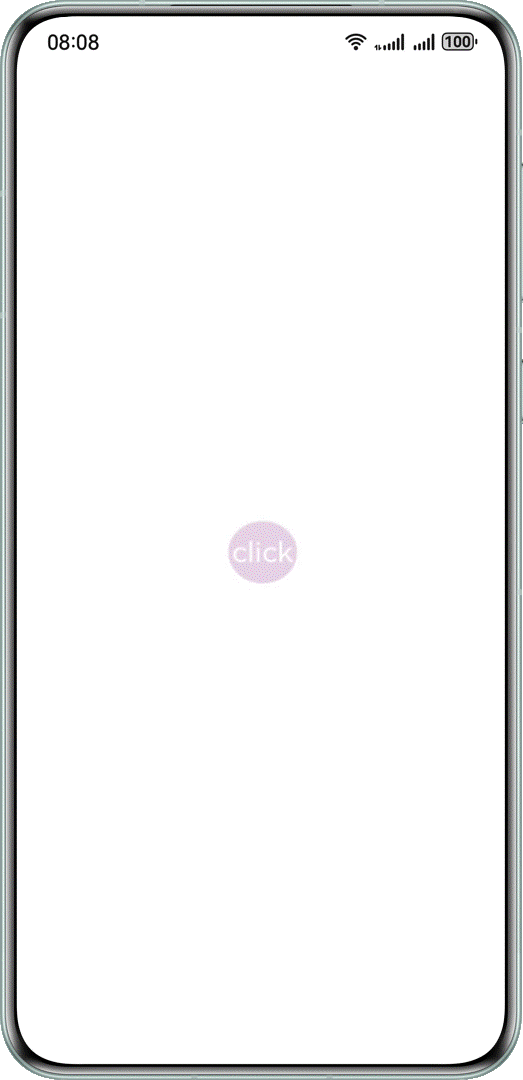
在经过连续点击后,图标大小会出现不正常的放大缩小,产生闪屏问题。
@Entry
@Component
struct ClickError {
  @State scaleValue: number = 0.5; // 缩放比
  @State animated: boolean = true; // 控制放大缩小


  build() {
    Stack() {
      Stack() {
        Text('click')
          .fontSize(45)
          .fontColor(Color.White)
      }
      .borderRadius(50)
      .width(100)
      .height(100)
      .backgroundColor('#e6cfe6')
      .scale({ x: this.scaleValue, y: this.scaleValue })
      .onClick(() => {
        animateTo({
          curve: Curve.EaseInOut,
          duration: 350,
          onFinish: () => {
            // 动画结束判断最后缩放大小
            const EPSILON: number = 1e-6;
            if (Math.abs(this.scaleValue - 0.5) < EPSILON) {
              this.scaleValue = 1;
            } else {
              this.scaleValue = 2;
            }
          }
        }, () => {
          this.animated = !this.animated;
          this.scaleValue = this.animated ? 0.5 : 2.5;
        })
      })
    }
    .height('100%')
    .width('100%')
  }
}
可能原因
应用在动画结束回调中,修改了属性的值。在图标连续放大缩小过程中,既有动画连续地改变属性的值,又有结束回调直接改变属性的值,造成过程中的值异常,效果不符合预期。一般在所有动画结束后可恢复正常,但会有跳变。
解决措施
尽量不在动画结束回调中设值,所有的设值都通过动画下发,让系统自动处理动画的衔接;
如果一定要在动画结束回调中设值,可以通过计数器等方法,判断属性上是否还有动画。只有属性上最后一个动画结束时,结束回调中才设值,避免因动画打断造成异常。
@Entry
@Component
struct ClickError {
  @State scaleValue: number = 0.5; // 缩放比
  @State animated: boolean = true; // 控制放大缩小


  build() {
    Stack() {
      Stack() {
        Text('click')
          .fontSize(45)
          .fontColor(Color.White)
      }
      .borderRadius(50)
      .width(100)
      .height(100)
      .backgroundColor('#e6cfe6')
      .scale({ x: this.scaleValue, y: this.scaleValue })
      .onClick(() => {
        animateTo({
          curve: Curve.EaseInOut,
          duration: 350,
          onFinish: () => {
            // 动画结束判断最后缩放大小
            const EPSILON: number = 1e-6;
            if (Math.abs(this.scaleValue - 0.5) < EPSILON) {
              this.scaleValue = 1;
            } else {
              this.scaleValue = 2;
            }
          }
        }, () => {
          this.animated = !this.animated;
          this.scaleValue = this.animated ? 0.5 : 2.5;
        })
      })
    }
    .height('100%')
    .width('100%')
  }
}
可能原因
应用在动画结束回调中,修改了属性的值。在图标连续放大缩小过程中,既有动画连续地改变属性的值,又有结束回调直接改变属性的值,造成过程中的值异常,效果不符合预期。一般在所有动画结束后可恢复正常,但会有跳变。
解决措施
尽量不在动画结束回调中设值,所有的设值都通过动画下发,让系统自动处理动画的衔接;
如果一定要在动画结束回调中设值,可以通过计数器等方法,判断属性上是否还有动画。只有属性上最后一个动画结束时,结束回调中才设值,避免因动画打断造成异常。
@Entry
@Component
struct ClickRight {
  @State scaleValue: number = 0.5; // 缩放比
  @State animated: boolean = true; // 控制放大缩小
  @State cnt: number = 0; // 执行次数计数器


  build() {
    Stack() {
      Stack() {
        Text('click')
          .fontSize(45)
          .fontColor(Color.White)
      }
      .borderRadius(50)
      .width(100)
      .height(100)
      .backgroundColor('#e6cfe6')
      .scale({ x: this.scaleValue, y: this.scaleValue })
      .onClick(() => {
        // 下发动画时,计数加1
        this.cnt = this.cnt + 1;
        animateTo({
          curve: Curve.EaseInOut,
          duration: 350,
          onFinish: () => {
            // 动画结束时,计数减1
            this.cnt = this.cnt - 1;
            // 计数为0表示当前最后一次动画结束
            if (this.cnt === 0) {
              // 动画结束判断最后缩放大小
              const EPSILON: number = 1e-6;
              if (Math.abs(this.scaleValue - 0.5) < EPSILON) {
                this.scaleValue = 1;
              } else {
                this.scaleValue = 2;
              }
            }
          }
        }, () => {
          this.animated = !this.animated;
          this.scaleValue = this.animated ? 0.5 : 2.5;
        })
      })
    }
    .height('100%')
    .width('100%')
  }
}
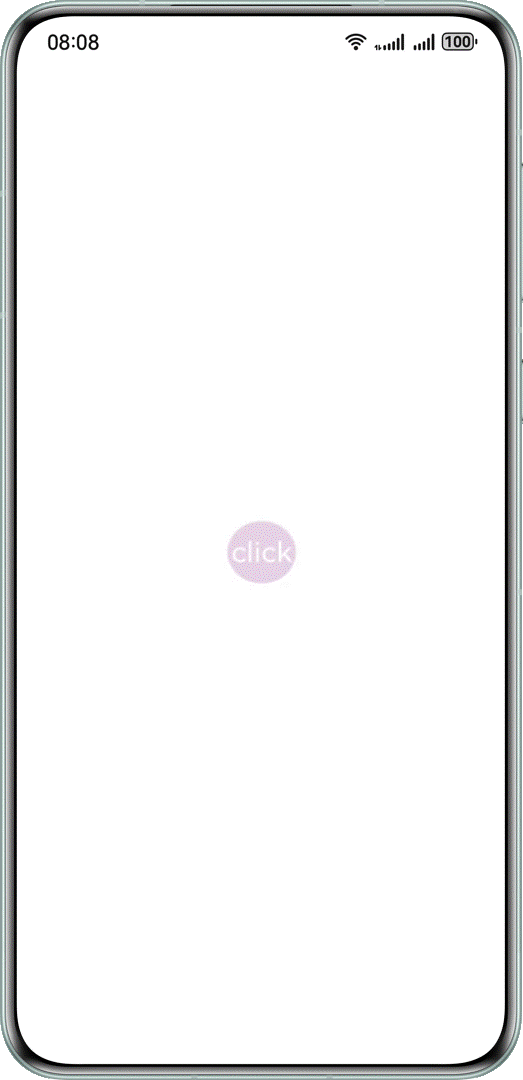
运行效果如下图所示
本文主要引用参考HarmonyOS官方文档

讨论HarmonyOS开发技术,专注于API与组件、DevEco Studio、测试、元服务和应用上架分发等。
更多推荐



 2
2 0
0- 0


 已为社区贡献313条内容

所有评论(0)