鸿蒙NEXT开发动画案例11
·
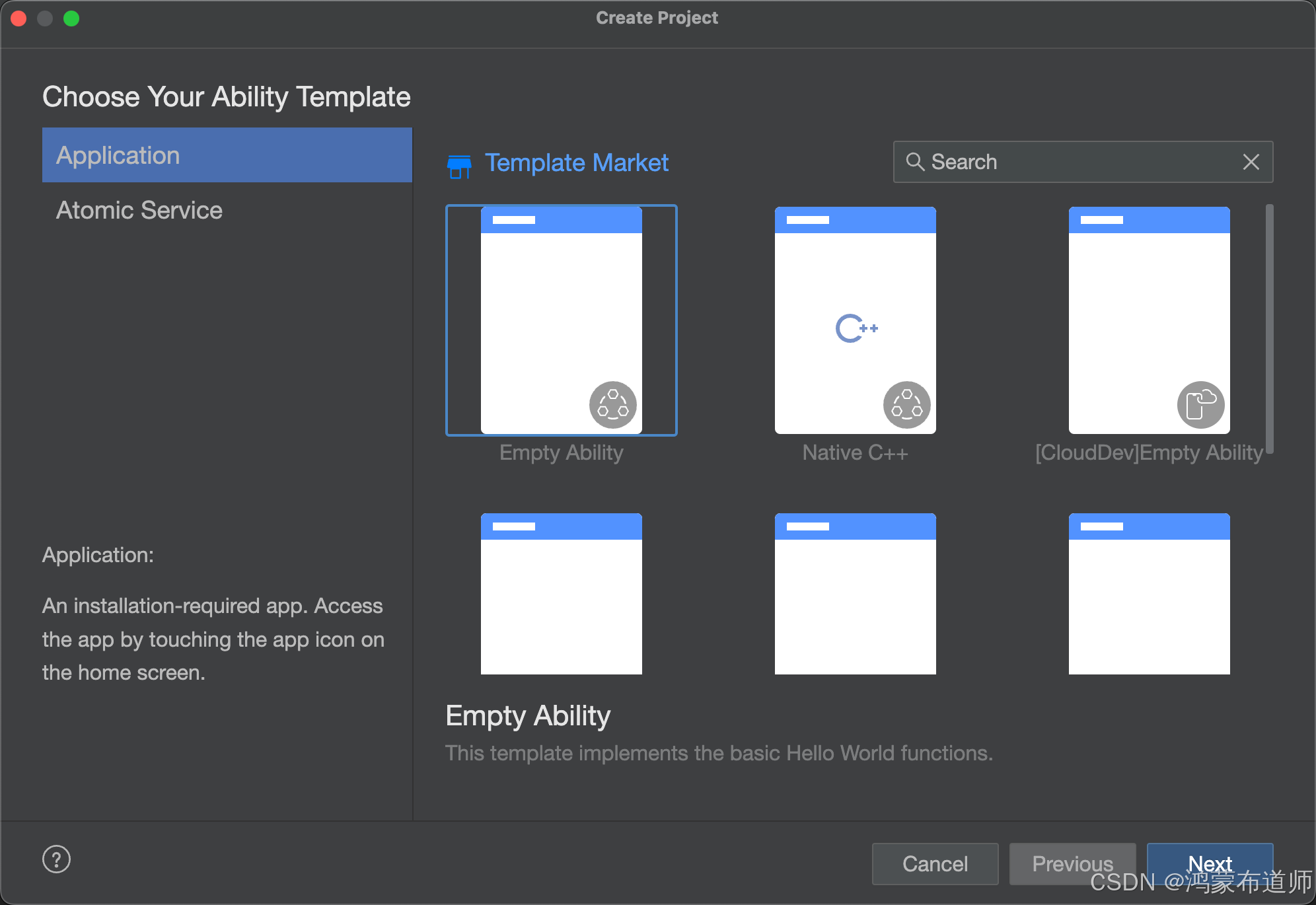
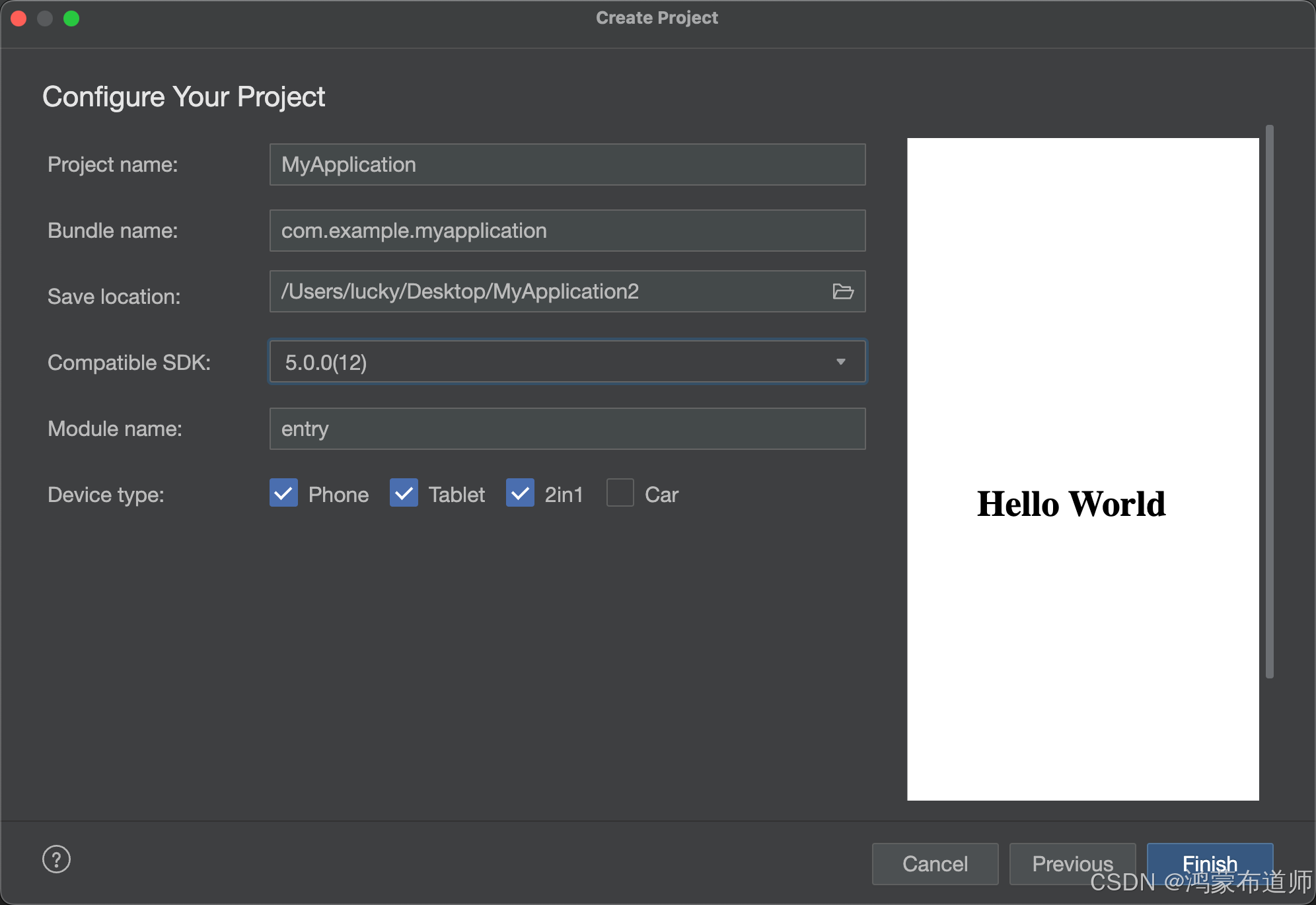
1.创建空白项目
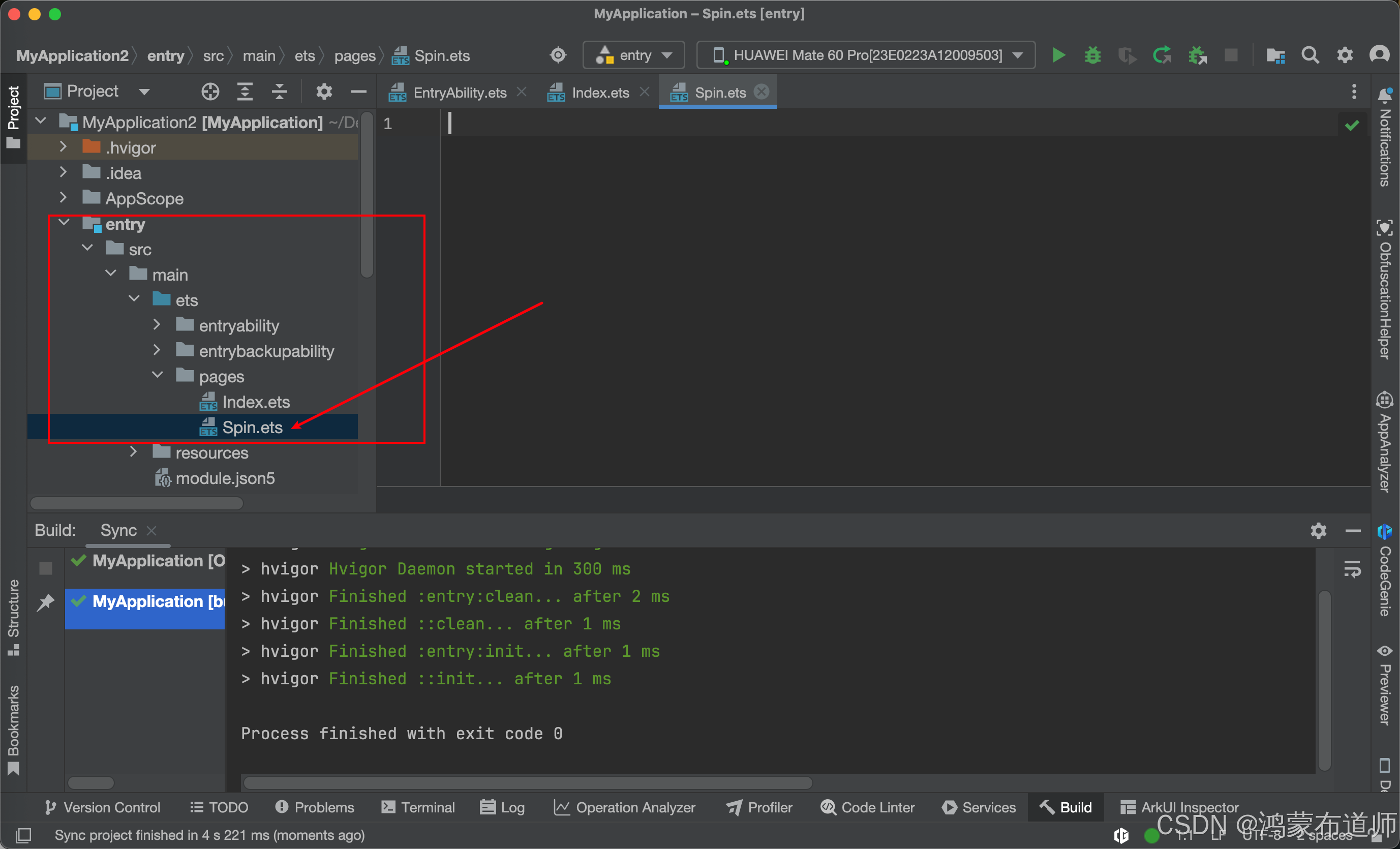
2.Page文件夹下面新建Spin.ets文件,代码如下:
/**
 * SpinEleven 动画组件 - 使用 ArkTS 和 ArkUI 进行重构优化
 * author: CSDN-鸿蒙布道师
 * since: 2025/05/19
 */
@ComponentV2
export struct SpinEleven {
  @Require @Param spinSize: number = 36;
  @Require @Param spinColor: ResourceColor;

  @Local round1: number = this.spinSize * 0.14;
  @Local opacityList: Array<number> = [0, 0, 0, 0, 0, 0, 0, 0, 0, 0, 0, 0];

  aboutToAppear(): void {
    this.round1 = this.spinSize * 0.14;
    this.startAnimations();
  }

  build() {
    Stack() {
      ForEach(this.opacityList.map((_, index) => index), (index: number) => {
        Column() {
          Canvas()
            .roundStyle()
            .opacity(this.opacityList[index])
        }
        .frameStyle()
        .rotate({ angle: index * 30 })
      }, (index: number) => index.toString())
    }
    .renderFit(RenderFit.CENTER)
    .width(this.spinSize)
    .height(this.spinSize)
    .onAppear(() => {
      this.startAnimations();
    });
  }

  startAnimations() {
    for (let i = 0; i < 12; i++) {
      let delay = -i * 100;
      let keyframes: Array<KeyframeState> = [
        {
          duration: 480,
          curve: Curve.Linear,
          event: () => {
            this.opacityList[i] = 1;
          }
        },
        {
          duration: 720,
          curve: Curve.Linear,
          event: () => {
            this.opacityList[i] = 0;
          }
        }
      ];
      this.getUIContext().keyframeAnimateTo({ iterations: -1, delay: delay }, keyframes);
    }
  }

  @Styles
  roundStyle() {
    .width(this.round1)
    .height(this.round1)
    .borderRadius(this.round1)
    .backgroundColor(this.spinColor)
    .shadow(ShadowStyle.OUTER_DEFAULT_XS)
  }

  @Styles
  frameStyle() {
    .height('100%')
    .width(this.round1)
  }
}
代码如下:
/**
 * SpinEleven 动画组件 - 使用 ArkTS 和 ArkUI 进行重构优化
 * author: CSDN-鸿蒙布道师
 * since: 2025/05/19
 */
@ComponentV2
export struct SpinEleven {
  @Require @Param spinSize: number = 36;
  @Require @Param spinColor: ResourceColor;

  @Local round1: number = this.spinSize * 0.14;
  @Local opacityList: Array<number> = [0, 0, 0, 0, 0, 0, 0, 0, 0, 0, 0, 0];

  aboutToAppear(): void {
    this.round1 = this.spinSize * 0.14;
    this.startAnimations();
  }

  build() {
    Stack() {
      ForEach(this.opacityList.map((_, index) => index), (index: number) => {
        Column() {
          Canvas()
            .roundStyle()
            .opacity(this.opacityList[index])
        }
        .frameStyle()
        .rotate({ angle: index * 30 })
      }, (index: number) => index.toString())
    }
    .renderFit(RenderFit.CENTER)
    .width(this.spinSize)
    .height(this.spinSize)
    .onAppear(() => {
      this.startAnimations();
    });
  }

  startAnimations() {
    for (let i = 0; i < 12; i++) {
      let delay = -i * 100;
      let keyframes: Array<KeyframeState> = [
        {
          duration: 480,
          curve: Curve.Linear,
          event: () => {
            this.opacityList[i] = 1;
          }
        },
        {
          duration: 720,
          curve: Curve.Linear,
          event: () => {
            this.opacityList[i] = 0;
          }
        }
      ];
      this.getUIContext().keyframeAnimateTo({ iterations: -1, delay: delay }, keyframes);
    }
  }

  @Styles
  roundStyle() {
    .width(this.round1)
    .height(this.round1)
    .borderRadius(this.round1)
    .backgroundColor(this.spinColor)
    .shadow(ShadowStyle.OUTER_DEFAULT_XS)
  }

  @Styles
  frameStyle() {
    .height('100%')
    .width(this.round1)
  }
}
3.修改Index.ets文件,代码如下:
import { SpinEleven } from './Spin';

@Entry
@Component
struct Index {
  @State message: string = 'Hello World';

  build() {
    Column() {
      SpinEleven({
        spinSize: 60,
        spinColor: '#FF0000'
      })
    }
    .alignItems(HorizontalAlign.Center)
    .justifyContent(FlexAlign.Center)
    .height('100%')
    .width('100%')
  }
}
代码如下:
import { SpinEleven } from './Spin';

@Entry
@Component
struct Index {
  @State message: string = 'Hello World';

  build() {
    Column() {
      SpinEleven({
        spinSize: 60,
        spinColor: '#FF0000'
      })
    }
    .alignItems(HorizontalAlign.Center)
    .justifyContent(FlexAlign.Center)
    .height('100%')
    .width('100%')
  }
}
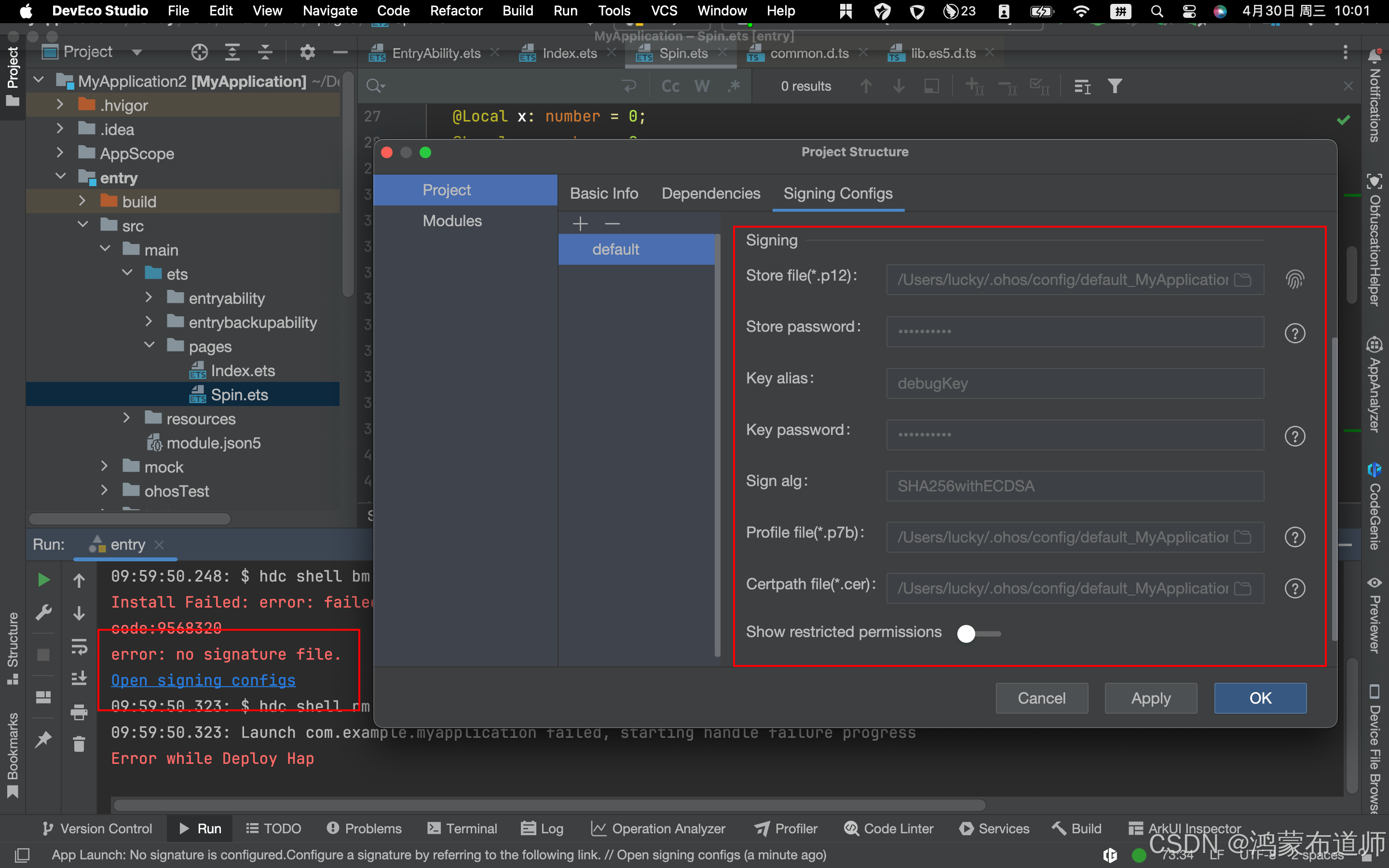
4.运行项目,登录华为账号,需进行签名
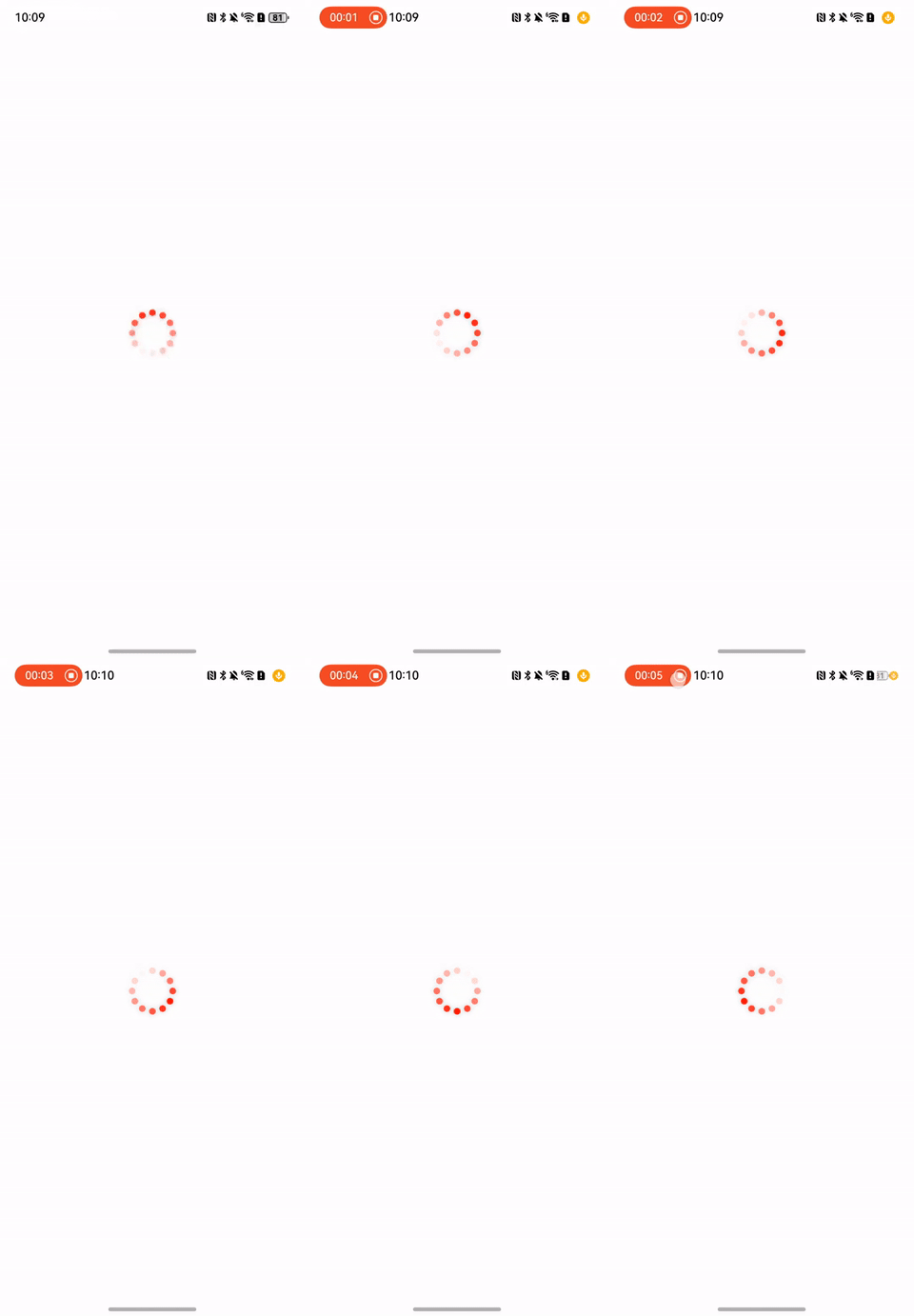
5.动画效果如下:

讨论HarmonyOS开发技术,专注于API与组件、DevEco Studio、测试、元服务和应用上架分发等。
更多推荐

 18
18 0
0- 0



 已为社区贡献38条内容

所有评论(0)