【共创季稿事节】 HarmonyOS7 互动卡片开发实践:音乐 LiveForm 如何根据 PLAY/NEXT 播放不同动画
文章目录
前言
音乐 LiveForm 不是固定播一段动画。用户点播放、上一首、下一首,看到的反馈应该不一样。
当前项目就是根据 triggerAction 来选择动画资源。这篇带小白把这段逻辑看懂。
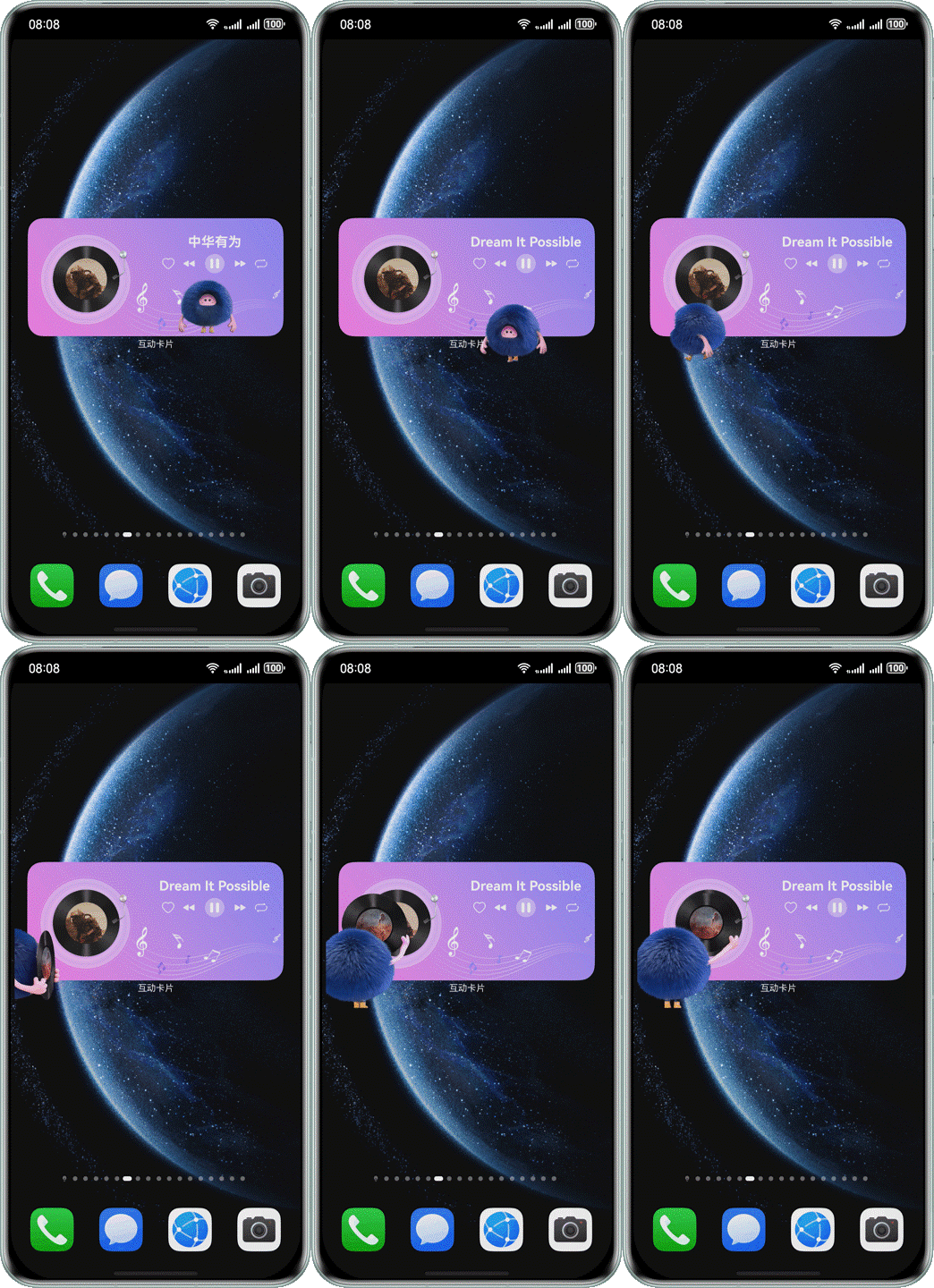
效果图
同一个音乐 LiveForm,会根据播放、上一首、下一首展示不同反馈,这就是本篇要拆的核心。
先看文件
核心页面:
entry/src/main/ets/livecardability/pages/MusicLiveCard.ets
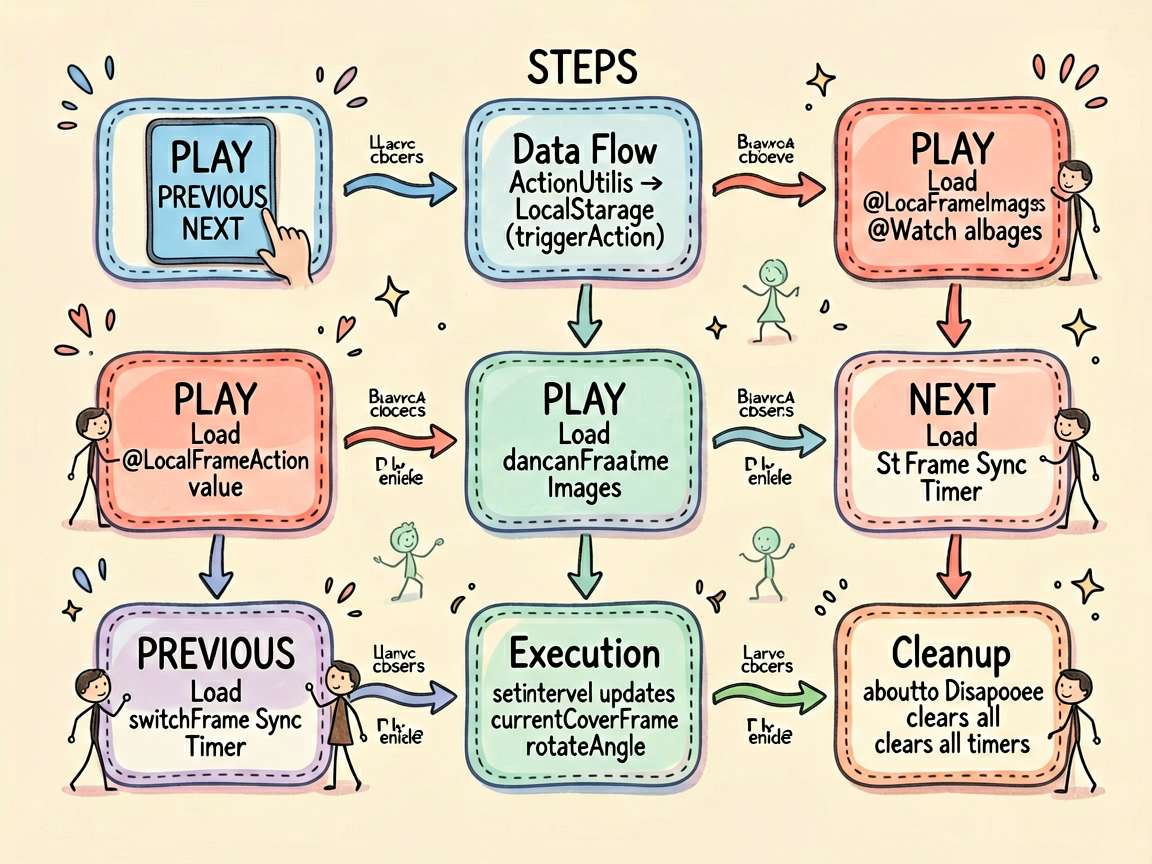
相关常量:
entry/src/main/ets/model/music/MusicLiveCardConstant.ets
Ability 入口:
entry/src/main/ets/livecardability/MusicLiveCardAbility.ets
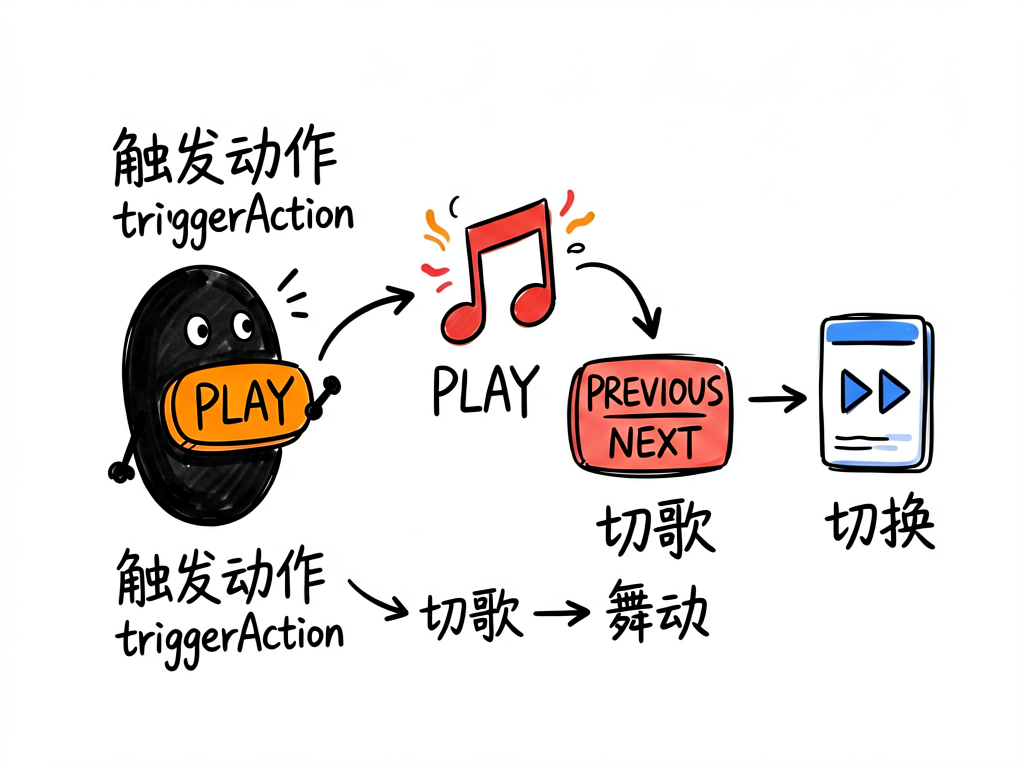
triggerAction 从哪里来
普通卡片点击时传动作:
ActionUtils.requestOverFlowWithAction(..., 'PLAY', this.songId)
MusicLiveCardAbility 读取后放进 LocalStorage:
storage.setOrCreate('triggerAction', actionData.triggerAction);
页面里接收:
@LocalStorageLink('triggerAction') @Watch('onTriggerActionChange') triggerAction: string = '';
这里用 @LocalStorageLink,并且加了 @Watch。只要动作变化,就会调用 onTriggerActionChange()。
根据动作初始化动画
项目里的核心方法:
initAnimationByAction(): void {
  if (!this.triggerAction) {
    return;
  }

  if (this.triggerAction === 'PLAY') {
    this.currentImages = this.danceFrameImages;
    this.totalFrames = this.danceFrameImages.length;
    this.startRotate();
  } else if (this.triggerAction === 'PREVIOUS' || this.triggerAction === 'NEXT') {
    this.currentImages = this.switchFrameImages;
    this.totalFrames = this.switchFrameImages.length;
  }
}
拆开看很简单。
如果是 PLAY,使用 danceFrameImages,也就是播放时的舞动动画。
如果是 PREVIOUS 或 NEXT,使用 switchFrameImages,也就是切歌动画。
为什么播放和切歌要分开
因为用户感知不一样。
播放音乐时,用户想看到“音乐开始了”的反馈,所以舞动动画更合适。
切歌时,用户想看到“内容切换了”的反馈,所以封面切换动画更合适。
这就是体验设计,不是单纯炫技。
帧动画怎么推进
项目里用定时器推进帧:
startCoverSync(): void {
  if (this.totalFrames === 0 || this.frameDuration === 0) {
    return;
  }

  this.stopCoverSync();
  const frameInterval = Math.max(16, Math.floor(this.frameDuration / this.totalFrames));

  this.coverSyncTimer = setInterval(() => {
    if (this.currentCoverFrame === this.totalFrames - 1) {
      clearInterval(this.coverSyncTimer);
    } else if (this.currentCoverFrame < this.totalFrames - 1) {
      this.currentCoverFrame++;
    }
  }, frameInterval);
}
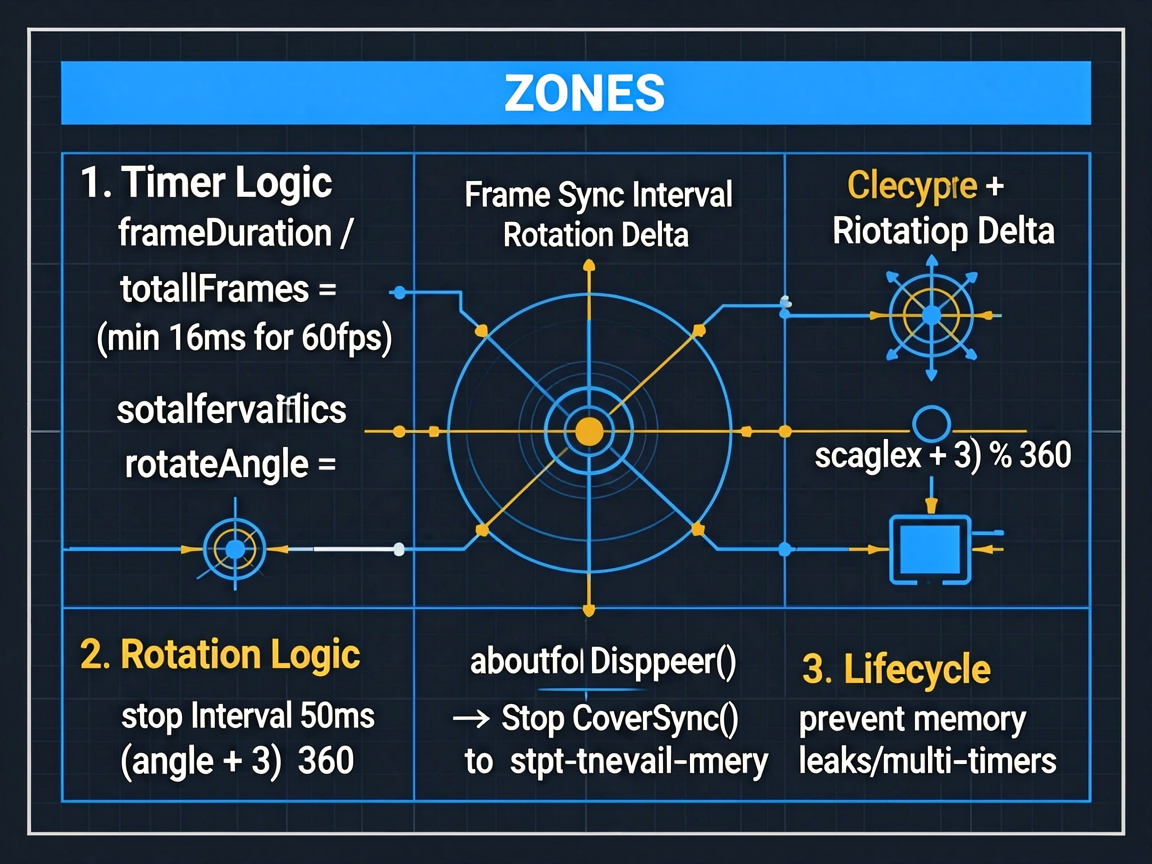
小白重点看这句:
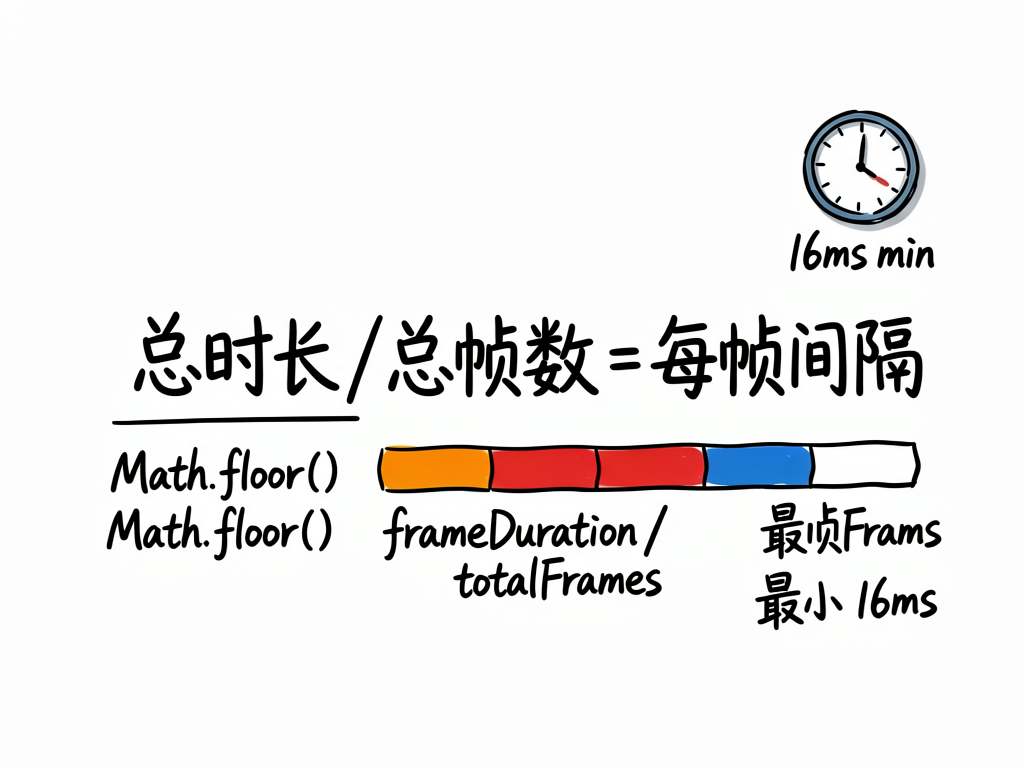
Math.floor(this.frameDuration / this.totalFrames)
总时长除以总帧数,就得到每一帧持续多久。
Math.max(16, ...) 是为了避免间隔太短。16ms 大概对应 60fps。
播放动画还会旋转封面
PLAY 时调用:
this.startRotate();
方法里用定时器改变角度:
this.rotateTimer = setInterval(() => {
  this.rotateAngle = (this.rotateAngle + 3) % 360;
}, 50);
这就是专辑封面持续旋转的来源。
一定要清理定时器
页面销毁时:
aboutToDisappear(): void {
  this.stopCoverSync();
  this.stopRotate();
  this.cachedAlbumImage = undefined;
}
这段不能省。LiveForm 关闭后,如果定时器还在跑,再次打开就可能出现多个定时器同时更新,动画会乱。
小白练习:新增一个动作
如果你想新增 LIKE 动画,可以按这个思路:
if (this.triggerAction === 'LIKE') {
  this.currentImages = this.likeFrameImages;
  this.totalFrames = this.likeFrameImages.length;
}
然后普通卡片触发时传:
ActionUtils.requestOverFlowWithAction(this, 1.1, 1.5, 3500, 'LIKE', this.songId);
关键是两边动作名要一致。
写在最后
音乐 LiveForm 的动画选择,本质就是“动作驱动 UI”。
小白记住这条线:triggerAction 决定动画类型,currentImages 决定帧资源,currentCoverFrame 决定当前显示哪一帧。

讨论HarmonyOS开发技术,专注于API与组件、DevEco Studio、测试、元服务和应用上架分发等。
更多推荐



 50
50 0
0- 0


 已为社区贡献246条内容

所有评论(0)