【共创季稿事节】 HarmonyOS7 互动卡片开发实践:运动卡片状态机怎么设计
金牌创作者
·
文章目录
前言
运动卡片有一个典型特点:状态会变。未开始、运动中、已完成,不同状态下 UI、按钮文案、点击动作都不一样。
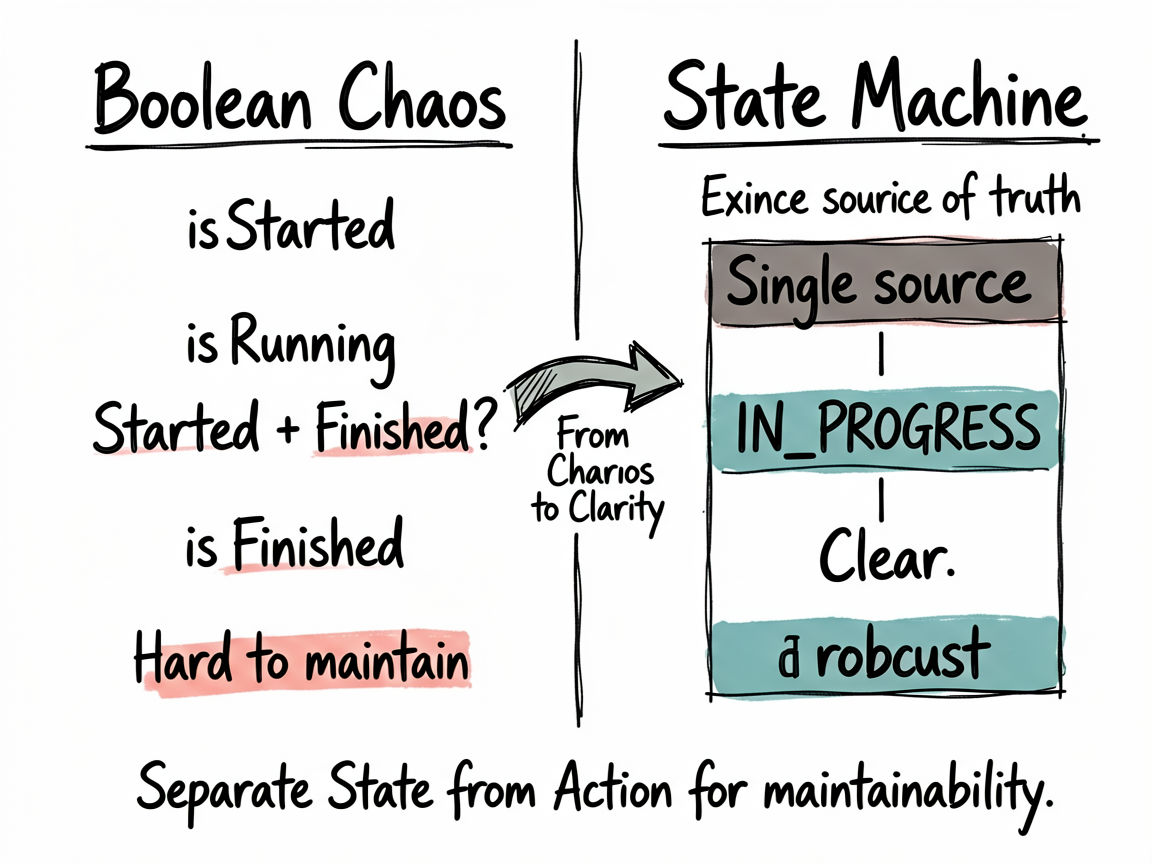
小白很容易写一堆 boolean,比如 isStarted、isFinished、isRunning。写到后面就乱了。项目里用枚举状态来做,这个思路更稳。
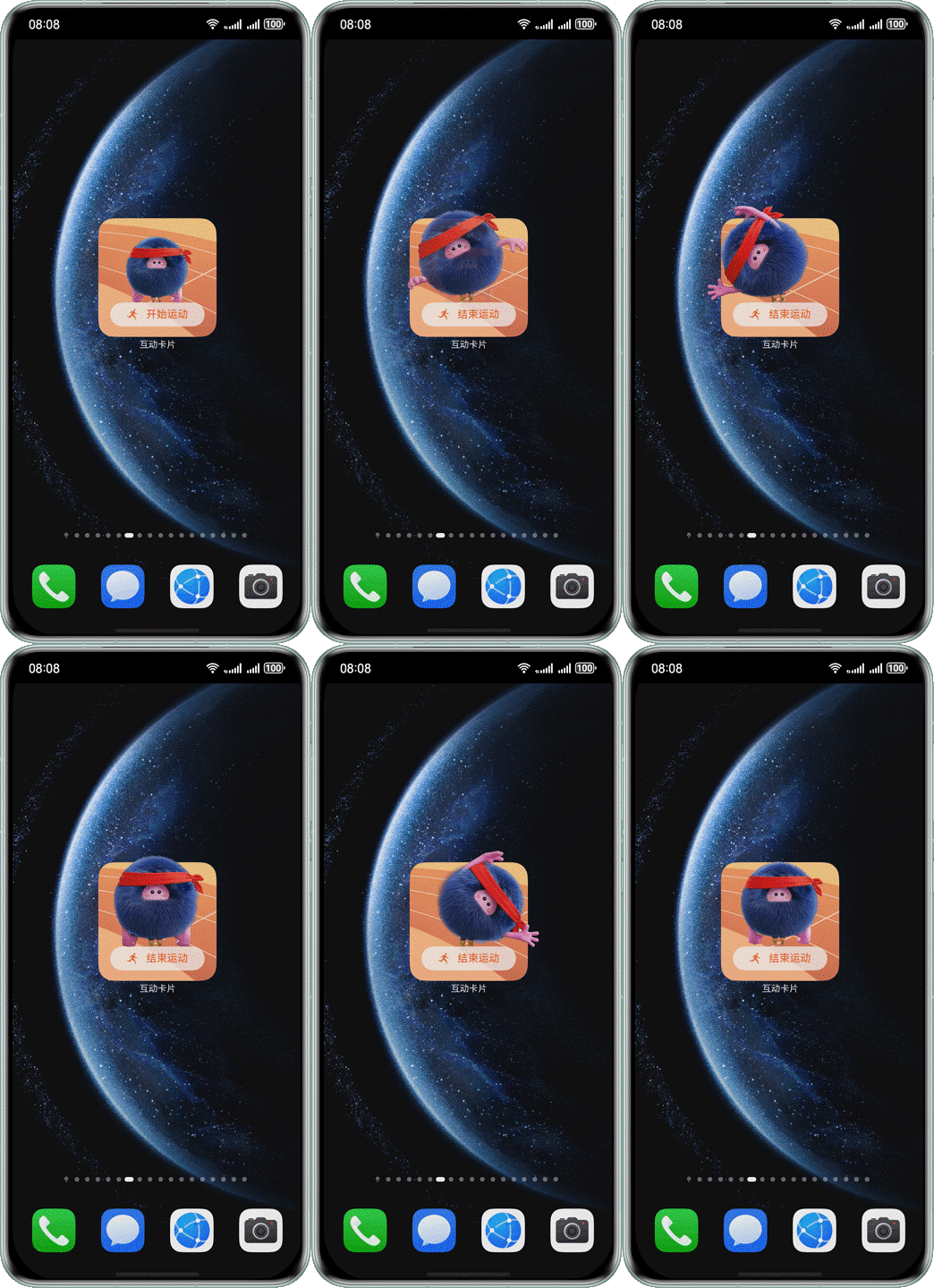
效果图
运动卡片最直观的地方,就是不同运动状态会对应不同按钮、文案和展开反馈。状态机写清楚,效果切换才不会乱。
先看运动状态定义
相关文件在:
entry/src/main/ets/model/exercise/ExerciseCardConstant.ets
核心就是两个枚举:
export enum ExerciseState {
  NOT_STARTED = 0,
  IN_PROGRESS = 1,
  COMPLETED = 2
}

export enum ExerciseAction {
  START_EXERCISE = 'startExercise',
  END_EXERCISE = 'endExercise',
  RESET_EXERCISE = 'resetExercise'
}
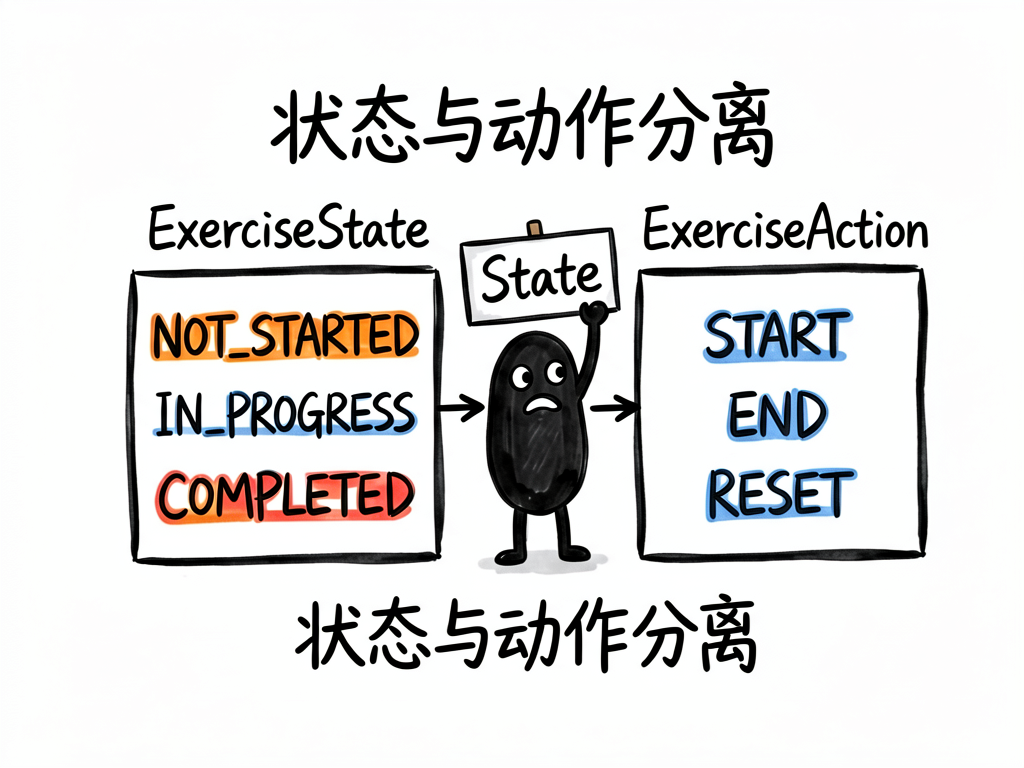
ExerciseState 表示当前状态。
ExerciseAction 表示用户动作。
状态和动作分开,这是关键。
为什么别写多个 boolean
如果你写:
isStarted = true;
isRunning = false;
isFinished = true;
这就已经矛盾了:开始了、没运行、又完成了?
状态机用一个值表达当前状态:
currentState = ExerciseState.IN_PROGRESS;
不会互相打架。
普通卡片接收当前状态
运动卡片页面会接收:
@LocalStorageProp('currentState') currentState: number = ExerciseState.NOT_STARTED;
应用侧通过 FormUtils.updateExerciseCardState() 更新它。
卡片 UI 根据 currentState 展示不同内容。
按状态决定按钮文案
你可以这样写:
getButtonText(): string {
  if (this.currentState === ExerciseState.IN_PROGRESS) {
    return '结束运动';
  }
  if (this.currentState === ExerciseState.COMPLETED) {
    return '重新开始';
  }
  return '开始运动';
}
这比在 UI 里写一堆 if 更清楚。
按状态决定点击动作
handleButtonClick(): void {
  if (this.currentState === ExerciseState.NOT_STARTED) {
    ActionUtils.exerciseAction(this, ExerciseAction.START_EXERCISE, this.formId);
    ActionUtils.requestOverFlow(this, LiveCardScale.EXERCISE_WIDTH, LiveCardScale.EXERCISE_HEIGHT, LIVE_CARD_DURATION);
  } else if (this.currentState === ExerciseState.IN_PROGRESS) {
    ActionUtils.exerciseAction(this, ExerciseAction.END_EXERCISE, this.formId);
  } else {
    ActionUtils.exerciseAction(this, ExerciseAction.RESET_EXERCISE, this.formId);
  }
}
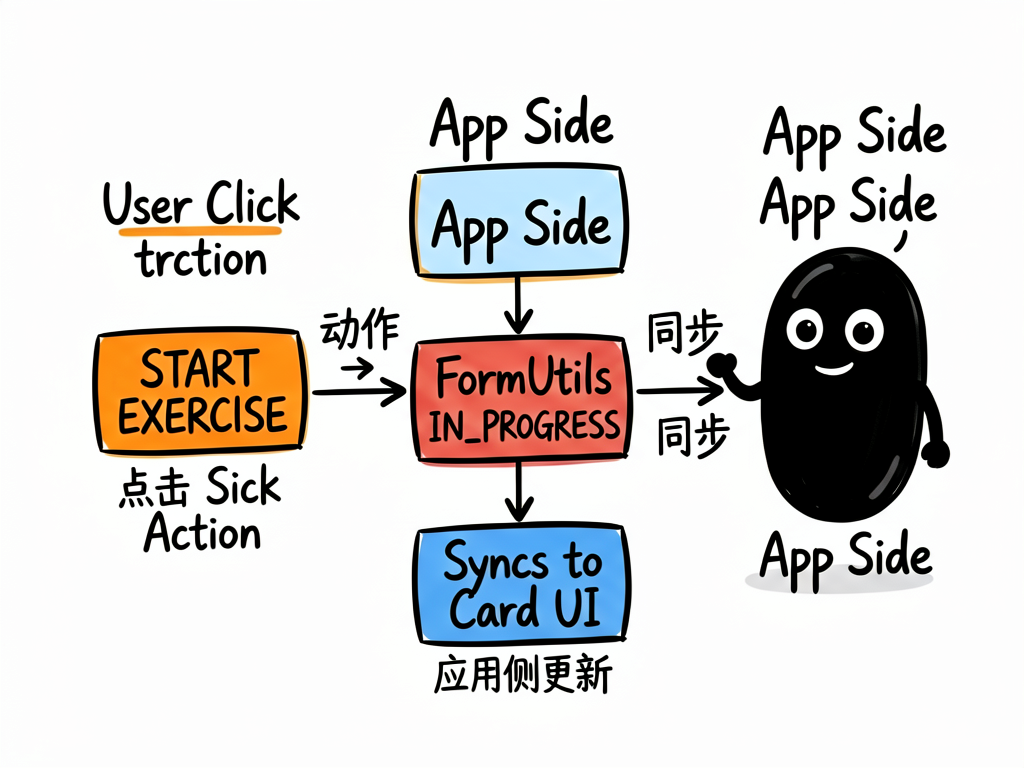
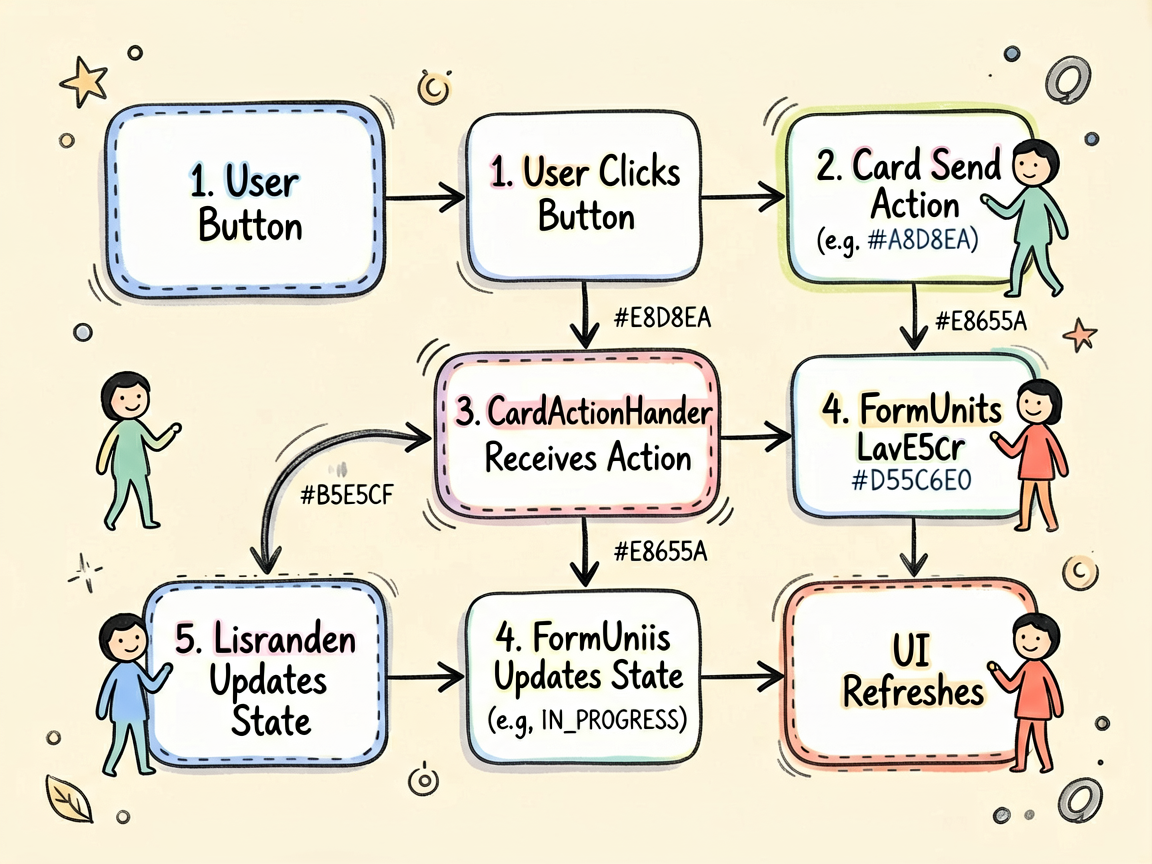
小白注意:卡片发的是动作,不是直接改状态。
真正状态由应用侧统一更新。
为什么动作和状态要分开
用户点击“开始运动”,这只是一个动作:START_EXERCISE。
应用侧收到动作后,才把状态改成:IN_PROGRESS。
这样做的好处是:
- 业务集中在应用侧。
- 多张运动卡片能同步。
- LiveForm 和普通卡片状态一致。
状态更新在哪里做
CardActionHandler 里:
private handleExerciseAction(params: Record<string, string>): void {
  if (params.exerciseAction && this.context) {
    switch (params.exerciseAction) {
      case ExerciseAction.START_EXERCISE:
        FormUtils.updateExerciseCardState(this.context, ExerciseState.IN_PROGRESS);
        break;
      case ExerciseAction.END_EXERCISE:
        FormUtils.updateExerciseCardState(this.context, ExerciseState.COMPLETED);
        break;
      case ExerciseAction.RESET_EXERCISE:
        FormUtils.resetExerciseCard(this.context);
        break;
    }
  }
}
这段就是动作到状态的转换。
小白练习:加一个暂停状态
如果你想加暂停,可以这样扩展:
export enum ExerciseState {
  NOT_STARTED = 0,
  IN_PROGRESS = 1,
  PAUSED = 2,
  COMPLETED = 3
}

export enum ExerciseAction {
  START_EXERCISE = 'startExercise',
  PAUSE_EXERCISE = 'pauseExercise',
  RESUME_EXERCISE = 'resumeExercise',
  END_EXERCISE = 'endExercise',
  RESET_EXERCISE = 'resetExercise'
}
然后在 CardActionHandler 里补分支。
写在最后
运动卡片这种场景,状态机比 boolean 可靠太多。
记住一句话:状态描述现在是什么,动作描述用户做了什么。

讨论HarmonyOS开发技术,专注于API与组件、DevEco Studio、测试、元服务和应用上架分发等。
更多推荐



 50
50 0
0- 0


 已为社区贡献246条内容

所有评论(0)