鸿蒙开发怎么接入第三方 SDK(以接入支付宝sdk为例)
·
1. 什么是第三方 SDK?
-
SDK是由外部公司或开发者提供的工具集合,用于帮助开发者在应用中快速集成特定功能) ,就是别人写好的工具包,比如:微信登录、支付宝支付、地图导航、广告统计……
-
鸿蒙接入 SDK ≈ 把别人的工具包装进自己的应用里。
2. 接入步骤
第一步:下载 SDK
-
去官网下载 SDK
-
一个 .har 格式的文件(压缩包)。
第二步:导入支付宝 SDK
-
就像把下载的电影拖进U盘一样:
-
打开鸿蒙项目,找到
libs文件夹(没有就新建)。 -
把 SDK 文件复制进去。
-
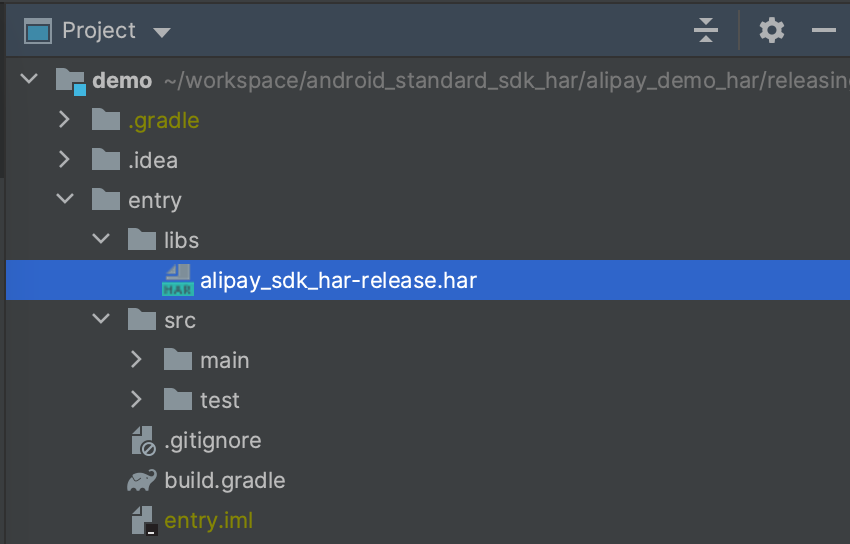
将 alipay_sdk_har-release.har 包放在您应用工程的 libs 目录下(文件名仅做示例,请以实际 SDK 文件名为准):
第三步:告诉项目“你要用这个 SDK”
-
修改项目的 配置文件
- 在 App Module 的
build.gradle中,添加依赖项:-
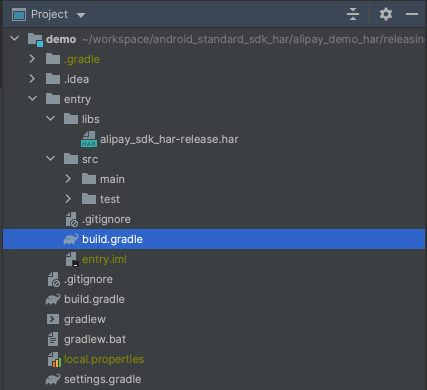
dependencies {
    compile fileTree(dir: 'libs', include: ['*.har']) // 将 libs 目录下的 har 包作为项目依赖
}
-
第四步:初始化 SDK
在项目 entry 中的 module.json5 中配置
"module": {
  ...
  "querySchemes": [
    "alipays" // 15.8.27, 15.8.28
    "https" // 15.8.29
  ],
第五步:调用功能
未安装支付宝 APP 是跳转 H5 支付,已安装支付宝 APP 会直接跳转 APP 支付
通过 router 跳转或者通过 navigation 跳转,只针对未安装支付宝 APP 时跳转 H5 的方式有差异
- 通过 router 进行跳转
new Pay().pay(orderInfo, true).then((result) => {
  let message =
    `resultStatus: ${result.get('resultStatus')} memo: ${result.get('memo')} result: ${result.get('result')}`;
  console.log(message);
}).catch((error: BusinessError) => {
  console.log(error.message);
});
参数名称
参数说明
orderInfo: string
App 支付请求参数字符串,主要包含商家的订单信息,key=value 形式,以 & 连接。
showPayLoading: boolean
用户在商家 App 内部点击付款,是否需要一个 loading 做为在支付宝客户端唤起之前的过渡,这个值设置为 true,将会在调用 pay 接口的时候直接唤起一个 loading,直到唤起 H5 支付页面或者唤起外部的支付宝客户端付款页面 loading 才消失。建议将该值设置为 true,优化点击付款到支付唤起支付页面的过渡过程。
- 使用 navigator 进行跳转,使用系统路由表
  new Pay().payWithNav(orderInfo, true, undefined, this.pageInfos).then((result) => {
  let message =
  `resultStatus: ${result.get('resultStatus')} memo: ${result.get('memo')} result: ${result.get('result')}`;
  console.log(message);
  }).catch((error: BusinessError) => {
  console.log(error.message);
  });
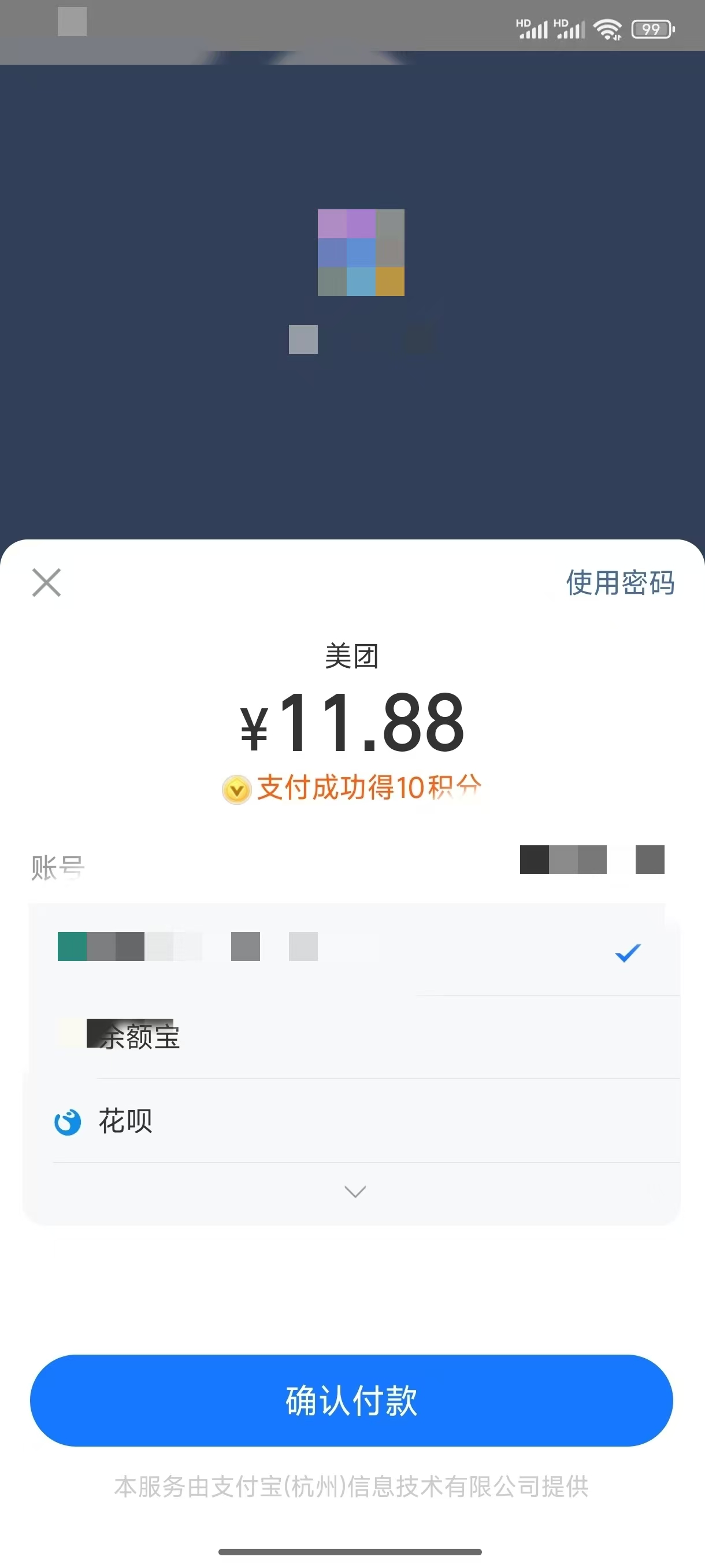
应用场景:

讨论HarmonyOS开发技术,专注于API与组件、DevEco Studio、测试、元服务和应用上架分发等。
更多推荐
 25
25 0
0- 0


 已为社区贡献6条内容

所有评论(0)