鸿蒙瀑布流布局开发全指南
·
鸿蒙HarmonyOS ArkTS瀑布流布局开发详解
瀑布流布局是一种非对称网格布局,元素按列排列且高度不固定,形成错落有致的视觉效果。在ArkUI(基于ArkTS)中,可通过以下步骤实现:
一、核心原理
-
布局计算:动态计算每个元素位置
ycurrent=min(columnHeights) y_{\text{current}} = \min(\text{columnHeights}) ycurrent=min(columnHeights)
columnIndex=argmin(columnHeights) \text{columnIndex} = \arg\min(\text{columnHeights}) columnIndex=argmin(columnHeights) -
渲染优化:使用
LazyForEach按需加载元素
二、实现步骤
1. 定义数据结构
class WaterfallItem {
  id: number = 0
  content: string = ""
  height: number = 0  // 动态高度值
}

class ColumnState {
  height: number = 0
  items: WaterfallItem[] = []
}
2. 创建瀑布流组件
@Component
struct WaterfallLayout {
  @State columns: ColumnState[] = [
    { height: 0, items: [] },
    { height: 0, items: [] }  // 双列布局
  ]

  @Prop dataItems: WaterfallItem[] = []

  build() {
    Row() {
      // 第一列
      Column() {
        ForEach(this.columns[0].items, item =>
          this.buildItemComponent(item)
        )
      }

      // 第二列
      Column() {
        ForEach(this.columns[1].items, item =>
          this.buildItemComponent(item)
        )
      }
    }
  }

  @Builder
  buildItemComponent(item: WaterfallItem) {
    Text(item.content)
      .height(item.height + 'vp')
      .margin({ bottom: '8vp' })
      .backgroundColor(Color.Orange)
  }
}
3. 动态布局算法
function layoutItems(items: WaterfallItem[], columns: ColumnState[]) {
  items.forEach(item => {
    // 找到当前最短列
    let minIndex = 0
    for (let i = 1; i < columns.length; i++) {
      if (columns[i].height < columns[minIndex].height) {
        minIndex = i
      }
    }

    // 添加元素到最短列
    columns[minIndex].items.push(item)
    columns[minIndex].height += item.height + 8  // 8vp为间距
  })
}
4. 主页面调用
@Entry
@Component
struct MainPage {
  @State items: WaterfallItem[] = [
    {id: 1, content: "元素1", height: 120},
    {id: 2, content: "元素2", height: 80},
    // 更多数据...
  ]

  build() {
    Column() {
      WaterfallLayout({ dataItems: this.items })
        .onAppear(() => {
          // 初始化布局
          layoutItems(this.items, this.columns)
        })
    }
  }
}
三、关键优化技巧
-
动态高度处理:
// 获取图片实际高度 Image($r('app.media.pic')) .onAreaChange((_, area) => { item.height = area.height }) -
响应式列数:
@State columnCount: number = 2 // 根据屏幕宽度调整列数 .onAreaChange((_, area) => { this.columnCount = area.width > 600 ? 3 : 2 }) -
性能优化:
- 使用
LazyForEach替代ForEach - 实现
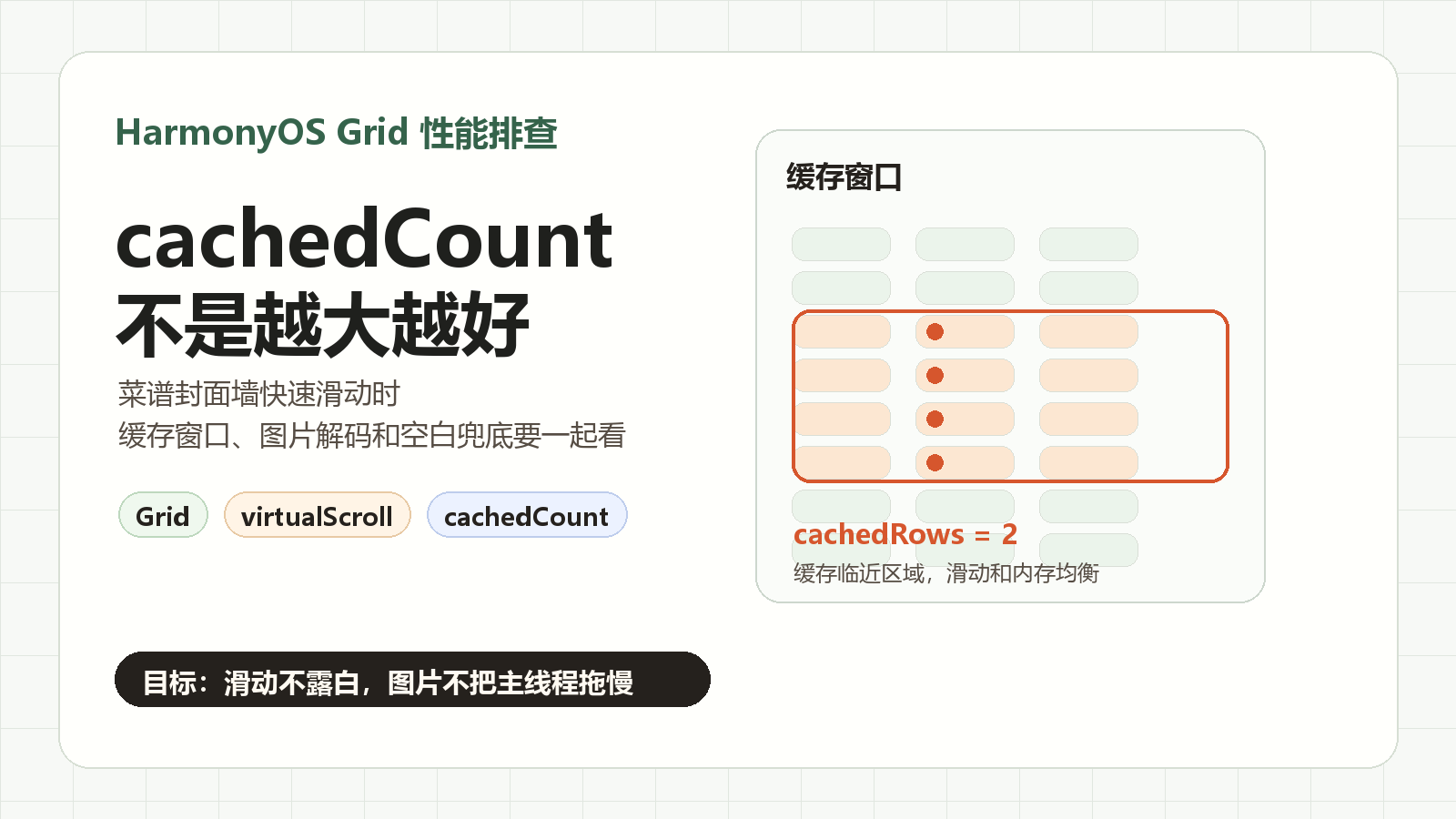
cachedCount预加载 - 添加
reuseId复用组件
- 使用
四、完整特性实现
// 支持下拉刷新/上拉加载
@Entry
@Component
struct EnhancedWaterfall {
  @State columns: ColumnState[] = [...]
  scroller: Scroller = new Scroller()

  build() {
    Scroll(this.scroller) {
      WaterfallLayout({ columns: this.columns })
    }
    .onReachEnd(() => {
      // 加载更多数据
    })
    .onScrollFrameBegin(() => {
      // 滚动优化处理
    })
  }
}
五、常见问题解决
-
布局跳动:
- 预计算图片高度
- 使用
Transition平滑动画
-
内存溢出:
.cachedCount(5) // 缓存5屏内容 .reuseId(item.id.toString()) -
跨设备适配:
@BuilderParam
itemBuilder: (item: WaterfallItem) => void = defaultItemBuilder
最佳实践:结合
Grid组件实现混合布局,处理特殊尺寸元素,实现真正的瀑布流效果。实际开发中建议使用@ohos/waterfall社区组件库简化实现。

讨论HarmonyOS开发技术,专注于API与组件、DevEco Studio、测试、元服务和应用上架分发等。
更多推荐

 5
5 0
0- 0


 已为社区贡献23条内容

所有评论(0)