HarmonyOS 应用开发《掌上英语》第43篇:日期与时间处理——ArkTS 中的时间工具
日期与时间处理——ArkTS 中的时间工具
一、时间处理的常见需求
在英语学习应用中,时间处理无处不在:
- 记录生词添加时间、答题时间戳
- 判断"今天"是否已经学习过
- 计算连续学习天数
- 生成每日挑战题目的种子
- 周维度统计数据的日期计算
ArkTS 基于标准 ECMAScript,提供了完整的 Date 对象 API。本文将通过项目中的实际源码,展示常见的日期时间处理模式。
二、核心 Date 对象用法
2.1 获取当前时间戳
Date.now() 返回距 1970 年 1 月 1 日的毫秒数,是最常用的时间记录方式:
// NewWordManager 中记录添加时间
addTime: Date.now()

// AnswerQuestionsPage 中记录答题时间戳
currentItem.jlStamp = Date.now();
2.2 格式化日期字符串
将 Date 对象转为 YYYY-MM-DD 格式的字符串,用于"某天的数据"的键值判断:
// DailyChallengeManager 中获取今天的日期字符串
private getTodayStr(): string {
  let now = new Date();
  let year = now.getFullYear();
  let month = (now.getMonth() + 1).toString().padStart(2, '0');
  let day = now.getDate().toString().padStart(2, '0');
  return `${year}-${month}-${day}`;
}
这段代码有几点值得注意:
getMonth()返回 0~11,所以需要+1padStart(2, '0')确保月份和日期始终为两位数- 使用模板字符串拼接,比
+连接更清晰
2.3 时间戳清零(归零到当天 0 点)
在比较是否为同一天时,需要先将时间戳归零到当天 0 点:
// LearningPlanManager 中的关键操作
let today = new Date();
today.setHours(0, 0, 0, 0);  // 设置为当天 00:00:00.000
let todayTimestamp = today.getTime();
setHours(0, 0, 0, 0) 将时、分、秒、毫秒全部归零,这样比较两个 Date 对象的 getTime() 就能判断它们是否在同一天。
三、LearningPlanManager 中的日期计算
checkAndUpdateContinuousDays 方法展示了完整的天数计算逻辑:
public checkAndUpdateContinuousDays(): LearningPlan {
  let plan = this.getLearningPlan();
  let today = new Date();
  today.setHours(0, 0, 0, 0);
  let todayTimestamp = today.getTime();

  if (plan.lastStudyDate === 0) {
    // 首次学习
    plan.continuousDays = 1;
  } else {
    let lastDate = new Date(plan.lastStudyDate);
    lastDate.setHours(0, 0, 0, 0);
    let lastTimestamp = lastDate.getTime();
    let diffDays = Math.floor((todayTimestamp - lastTimestamp) / (1000 * 60 * 60 * 24));

    if (diffDays === 0) {
      // 同一天,不更新
    } else if (diffDays === 1) {
      // 连续
      plan.continuousDays++;
    } else {
      // 中断,重置
      plan.continuousDays = 1;
    }
  }
  plan.lastStudyDate = todayTimestamp;
  this.saveLearningPlan(plan);
  return plan;
}
3.1 天数差计算
let diffDays = Math.floor((todayTimestamp - lastTimestamp) / (1000 * 60 * 60 * 24));
这个公式的原理:
- 两个时间戳相减得到毫秒差
1000 * 60 * 60 * 24是一天的毫秒数Math.floor向下取整,确保跨天判断准确
3.2 连续天数的三种状态
| diffDays | 含义 | 操作 |
|---|---|---|
| 0 | 同一天 | 不更新(防止重复打卡增加天数) |
| 1 | 连续 | continuousDays++ |
| >1 | 中断 | 重置为 1 |
四、DailyChallengeManager 中的种子算法
每日挑战需要确保:同一天内题目固定不变,不同天题目不同。这通过日期字符串生成随机种子来实现:
generateDailyChallenge(allQuestions: TopicItemType[]): void {
  let todayStr = this.getTodayStr();
  // 已存在当日题目,直接复用
  let existingQuestions = this.challengeQuestions;
  if (existingQuestions.length === 5 && this.todayCompleted === false) {
    let firstKey = existingQuestions.length > 0 ? existingQuestions[0].keyID : '';
    let dateSeed = todayStr.split('-').join('');
    if (firstKey.startsWith('DC_' + dateSeed)) {
      return;
    }
  }

  // 用日期字符串生成种子
  let seed = 0;
  for (let i = 0; i < todayStr.length; i++) {
    seed = seed * 31 + todayStr.charCodeAt(i);
  }
  seed = Math.abs(seed);

  // 基于种子的 Fisher-Yates 洗牌
  let count = Math.min(5, allQuestions.length);
  let selected: TopicItemType[] = [];
  let indices: number[] = [];
  for (let i = 0; i < allQuestions.length; i++) {
    indices.push(i);
  }
  for (let i = indices.length - 1; i > 0; i--) {
    seed = (seed * 16807 + 7) % 2147483647;
    let j = seed % (i + 1);
    let temp = indices[i];
    indices[i] = indices[j];
    indices[j] = temp;
  }
  // ...
}
这里的种子算法是:将日期字符串 "2026-07-08" 的每个字符的 charCode 累加乘 31,生成一个固定的种子。然后用线性同余法(seed = (seed * 16807 + 7) % 2147483647)生成伪随机序列。
五、统计模块中的周日期计算
DashboardManager 在构建周度数据时需要回溯前 6 天:
private buildWeeklyData(plan: LearningPlan): DailyStats[] {
  let result: DailyStats[] = [];
  let dayLabels: string[] = ['周日', '周一', '周二', '周三', '周四', '周五', '周六'];
  let today = new Date();
  today.setHours(0, 0, 0, 0);

  for (let i = 6; i >= 0; i--) {
    let d = new Date(today.getTime() - i * 24 * 60 * 60 * 1000);
    let dateStr = (d.getMonth() + 1).toString() + '/' + d.getDate().toString();
    let dayLabel = dayLabels[d.getDay()];
    // ...
  }
}
核心技巧:new Date(today.getTime() - i * 24 * 60 * 60 * 1000) 通过一天天的毫秒数偏移获取前几天的日期。这比 setDate(getDate() - 1) 更直观。
六、日期格式化的其他方式
6.1 笔记添加时间
// AnswerQuestionsPage 中记录笔记时间
this.topicItemModelPref.addNoteTime = new Date().getTime();
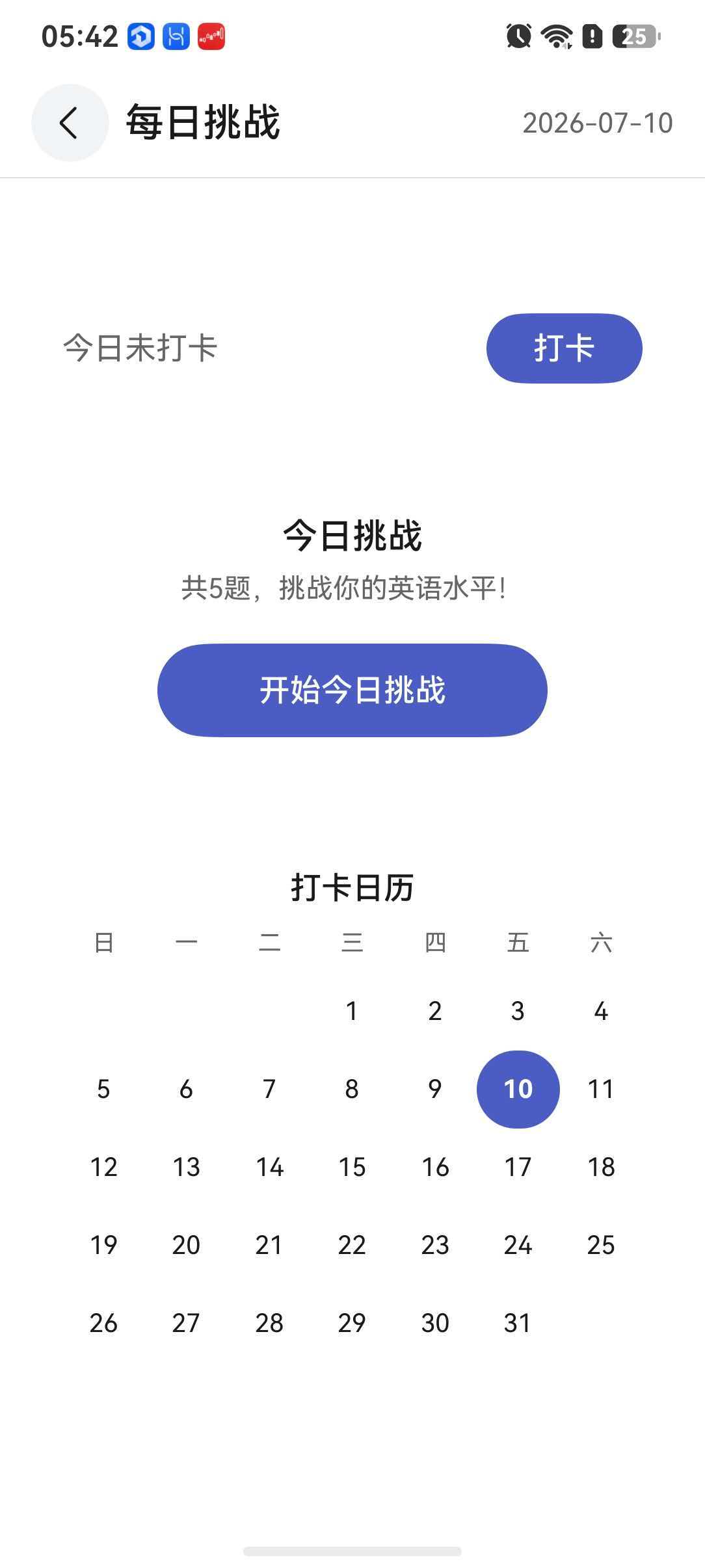
6.2 打卡日历月份判断
getCheckInCalendarMonth(year: number, month: number): boolean[] {
  let result: boolean[] = new Array(31).fill(false) as boolean[];
  let monthStr = `${year}-${month.toString().padStart(2, '0')}-`;
  for (let i = 0; i < this.checkInDays.length; i++) {
    if (this.checkInDays[i].startsWith(monthStr)) {
      let dayStr = this.checkInDays[i].substring(monthStr.length);
      let day = parseInt(dayStr, 10);
      if (day >= 1 && day <= 31) {
        result[day - 1] = true;
      }
    }
  }
  return result;
}
利用已存储的 YYYY-MM-DD 格式字符串,通过 startsWith 和 substring 精确判断某月某日是否打过卡。
七、时间处理最佳实践
- 统一使用时间戳:
Date.now()或date.getTime()存储,避免时区问题 - 比较前清零:判断是否为同一天时,统一
setHours(0,0,0,0)后再比较 - 格式化字符串:用于显示时再格式化,推荐
YYYY-MM-DD格式 - 避免直接操作 Date 字符串:优先使用时间戳计算差值,最后再转为字符串
ArkTS 的 Date API 与标准 JavaScript 保持一致,掌握这些模式后,任何与时间相关的业务需求都能迎刃而解。

讨论HarmonyOS开发技术,专注于API与组件、DevEco Studio、测试、元服务和应用上架分发等。
更多推荐


 6
6 0
0- 0


 已为社区贡献250条内容

所有评论(0)