HarmonyOS 应用开发《掌上英语》第39篇:页面参数传递从简单字符串到复杂对象的序列化
39:页面参数传递:从简单字符串到复杂对象的序列化
一、引言
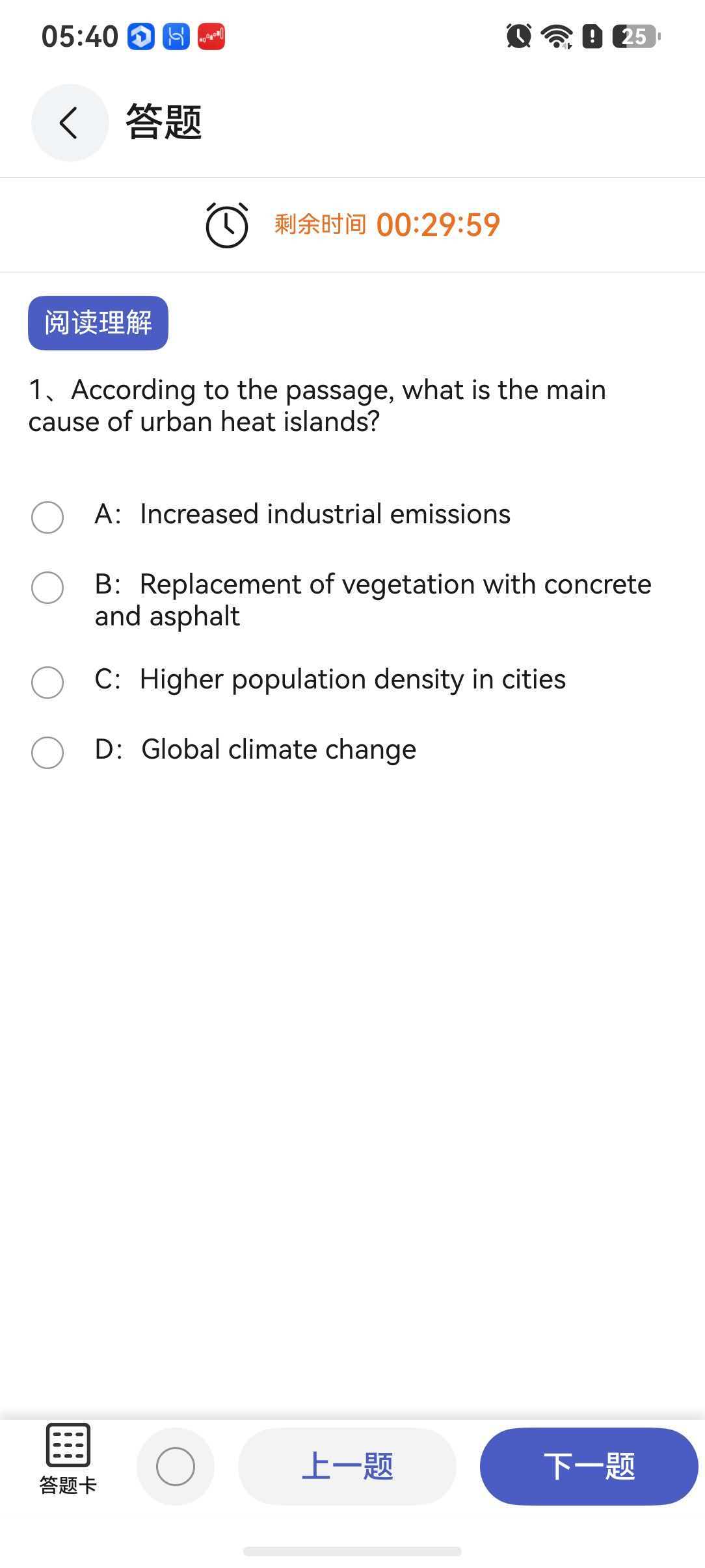
在页面导航中,参数传递是连接发送方和接收方的数据桥梁。一个用户从首页跳转到答题页面时,需要告诉目标页面"答哪套题";从答题页面跳转到单词卡片时,需要告诉目标页面"查哪个单词"。这些看似简单的参数传递,在大型应用中会面临类型安全、序列化、默认值处理等一系列挑战。
本文将从 NavPathStack 的参数机制出发,全面剖析页面参数传递的设计实践。
二、参数传递的基础机制
2.1 NavPathStack 的参数模型
在 HarmonyOS 的 NavPathStack 中,参数传递通过 pushPath 的 param 字段完成:
// 发送方:传递参数
this.stack.pushPath({
  name: 'AnswerQuestionsPage',
  param: {
    topicId: 101,
    title: '基础语法练习'
  }
});
在目标页面中,通过 NavPathStack.getParam() 获取参数:
// 接收方:获取参数
@ComponentV2
struct AnswerQuestionsPage {
  @Local topicId: number = 0;
  @Local title: string = '';

  aboutToAppear(): void {
    const param = NavPathStack.getParam() as AnswerQuestionsParam;
    if (param) {
      this.topicId = param.topicId;
      this.title = param.title || '';
    }
  }
}
2.2 参数类型的演进
参数类型从简单的字符串逐渐演变为复杂的结构体,以满足不断增长的业务需求:
// 阶段一:简单字符串
param: "101"

// 阶段二:键值对
param: { topicId: "101" }

// 阶段三:结构化对象
param: {
  topicId: 101,
  title: "基础语法",
  difficulty: "easy"
}

// 阶段四:嵌套对象
param: {
  topicId: 101,
  title: "基础语法",
  questions: [{ id: 1, content: "..." }],
  settings: { shuffle: true, timed: false }
}
三、参数序列化与反序列化
3.1 JSON 序列化的自动处理
NavPathStack 底层使用 JSON 序列化来传递参数。这意味着:
- 支持的类型:
string、number、boolean、null、object、Array - 不支持的类型:
Date(会变成字符串)、Map、Set、Function、循环引用对象
// 可以传递:简单对象和数组
param: {
  id: 1,
  name: "apple",
  scores: [85, 92, 78],
  config: { shuffle: true }
}

// 不可以传递(会丢失信息):
param: {
  date: new Date(),        // 变成 ISO 字符串
  callback: () => {},      // 被移除
  map: new Map([['a',1]])  // 变成空对象
}
3.2 深拷贝的必要性
在 RouterModule 中,我们使用 JSON.parse(JSON.stringify(param)) 对参数进行深拷贝:
public static push<T extends object>(page: RouterMap, param?: T): void {
  const safeParam = param ? JSON.parse(JSON.stringify(param)) : {};
  this.stack!.pushPath({ name: page, param: safeParam });
}
为什么需要深拷贝?
// 没有深拷贝的问题
const userData = { name: 'Alice', scores: [95] };
RouterModule.push(RouterMap.REPORT_PAGE, userData);

// 调用方后续修改了原始数据
userData.scores.push(100);  // 如果未深拷贝,目标页面也会看到 100!
深拷贝确保目标页面接收到的是导航时刻的数据快照,不受后续数据修改的影响。
四、参数获取与默认值兜底
4.1 getParam() 的使用
@ComponentV2
struct AnswerQuestionsPage {
  @Local topicId: number = 0;
  @Local title: string = '';
  @Local isTimed: boolean = false;

  aboutToAppear(): void {
    // 获取参数并解构
    const param = NavPathStack.getParam() as AnswerQuestionsParam;

    // 逐个字段赋值,提供默认值兜底
    this.topicId = param?.topicId ?? 0;
    this.title = param?.title ?? '默认标题';
    this.isTimed = param?.isTimed ?? false;

    Logger.info('AnswerQuestionsPage', `加载题目: topicId=${this.topicId}, title=${this.title}`);
  }
}
4.2 空安全与默认值策略
参数可能为空的几种情况:
- 无参导航:调用
pushPath({ name: 'SomePage' })不带 param - 参数丢失:序列化/反序列化过程中部分字段丢失
- 非法调用:通过其他方式进入页面(如 Deep Link)没有携带参数
因此,获取参数时必须遵循"假设可能为空,始终提供默认值"的原则:
// ❌ 不安全:假设参数一定存在且结构完整
const { topicId, title } = NavPathStack.getParam() as AnswerQuestionsParam;

// ✅ 安全:逐个字段检查并提供默认值
const param = NavPathStack.getParam() as AnswerQuestionsParam | undefined;
const topicId = param?.topicId ?? 0;
const title = param?.title ?? '默认标题';

// ✅ 更安全:使用解构配合默认值
const param = NavPathStack.getParam() as AnswerQuestionsParam | undefined;
const {
  topicId = 0,
  title = '默认标题',
  isTimed = false
} = param ?? {};
4.3 参数校验与错误提示
对于必须参数,可以在页面加载时进行校验:
@ComponentV2
struct AnswerQuestionsPage {
  @Local topicId: number = 0;

  aboutToAppear(): void {
    const param = NavPathStack.getParam() as AnswerQuestionsParam;

    if (!param?.topicId) {
      Logger.error('AnswerQuestionsPage', '缺少必要参数 topicId,无法加载题目');
      // 可选:弹出提示并返回上一页
      return;
    }

    this.topicId = param.topicId;
    this.loadQuestions(this.topicId);
  }
}
五、复杂参数的实际案例
5.1 答题页面的完整参数
// feature_common/RouteParams.ets
export interface AnswerQuestionsParam {
  topicId: number;           // 必填:题目主题 ID
  title?: string;            // 选填:页面标题
  difficulty?: 'easy' | 'medium' | 'hard';  // 选填:难度
  questionCount?: number;    // 选填:题目数量,默认全部
  shuffle?: boolean;         // 选填:是否随机排序
  timeLimit?: number;        // 选填:时间限制(秒)
  source?: string;           // 选填:来源页面,用于统计
}
5.2 发送方示例
// 不同场景传递不同参数
class NavigationHelper {

  // 场景一:从课程页面进入
  static navigateToQuizFromCourse(topic: Topic): void {
    RouterModule.push(RouterMap.ANSWER_QUESTIONS_PAGE, {
      topicId: topic.id,
      title: topic.name,
      difficulty: topic.difficulty,
      questionCount: topic.questionCount,
      shuffle: false,
      source: 'course_page'
    });
  }

  // 场景二:从错题本进入
  static navigateToQuizFromWrongBook(wrongItems: WrongItem[]): void {
    RouterModule.push(RouterMap.ANSWER_QUESTIONS_PAGE, {
      topicId: -1,  // 特殊 ID,表示错题重做
      title: '错题重做',
      questionCount: wrongItems.length,
      shuffle: true,
      source: 'wrong_book'
    });
  }

  // 场景三:每日挑战
  static navigateToDailyChallenge(): void {
    RouterModule.push(RouterMap.ANSWER_QUESTIONS_PAGE, {
      topicId: 999,
      title: '每日挑战',
      questionCount: 10,
      timeLimit: 300,  // 5分钟限时
      shuffle: true,
      source: 'daily_challenge'
    });
  }
}
5.3 接收方的统一处理
@ComponentV2
struct AnswerQuestionsPage {
  @Local topicId: number = 0;
  @Local title: string = '';
  @Local difficulty: string = 'medium';
  @Local questionCount: number = 20;
  @Local shuffle: boolean = false;
  @Local timeLimit: number = 0;  // 0 表示不限时
  @Local source: string = 'unknown';

  aboutToAppear(): void {
    const param = NavPathStack.getParam() as AnswerQuestionsParam | undefined;
    const p = param ?? {};

    // 统一参数处理
    this.topicId = p.topicId ?? 0;
    this.title = p.title ?? '答题';
    this.difficulty = p.difficulty ?? 'medium';
    this.questionCount = p.questionCount ?? 20;
    this.shuffle = p.shuffle ?? false;
    this.timeLimit = p.timeLimit ?? 0;
    this.source = p.source ?? 'unknown';

    Logger.info('AnswerQuestionsPage',
      `source=${this.source}, topicId=${this.topicId}, count=${this.questionCount}`);

    // 根据参数加载数据
    this.loadQuestions();
  }
}
六、参数传递的高级话题
6.1 页面间通信
除了初始化参数,页面间有时还需要在导航后进行通信:
// 方式一:通过 NavPathStack 传递回调(不推荐)
// 回调函数不能被序列化,这种方式不可行

// 方式二:使用全局事件总线
import { EventBus } from './EventBus';

// 发送页面
RouterModule.push(RouterMap.WORD_CARD_PAGE, { wordId: 'apple' });
EventBus.on('word_mastered', (wordId: string) => {
  this.updateProgress(wordId);
});

// 接收页面(WordCardPage)
EventBus.emit('word_mastered', this.wordItem.id);
RouterModule.back();

// 方式三:使用 AppStorage 或 LocalStorage
AppStorage.set<number>('selectedTopicId', 101);
RouterModule.push(RouterMap.ANSWER_QUESTIONS_PAGE, {});

// 目标页面通过 AppStorage 读取
const topicId = AppStorage.get<number>('selectedTopicId') ?? 0;
6.2 Deep Link 参数解析
当应用通过外部链接打开时,参数从 URL 中解析:
// URL 格式: examapp://quiz?topicId=101&difficulty=hard
function parseDeepLink(url: string): RouterAction | null {
  const parsed = new URL(url);
  const path = parsed.host;  // 'quiz'
  const params = Object.fromEntries(parsed.searchParams.entries());

  if (path === 'quiz') {
    return {
      page: RouterMap.ANSWER_QUESTIONS_PAGE,
      param: {
        topicId: parseInt(params.topicId),
        difficulty: params.difficulty || 'medium'
      }
    };
  }
  return null;
}
七、最佳实践总结
- 参数类型定义:为每个页面的参数定义明确的 interface,放在公共模块中
- 可选字段标记:非必需参数使用
?标记为可选,接收方提供默认值 - 空值兜底:始终使用
??操作符为每个字段提供安全的默认值 - 深拷贝保护:在路由模块中统一进行参数的深拷贝,防止引用共享
- 日志记录:记录关键页面的参数接收情况,便于排查问题
- 参数最小化:只传递目标页面真正需要的数据,避免传递整个对象图
八、总结
页面参数传递从简单的字符串发展到结构化对象,看似只是数据格式的变化,背后体现的是应用复杂度的提升和对代码质量的追求。通过明确的参数类型定义、安全的序列化处理、完备的默认值兜底,我们可以构建一个稳健的参数传递体系。
当新开发者接手项目时,查看 RouteParams.ets 就能了解每个页面需要什么参数;当新增页面时,按照相同的模式定义参数类型和默认值处理,就能确保参数传递的正确性。这种规范化的处理方式,是保障大型应用稳定运行的重要基石。

讨论HarmonyOS开发技术,专注于API与组件、DevEco Studio、测试、元服务和应用上架分发等。
更多推荐

 6
6 0
0- 0


 已为社区贡献220条内容

所有评论(0)