HarmonyOS7 ArkUI 直播间界面 - 弹幕、礼物、互动区实战
文章目录
前言
如果刚开始写 HarmonyOS7 页面,我建议多拆这种案例。代码量不夸张,但能把声明式 UI 的味道摸清楚。
它的主线是 直播间界面,细节落在 弹幕、礼物、互动区。这些细节刚好能把页面状态、用户操作和组件刷新串起来。
真实页面会关心什么
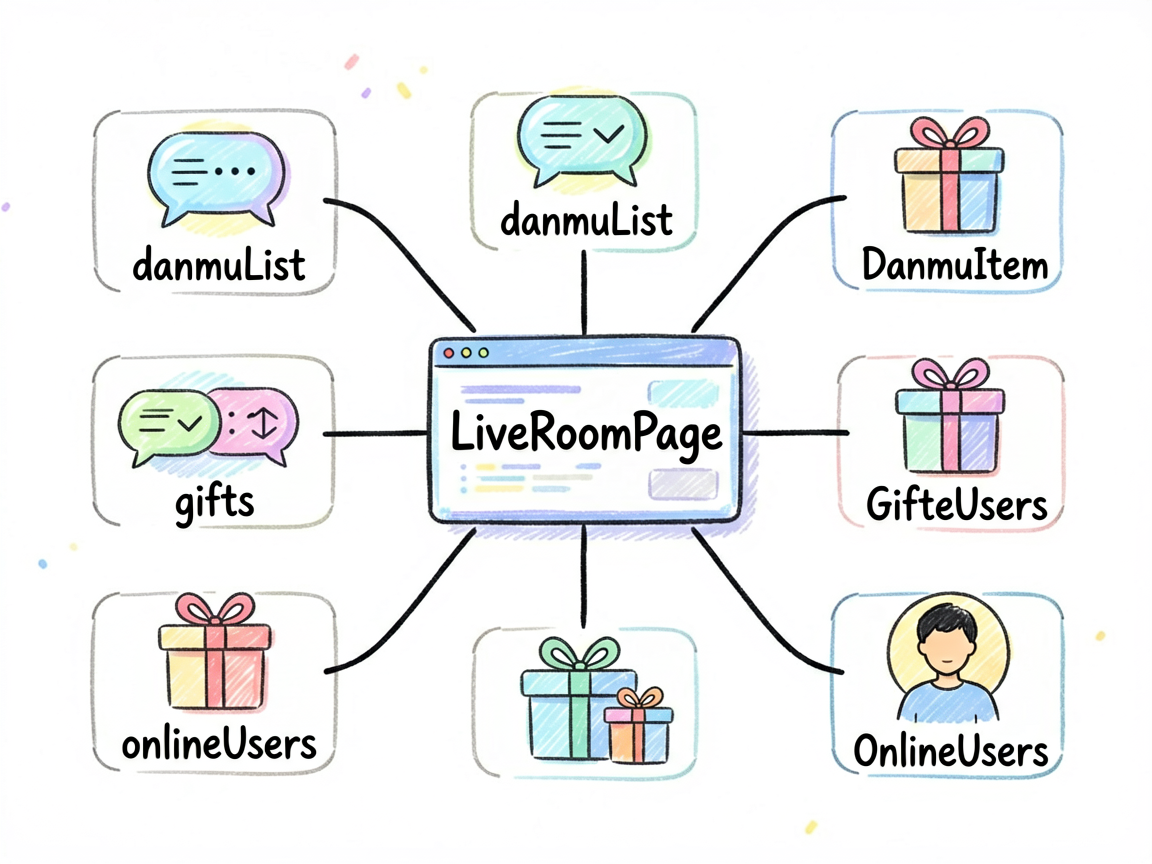
LiveRoomPage 不是一个只展示静态内容的页面。它会根据用户点击、输入、切换或计时来改变界面,所以阅读代码时可以先抓三条线:
| 观察点 | 在这个案例里的表现 |
|---|
| 页面主题 | 直播间界面 |
| 主要文案 | 鸿蒙小白, 老师讲得太好了!, 全栈探险家, 这个知识点困扰我好久了, 用户_2024, 求源码! |
| 常用组件 | Column, ForEach, Row, Scroll, Stack, Text |
| 适合练习 | 状态驱动 UI、条件样式、列表渲染、事件回调 |
列表、状态和反馈
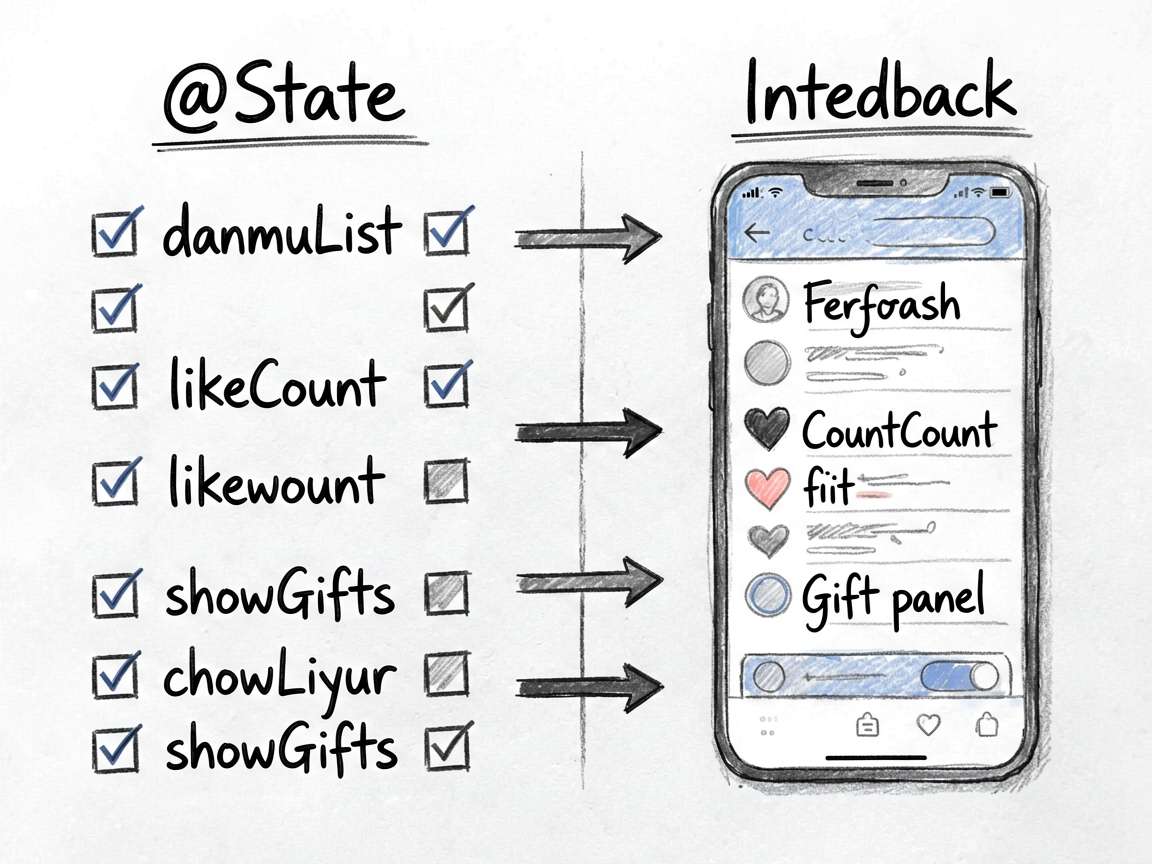
ArkUI 的页面刷新依赖状态变化。下面这些 @State 字段就是页面的“开关”和“数据源”,不用手动找 DOM,也不用自己通知某个控件刷新。
| 状态字段 | 类型 | 我会怎么理解它 |
|---|---|---|
danmuList |
DanmuItem[] |
列表数据源,通常会被 ForEach 消费 |
gifts |
GiftItem[] |
记录页面当前选择、输入或展示状态 |
onlineUsers |
OnlineUser[] |
记录页面当前选择、输入或展示状态 |
inputText |
string |
用户输入值,参与计算或提交 |
likeCount |
number |
记录页面当前选择、输入或展示状态 |
viewerCount |
number |
记录页面当前选择、输入或展示状态 |
showGifts |
boolean |
布尔开关,控制显示隐藏或模式切换 |
isFollowing |
boolean |
布尔开关,控制显示隐藏或模式切换 |
一个经验:先把
@State看完,再看build(),页面逻辑会清楚很多。否则很容易被一长串布局代码带偏。
关键片段
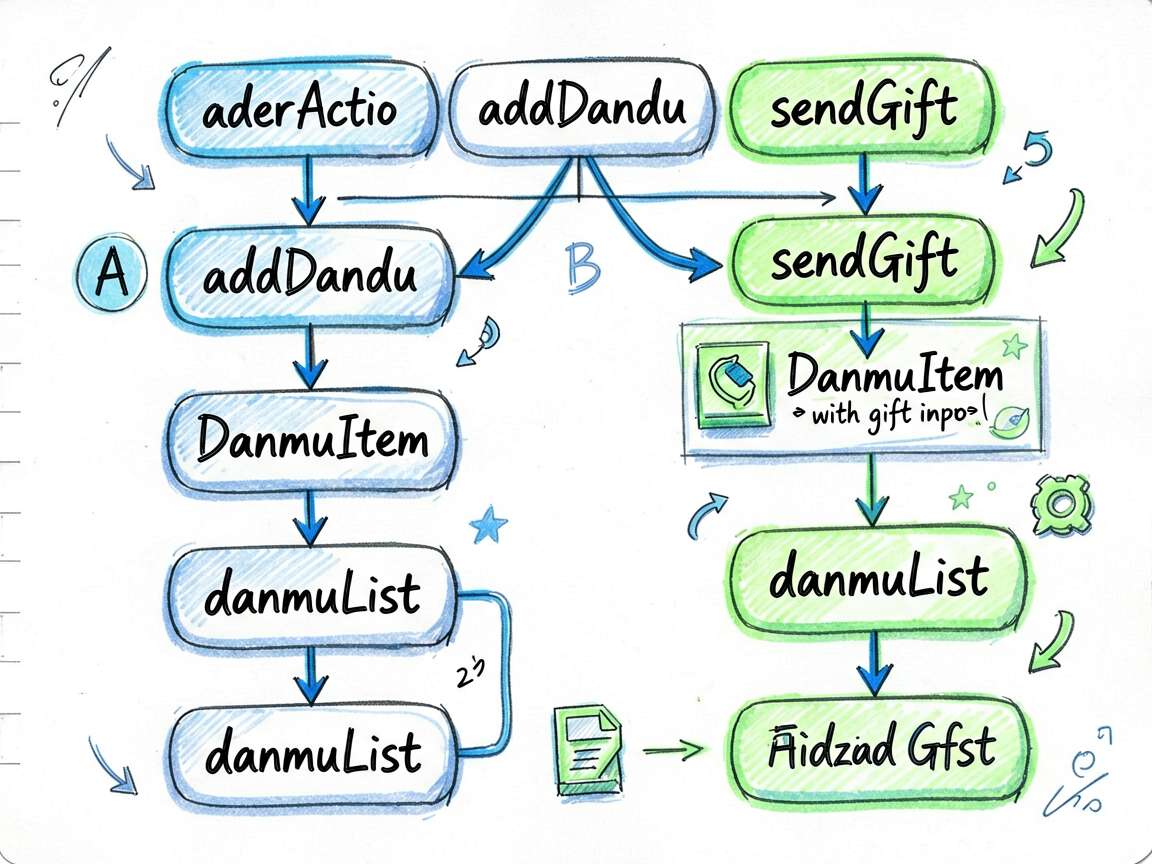
片段 1:addDanmu(content: string) {
这段代码承担的是页面里的“判断”或“动作”,把它从布局里抽出来后,build() 会清爽很多。后面要加新条件,也不会到处翻 UI 代码。
  addDanmu(content: string) {
    if (!content.trim()) return
    const newDanmu: DanmuItem = {
      id: this.danmuList.length + 100,
      user: '我',
      content: content,
      color: '#60A5FA',
      level: 6
    }
    this.danmuList = [newDanmu].concat(this.danmuList.slice(0, 19))
    this.inputText = ''
  }
片段 2:sendGift(gift: GiftItem) {
这段代码承担的是页面里的“判断”或“动作”,把它从布局里抽出来后,build() 会清爽很多。后面要加新条件,也不会到处翻 UI 代码。
  sendGift(gift: GiftItem) {
    const newDanmu: DanmuItem = {
      id: Date.now(),
      user: '我',
      content: '送出了 ' + gift.name + ' x1 🎁',
      color: gift.color,
      level: 6
    }
    this.danmuList = [newDanmu].concat(this.danmuList.slice(0, 19))
    this.showGifts = false
  }
使用方式
把下面代码放进 ArkTS 页面文件中即可运行。用于正式项目时,我会继续把数据模型、卡片 Builder 和页面事件拆出去,页面文件只负责组合。
建议练习顺序:先改状态字段 -> 再改交互事件 -> 最后调整 UI 样式
检查重点:点击是否刷新、列表 key 是否稳定、条件样式是否集中管理
- 把模拟数据替换成接口数据
- 抽出复用卡片组件
- 增加空状态和异常状态
- 补充深色模式或主题色适配
- 对输入类场景增加校验提示
完整代码
// LiveRoomPage - 直播间界面(弹幕、礼物、互动区)
interface DanmuItem {
id: number
user: string
content: string
color: ResourceColor
level: number
}
interface GiftItem {
id: number
name: string
icon: string
price: number
color: ResourceColor
}
interface OnlineUser {
id: number
avatar: string
name: string
isVip: boolean
}
@Entry
@Component
struct LiveRoomPage {
@State danmuList: DanmuItem[] = [
{ id: 1, user: '鸿蒙小白', content: '老师讲得太好了!', color: '#A78BFA', level: 3 },
{ id: 2, user: '全栈探险家', content: '这个知识点困扰我好久了', color: '#34D399', level: 8 },
{ id: 3, user: '用户_2024', content: '求源码!', color: '#F9A8D4', level: 1 },
{ id: 4, user: 'Code Master', content: '666 太强了', color: '#FCD34D', level: 15 },
{ id: 5, user: '摸鱼选手', content: '下班了还在学习,佩服!', color: '#6EE7B7', level: 5 },
{ id: 6, user: '前端大神', content: 'ArkTS真的比XML好用太多了', color: '#93C5FD', level: 12 }
]
@State gifts: GiftItem[] = [
{ id: 1, name: '爱心', icon: '❤️', price: 1, color: '#EC4899' },
{ id: 2, name: '点赞', icon: '👍', price: 5, color: '#3B82F6' },
{ id: 3, name: '火箭', icon: '🚀', price: 50, color: '#F59E0B' },
{ id: 4, name: '皇冠', icon: '👑', price: 100, color: '#FCD34D' },
{ id: 5, name: '钻石', icon: '💎', price: 500, color: '#818CF8' },
{ id: 6, name: '超级星', icon: '⭐', price: 1000, color: '#FBBF24' }
]
@State onlineUsers: OnlineUser[] = [
{ id: 1, avatar: '👨💻', name: '鸿蒙小白', isVip: false },
{ id: 2, avatar: '👩💻', name: 'UI大魔王', isVip: true },
{ id: 3, avatar: '🧑💻', name: 'Code Master', isVip: true },
{ id: 4, avatar: '👦', name: '全栈探险家', isVip: false },
{ id: 5, avatar: '👧', name: '前端大神', isVip: true }
]
@State inputText: string = ''
@State likeCount: number = 12680
@State viewerCount: number = 3842
@State showGifts: boolean = false
@State isFollowing: boolean = false
addDanmu(content: string) {
if (!content.trim()) return
const newDanmu: DanmuItem = {
id: this.danmuList.length + 100,
user: '我',
content: content,
color: '#60A5FA',
level: 6
}
this.danmuList = [newDanmu].concat(this.danmuList.slice(0, 19))
this.inputText = ''
}
sendGift(gift: GiftItem) {
const newDanmu: DanmuItem = {
id: Date.now(),
user: '我',
content: '送出了 ' + gift.name + ' x1 🎁',
color: gift.color,
level: 6
}
this.danmuList = [newDanmu].concat(this.danmuList.slice(0, 19))
this.showGifts = false
}
build() {
Stack({ alignContent: Alignment.BottomStart }) {
// 背景直播画面
Column() {
Column()
.width('100%')
.height('100%')
.linearGradient({
direction: GradientDirection.Bottom,
colors: [['#1A1A2E', 0.0], ['#16213E', 0.5], ['#0F3460', 1.0]]
})
Text('📺')
.fontSize(120)
.position({ x: '50%', y: '30%' })
.translate({ x: -60, y: -60 })
Text('HarmonyOS 开发实战直播中...')
.fontSize(16)
.fontColor('#FFFFFF80')
.position({ x: '50%', y: '55%' })
.translate({ x: -120 })
}
.width('100%')
.height('100%')
// 顶部信息栏
Row({ space: 10 }) {
Row({ space: 8 }) {
Text('🎙️')
.fontSize(22)
.width(40)
.height(40)
.textAlign(TextAlign.Center)
.backgroundColor('#FFFFFF30')
.borderRadius(20)
Column({ space: 2 }) {
Text('鸿蒙技术派')
.fontSize(14)
.fontWeight(FontWeight.Bold)
.fontColor('#FFFFFF')
Text('LIVE')
.fontSize(11)
.fontColor('#FFFFFF')
.padding({ left: 6, right: 6, top: 1, bottom: 1 })
.backgroundColor('#EF4444')
.borderRadius(4)
}
.alignItems(HorizontalAlign.Start)
}
Blank()
Row({ space: 8 }) {
Row({ space: 4 }) {
Text('👥')
.fontSize(14)
Text(this.viewerCount > 1000
? (this.viewerCount / 1000).toFixed(1) + 'k'
: this.viewerCount + '')
.fontSize(13)
.fontColor('#FFFFFF')
}
.padding({ left: 10, right: 10, top: 4, bottom: 4 })
.backgroundColor('#00000040')
.borderRadius(14)
Text(this.isFollowing ? '✓关注' : '+ 关注')
.fontSize(13)
.fontColor('#FFFFFF')
.padding({ left: 14, right: 14, top: 6, bottom: 6 })
.backgroundColor(this.isFollowing ? '#FFFFFF30' : '#FF6B35')
.borderRadius(16)
.onClick(() => { this.isFollowing = !this.isFollowing })
Text('✕')
.fontSize(20)
.fontColor('#FFFFFF')
}
}
.width('100%')
.padding({ left: 14, right: 14, top: 50 })
.position({ x: 0, y: 0 })
// 在线用户头像
Scroll() {
Row({ space: -8 }) {
ForEach(this.onlineUsers, (user: OnlineUser) => {
Stack() {
Text(user.avatar)
.fontSize(20)
.width(36)
.height(36)
.textAlign(TextAlign.Center)
.backgroundColor('#FFFFFF20')
.borderRadius(18)
.border({ width: user.isVip ? 2 : 0, color: '#FCD34D' })
}
})
}
.padding({ left: 14, right: 14 })
}
.scrollable(ScrollDirection.Horizontal)
.position({ x: 0, y: 110 })
// 弹幕区
Column({ space: 6 }) {
ForEach(this.danmuList.slice(0, 8), (danmu: DanmuItem) => {
Row({ space: 6 }) {
Text('Lv.' + danmu.level)
.fontSize(10)
.fontColor('#FFFFFF')
.padding({ left: 4, right: 4, top: 1, bottom: 1 })
.backgroundColor(danmu.color)
.borderRadius(4)
Text(danmu.user + ':')
.fontSize(13)
.fontColor(danmu.color)
.fontWeight(FontWeight.Medium)
Text(danmu.content)
.fontSize(13)
.fontColor('#FFFFFFDD')
}
.padding({ left: 10, right: 10, top: 4, bottom: 4 })
.backgroundColor('#00000060')
.borderRadius(14)
.width('80%')
})
}
.alignItems(HorizontalAlign.Start)
.padding({ left: 14, bottom: 160 })
// 礼物面板
if (this.showGifts) {
Column({ space: 12 }) {
Text('送礼物')
.fontSize(15)
.fontWeight(FontWeight.Bold)
.fontColor('#FFFFFF')
.alignSelf(ItemAlign.Start)
Row({ space: 0 }) {
ForEach(this.gifts, (gift: GiftItem) => {
Column({ space: 6 }) {
Text(gift.icon)
.fontSize(32)
Text(gift.name)
.fontSize(11)
.fontColor('#E2E8F0')
Text(gift.price + '💎')
.fontSize(11)
.fontColor(gift.color)
}
.layoutWeight(1)
.padding({ top: 8, bottom: 8 })
.onClick(() => this.sendGift(gift))
})
}
.width('100%')
}
.width('100%')
.padding({ left: 16, right: 16, top: 16, bottom: 20 })
.backgroundColor('#1E293BDD')
.borderRadius({ topLeft: 20, topRight: 20 })
.position({ x: 0, y: '72%' })
}
// 底部互动栏
Row({ space: 12 }) {
Row({ space: 8 }) {
Text('💬')
.fontSize(16)
.fontColor('#94A3B8')
Text(this.inputText.length > 0 ? this.inputText : '说点什么吧...')
.fontSize(14)
.fontColor(this.inputText.length > 0 ? '#FFFFFF' : '#64748B')
Blank()
if (this.inputText.length > 0) {
Text('发送')
.fontSize(13)
.fontColor('#3B82F6')
.onClick(() => this.addDanmu(this.inputText))
}
}
.layoutWeight(1)
.padding({ left: 14, right: 14, top: 10, bottom: 10 })
.backgroundColor('#FFFFFF15')
.borderRadius(22)
Text('🎁')
.fontSize(26)
.onClick(() => { this.showGifts = !this.showGifts })
Stack() {
Text('❤️')
.fontSize(28)
Text(this.likeCount > 10000
? (this.likeCount / 10000).toFixed(1) + 'w'
: this.likeCount + '')
.fontSize(10)
.fontColor('#FFFFFF')
.position({ x: 18, y: 0 })
}
.onClick(() => { this.likeCount++ })
}
.width('100%')
.padding({ left: 16, right: 16, top: 10, bottom: 30 })
.backgroundColor('#00000080')
}
.width('100%')
.height('100%')
}
}
可扩展点
这个案例可以当成一个小模板:先把页面会变的东西放进状态,再用函数或 Builder 处理重复逻辑,最后让布局只关心展示。写 HarmonyOS7 页面时,这个顺序通常比一上来堆 UI 更稳。

讨论HarmonyOS开发技术,专注于API与组件、DevEco Studio、测试、元服务和应用上架分发等。
更多推荐


 4
4 0
0- 0


 已为社区贡献69条内容

所有评论(0)