HarmonyOS应用开发实战:猫猫大作战-@Extend 扩展组件样式
·
前言
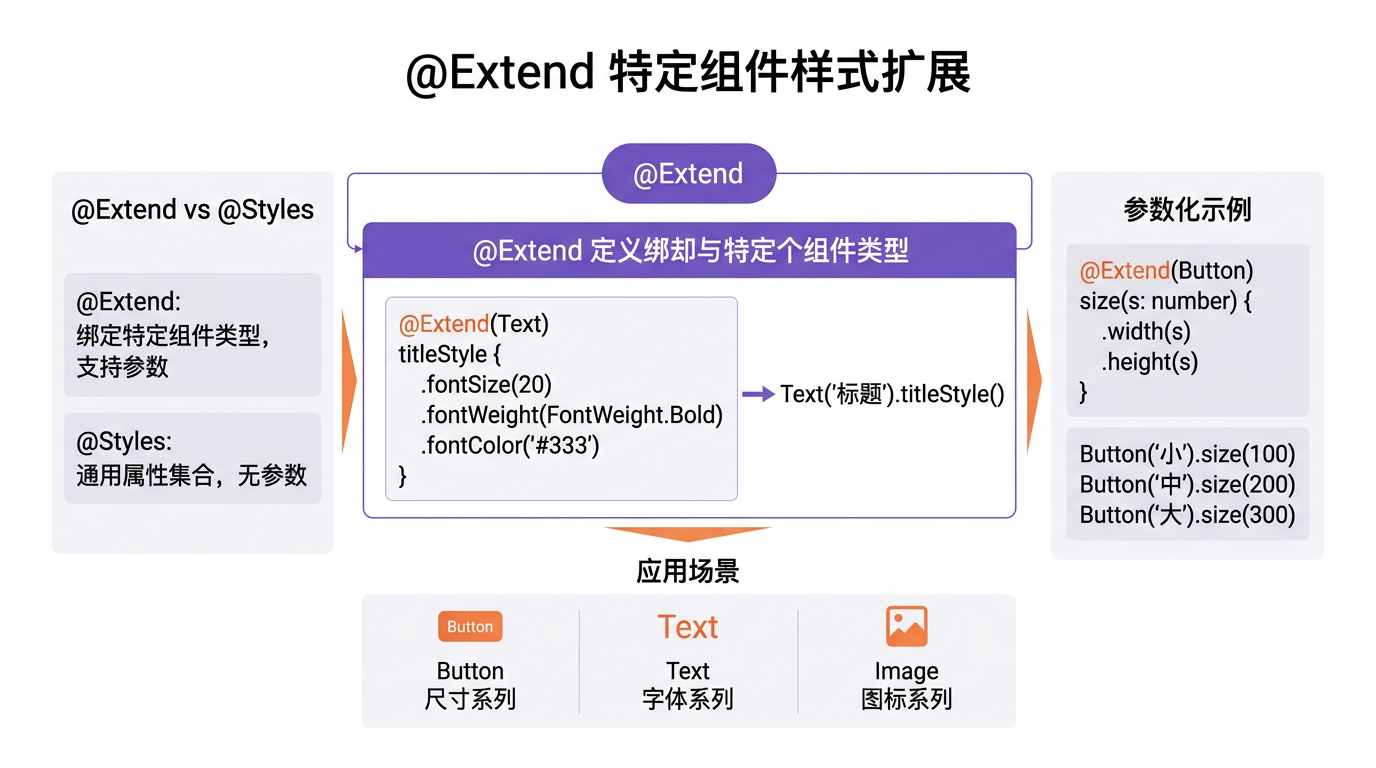
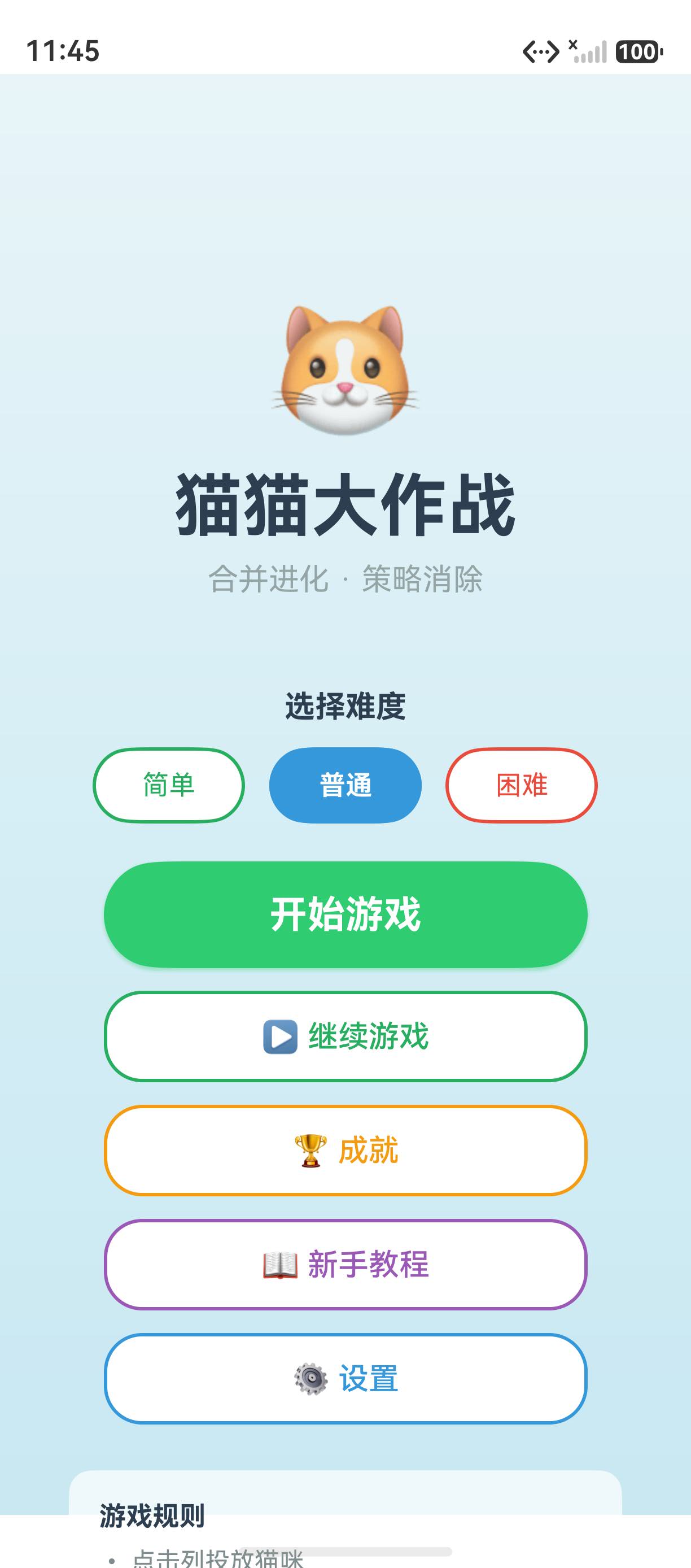
@Extend 是 ArkUI 中用于扩展组件样式的装饰器。与 @Styles 不同,@Extend 可以传参、可以作用于特定组件类型。在「猫猫大作战」中,我们使用 @Extend 封装了游戏按钮、猫咪卡片和 HUD 文字的统一样式。
一、@Extend 基础
// 扩展 Button 样式
@Extend(Button)
function gameButtonStyle() {
  .width('80%').height(48)
  .fontSize(17).fontWeight(FontWeight.Bold)
  .fontColor('#FFFFFF')
  .borderRadius(24)
}

// 使用
Button('开始游戏').gameButtonStyle()
Button('暂停').gameButtonStyle()
二、带参数的 @Extend
// 带颜色参数的扩展
@Extend(Text)
function scoreText(size: number, color: string) {
  .fontSize(size)
  .fontWeight(FontWeight.Bold)
  .fontColor(color)
}

// 使用
Text('得分: 2450').scoreText(24, '#E74C3C')
Text('最高分: 5000').scoreText(16, '#95A5A6')
三、@Extend vs @Styles
| 特性 | @Extend | @Styles |
|---|---|---|
| 传参 | ✅ 支持 | ❌ 不支持 |
| 指定组件类型 | ✅ @Extend(Button) | ❌ 所有组件 |
| 定义位置 | 全局 | 全局或组件内 |
| 适用场景 | 按钮、Text 样式 | 通用属性集 |
// @Extend(Button) — 只对 Button 生效
@Extend(Button)
function primaryButton() {
  .backgroundColor('#2ECC71')
  .borderRadius(24)
}

// @Styles — 对所有组件生效
@Styles
function roundedCorner() {
  .borderRadius(12)
  .padding(16)
}
四、游戏中的应用
// 游戏按钮样式集
@Extend(Button)
function primaryBtn() {
  .width('80%').height(48)
  .fontSize(17).fontWeight(FontWeight.Bold)
  .fontColor('#FFFFFF').backgroundColor('#2ECC71')
  .borderRadius(24)
}

@Extend(Button)
function dangerBtn() {
  .width('80%').height(48)
  .fontSize(17)
  .fontColor('#FFFFFF').backgroundColor('#E74C3C')
  .borderRadius(24)
}

// 游戏中大量复用
Button('开始游戏').primaryBtn()
Button('重新开始').primaryBtn()
Button('退出游戏').dangerBtn()
五、最佳实践
- 按钮样式用 @Extend(Button):限定组件类型,避免滥用
- 颜色等可调参数化:
@Extend(Text)接收颜色和大小参数 - 与 @Styles 配合:通用边框用 @Styles,组件特有用 @Extend
- 全局定义:在单独的文件中统一管理所有样式
总结
@Extend 扩展指定组件类型的样式,支持传参,适合封装游戏中大量复用的按钮和文字样式。核心要点:@Extend(Button) 指定组件、 参数化颜色和尺寸、 全局统一管理。
如果这篇文章对你有帮助,欢迎点赞👍、收藏⭐、关注🔔,你的支持是我持续创作的动力!
相关资源:

讨论HarmonyOS开发技术,专注于API与组件、DevEco Studio、测试、元服务和应用上架分发等。
更多推荐
 5
5 0
0- 0


 已为社区贡献78条内容

所有评论(0)