HarmonyOS应用开发实战:猫猫大作战-Notification 通知发送
·
前言
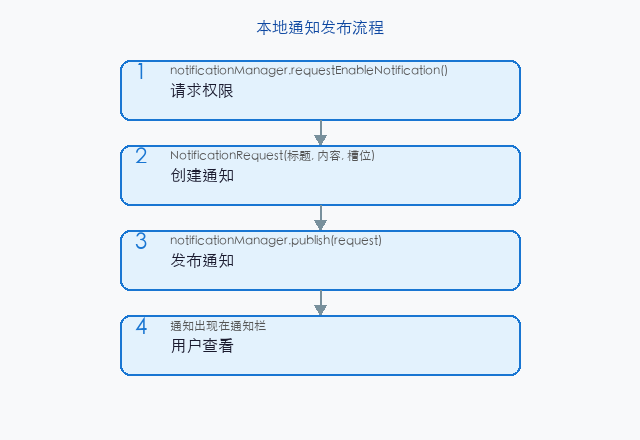
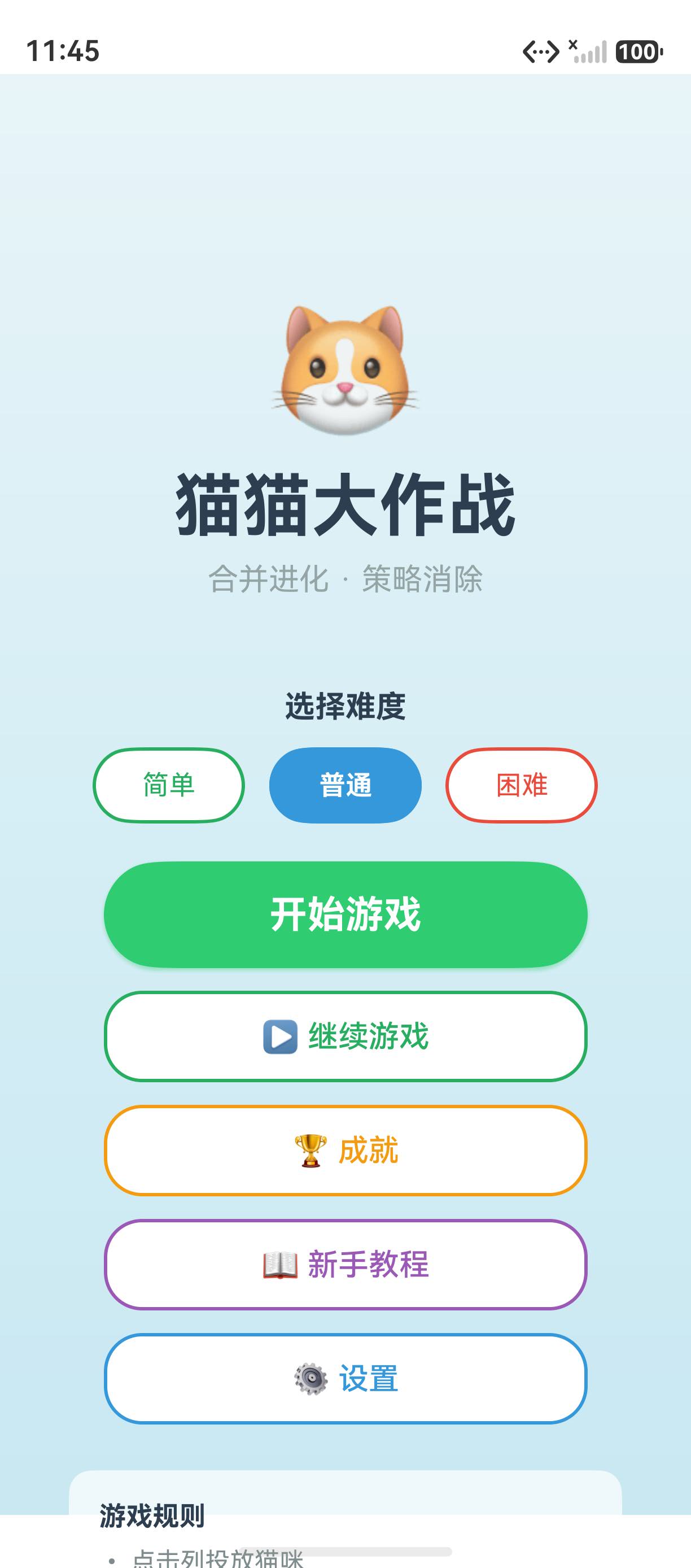
NotificationKit 是 HarmonyOS 的通知服务,支持发送本地通知到系统通知栏。在「猫猫大作战」中,通知用于每日签到提醒、活动开始通知、以及好友请求推送。
一、发送通知
import { notificationManager } from '@kit.NotificationKit';

async function sendGameNotification(context: Context): Promise<void> {
  // 配置通知请求
  const request: notificationManager.NotificationRequest = {
    id: 1001,
    content: {
      contentType: notificationManager.ContentType.NOTIFICATION_CONTENT_BASIC_TEXT,
      normal: {
        title: '🐱 猫猫大作战',
        text: '猫咪们等你回来合并呢!',
        additionalText: '每日签到领取奖励',
      },
    },
    slotType: notificationManager.SlotType.SOCIAL_COMMUNICATION,
    deliveryTime: Date.now(),
    showDeliveryTime: true,
  };

  await notificationManager.publish(request);
}
二、Slot 渠道
// 不同类型的通知渠道
const SLOT_TYPES = {
  SOCIAL: notificationManager.SlotType.SOCIAL_COMMUNICATION,  // 社交
  GAME: notificationManager.SlotType.OTHER,                   // 游戏
  REMINDER: notificationManager.SlotType.SERVICE_REMINDER,    // 服务提醒
};

// 创建自定义 Slot
await notificationManager.addSlot(
  notificationManager.SlotType.OTHER,
  'game_reminder',
  '游戏提醒'
);
| SlotType | 用途 | 通知行为 |
|---|---|---|
| SOCIAL_COMMUNICATION | 好友邀请 | 高优先级,弹窗 |
| SERVICE_REMINDER | 签到提醒 | 中等,通知栏 |
| OTHER | 活动通知 | 普通,通知栏 |
三、通知权限
// module.json5
{
  "requestPermissions": [{
    "name": "ohos.permission.NOTIFICATION_AGENT",
    "reason": "$string:notification_permission"
  }]
}
四、通知与提醒的区别
| 维度 | Notification | ReminderRequest |
|---|---|---|
| 触发 | 应用主动推送 | 定时/倒计时触发 |
| 锁屏 | 可显示 | 可显示 |
| 点击行为 | 可选 | 必须配置跳转 |
| 持久化 | 一次性 | 可定时重复 |
五、最佳实践
- 使用 SlotType 分类管理:不同用途使用不同渠道
- 点击通知跳转:配置
wantAgent让通知可点击 - 避免频繁通知:游戏通知每天不超过 3 条
- 通知清理:
notificationManager.cancel(id)取消指定通知
总结
NotificationKit 在通知栏显示消息,适合签到提醒和活动通知。核心要点:publish(request) 发送通知、 SlotType 分类渠道、 配置 WantAgent 支持点击跳转。
如果这篇文章对你有帮助,欢迎点赞👍、收藏⭐、关注🔔,你的支持是我持续创作的动力!
相关资源:

讨论HarmonyOS开发技术,专注于API与组件、DevEco Studio、测试、元服务和应用上架分发等。
更多推荐
 6
6 0
0- 0


 已为社区贡献78条内容

所有评论(0)