HarmonyOS 多设备短视频开发 : 19 — 弹窗体系:半模态、CustomDialog 与提示
19 — 弹窗体系:半模态、CustomDialog 与提示
一、引言
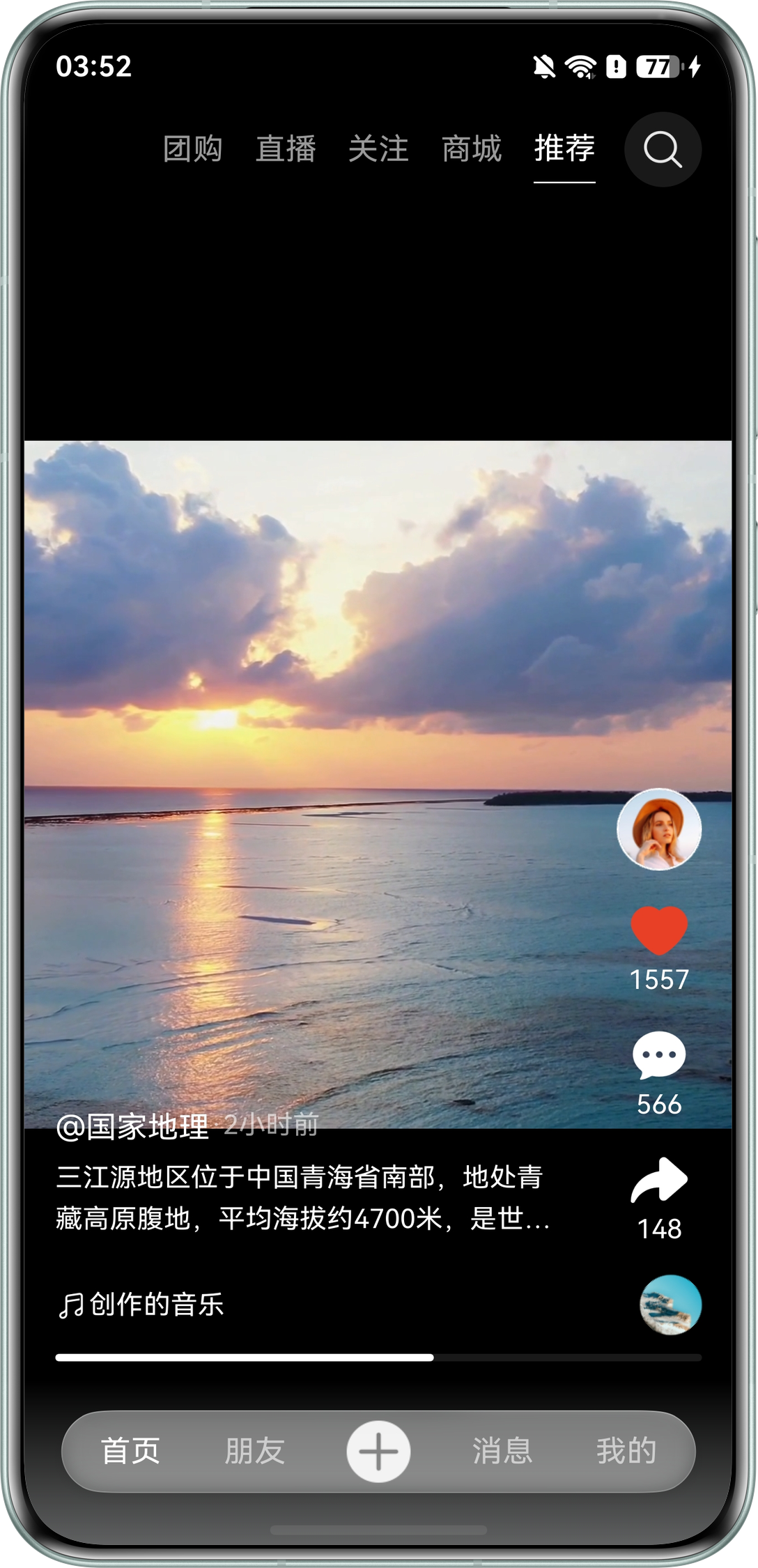
评论输入、删除确认、轻提示是短视频应用最常见的临时交互。HarmonyOS 提供 bindSheet(半模态)、CustomDialog(自定义弹窗)、promptAction(Toast/对话框)三类能力。本项目评论区的手机端形态采用 bindSheet 半模态,大屏则切换到 Navigation 分栏,形成"同一评论组件、多种外壳"的弹窗体系。本文结合 features/multishortvideocomment/src/main/ets/view/Comment.ets、features/multishortvideoadaptivevideo/src/main/ets/view/AdaptiveVideo.ets 讲解选型与实现。
二、bindSheet 半模态弹窗
半模态从页面底部弹出,不脱离内容上下文,适合"边看边评"。视频页在 Swiper 上挂载:
@Local showComment: boolean = false;

@Builder
commentContentBuilder() {
  Comment()
}

Swiper(this.swiperController) { /* 视频列表 */ }
  .bindSheet($$this.showComment, this.commentContentBuilder(), {
    height: CommonConstants.SEVENTY_FIVE_PERCENT,
    title: { title: $r('app.string.comment_title', 5) },
    blurStyle: BlurStyle.Thick,
    showClose: true
})使用要点:$$this.showComment 双向绑定开关变量,状态即显隐;height 支持数值/百分比/SheetSize,评论取 75%;blurStyle 模糊背景视频聚焦内容;弹窗内容通过 @Builder 传入,与 Comment 组件解耦,可复用于分栏外壳。
三、评论输入条与键盘避让
Comment.ets 用 RelativeContainer 将输入条锚定到底部,边界、背景、内边距按断点适配:
Row() {
  TextInput({ text: this.commentInput!!, placeholder: $r('app.string.leave_comment'),
    controller: this.controller })
    .layoutWeight(1)
    .height(deviceInfo.deviceType === 'tv' ? 54 : 40)
  Row() { MSVTextIcon({ src: ..., iconSize: deviceInfo.deviceType === 'tv' ? 32 : 24 }) }
    .width(deviceInfo.deviceType === 'tv' ? 54 : 40)
    .aspectRatio(1).borderRadius(CommonConstants.HALF_PERCENT)
}
.alignRules({
  bottom: { anchor: '__container__', align: VerticalAlign.Bottom },
  left: { anchor: '__container__', align: HorizontalAlign.Start }
})
.padding({
  bottom: this.windowInfo.widthBp === WidthBreakpoint.WIDTH_SM &&
    this.windowInfo.heightBp === HeightBreakpoint.HEIGHT_MD ? 0 :
    new WidthBreakpointType<number>(28, 28, 28, 28, 0).getValue(this.windowInfo.widthBp)
})
.backgroundBlurStyle(this.windowInfo.widthBp > WidthBreakpoint.WIDTH_MD ?
  BlurStyle.BACKGROUND_THIN : BlurStyle.NONE, { scale: 0.5 })
键盘弹起时系统自动避让输入条;列表底部预留 margin({ bottom: 56 }) 防止最后一条评论被遮挡;MD 以上启用毛玻璃,小屏关闭保证性能。
四、大屏分栏替代半模态
"手机半模态、大屏分栏"是核心策略,跳转处按断点分流:
if (this.windowInfo.widthBp > WidthBreakpoint.WIDTH_SM) {
  this.showSideComment = true;
  this.pathStack.pushPathByName('SplitComment', null);   // 大屏:分栏侧面板
} else {
  this.showComment = true;                               // 小屏:bindSheet 半模态
}
SplitComment 复用同一个 Comment 组件,仅外壳不同:
build() {
  NavDestination() {
    Column() {
      this.CustomTitleBuilder()
      Comment().height('calc(100% - 92vp)')
    }
  }
  .height(LayoutPolicy.matchParent)
  .ignoreLayoutSafeArea()
  .hideTitleBar(true)
  .backgroundColor(new WidthBreakpointType<ResourceColor>($r('sys.color.white'),
    $r('sys.color.white'), $r('app.color.bg_dark'), $r('app.color.bg_dark')).getValue(this.windowInfo.widthBp))
}
五、CustomDialog 与 promptAction 提示
确认类操作(删除作品等)用 CustomDialog:
@CustomDialog
struct ConfirmDialog {
  controller?: CustomDialogController;
  build() {
    Column({ space: 16 }) {
      Text('确认删除该作品?')
      Row() {
        Button('取消').onClick(() => { this.controller?.close(); })
        Button('删除').onClick(() => { /* 删除逻辑 */ })
      }
    }
  }
}
轻量反馈用 promptAction 的 Toast:
import { promptAction } from '@kit.ArkUI';
promptAction.showToast({ message: '已发送' });
本项目评论主流程以 bindSheet + 分栏为主,CustomDialog 与 promptAction 服务于确认与反馈类轻量场景。
六、多设备弹窗形态差异
| 设备 | 评论形态 | 实现方式 |
| 手机(XS/SM) | 底部半模态 | bindSheet 75% 高度 |
| 平板/PC(MD+) | 右侧分栏面板 | Navigation Split + SplitComment |
| TV | 全屏页面 | NavDestination 全屏 + 大字 |
| 手表 | 不提供评论 | 功能裁剪,无弹窗 |
七、总结与最佳实践
- 半模态优先用 bindSheet + $$ 双向绑定,弹窗内容抽成 @Builder 以便复用。
- 输入条用 RelativeContainer 锚定底部,依赖系统键盘避让,并预留列表底部间距。
- 同一评论组件以不同外壳呈现(半模态/分栏/全屏),断点驱动形态,避免三套 UI 代码。
- 确认弹窗用 CustomDialog、轻提示用 promptAction,职责单一、调用简单。
- 深色模式与毛玻璃按断点差异化启用,兼顾视觉与性能。

讨论HarmonyOS开发技术,专注于API与组件、DevEco Studio、测试、元服务和应用上架分发等。
更多推荐
 0
0 0
0- 0



 已为社区贡献292条内容

所有评论(0)