HarmonyOS 组件2--Image图片组件
·
>语法:
Image($r('app.media.image'))   // 加载本地图片 图片需放在app.media文件夹下,无需写文件格式后缀名
  .width(100)  // 设置宽度
  .height(60)  // 设置高度
  .borderRadius(20) // 设置圆角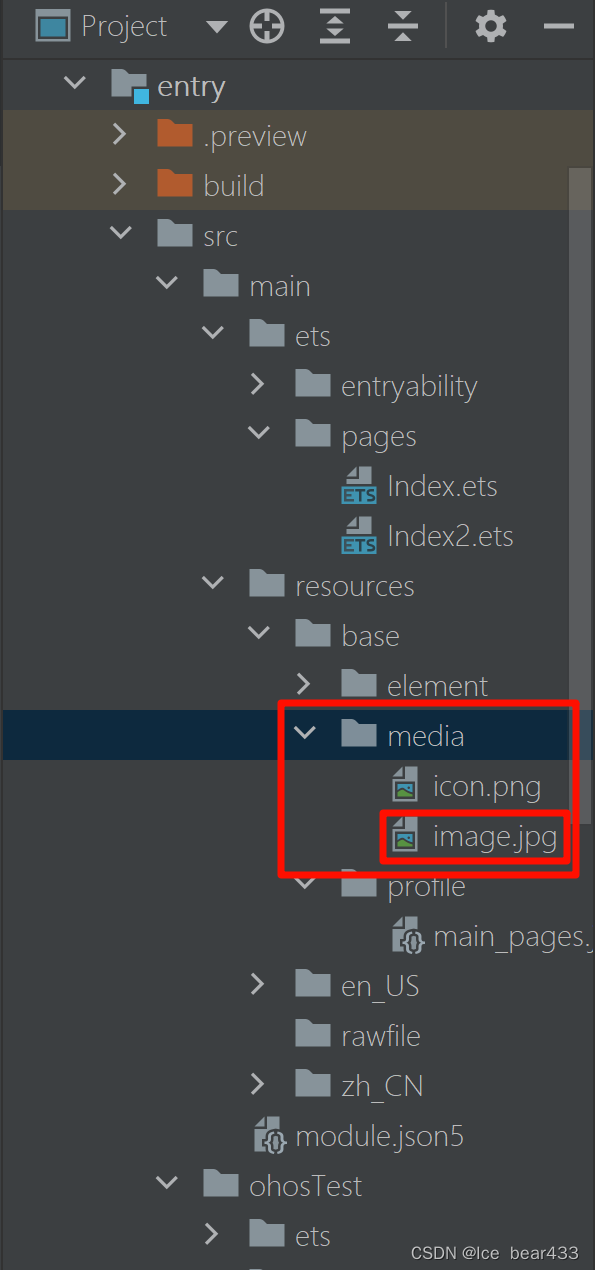
>另一种写法
将文件放在rawfile里面,语法:
Image($rawfile('stretched-3000-2000-1333743.png'))
  .width(100)
  .height(60)
  .borderRadius(20)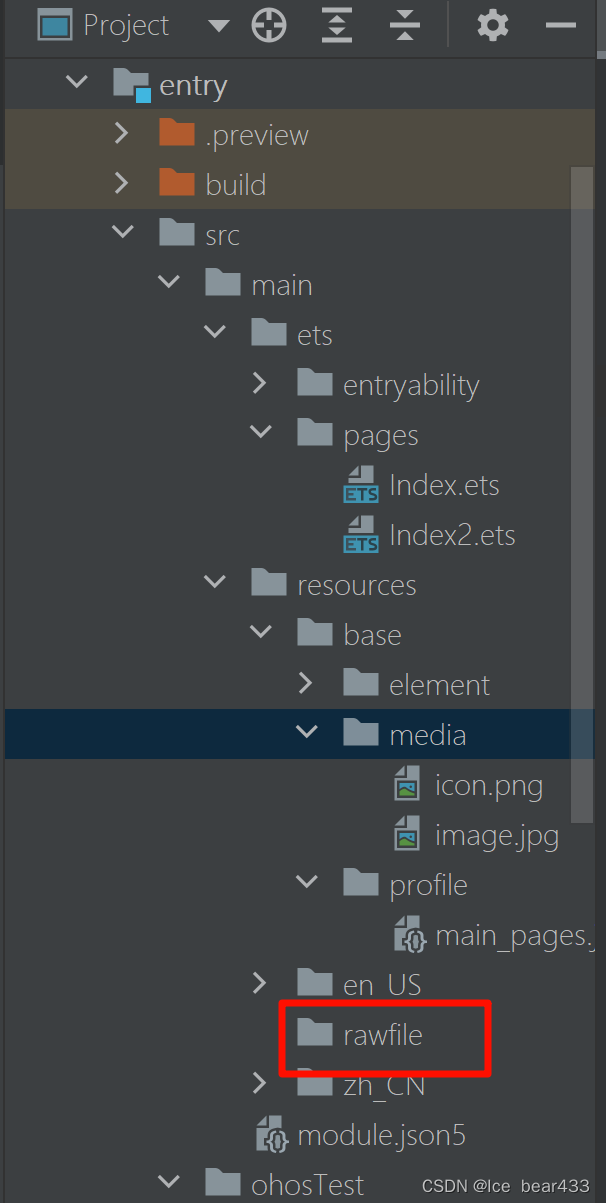
>网络图片格式写法
Image("https://……………………")
  .width(100)
  .height(60)
  .borderRadius(20)
>添加网络图片时,设置网络请求许可
在module.json5中配置网络请求许可,就可以在设备或者是模拟器中显示网络图片了
"requestPermissions": [{
  "name": "ohos.permission.INTERNET"
}
],
讨论HarmonyOS开发技术,专注于API与组件、DevEco Studio、测试、元服务和应用上架分发等。
更多推荐
 23
23 0
0- 0


 已为社区贡献9条内容

所有评论(0)