HarmonyOS 通知意图
·
之前的文章 我们讲了 harmonyos 中的 基础和进度条通知
那么 今天 我们来说说 任何给通知添加意图
通知意图 简单说 就是 当我们点击某个通知 如下图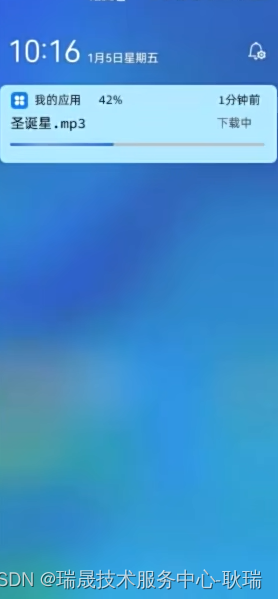
然后 就会拉起某个 应用
就例如说 我们某个微信好友发消息给我们 我们 点击系统通知 可以直接跳到你们的聊天界面
好 回到编辑器 我们编写组件代码如下
import notificationManager from "@ohos.notificationManager"
@Entry
@Component
struct Dom {

  @State ids:number = 0;

  aboutToAppear(){
  }

  build() {
    Column({space: 30}) {
      Button("发送基本文本通知").onClick(()=>{
        let request: notificationManager.NotificationRequest = {
          id: this.ids++,
          content:{
            contentType: notificationManager.ContentType.NOTIFICATION_CONTENT_BASIC_TEXT,
            normal:{
              title:'通知标题'+ this.ids,
              text:'通知内容详情',
              additionalText: '通知附加内容'
            }
          }
        }
        notificationManager.publish(request).then(()=> {
          console.log('发送通知成功')
        }).catch(reason => {
          console.log('发送通知失败',JSON.stringify(reason))
        })
      })
    }
    .width('100%')
    .height('100%')
  }
}
这就是 最基本的 一个通知模板 之前我们也讲过了
然后 我们改写代码如下
import notificationManager from "@ohos.notificationManager"
import wantAgent, { WantAgent } from "@ohos.app.ability.wantAgent";
@Entry
@Component
struct Dom {

  @State ids:number = 0;
  wantAgentInstance: WantAgent
  aboutToAppear(){
  }

  build() {
    Column({space: 30}) {
      Button("发送基本文本通知").onClick(async ()=>{
        let wantInfo:wantAgent.WantAgentInfo = {
            wants:[{
              bundleName: "com.example.sediment",
              abilityName:'EntryAbility'
            }],
            requestCode:0,
            operationType:wantAgent.OperationType.START_ABILITY,
            wantAgentFlags:[wantAgent.WantAgentFlags.CONSTANT_FLAG]
        }
        let wantAgentInstance = await wantAgent.getWantAgent(wantInfo);
        let request: notificationManager.NotificationRequest = {
          id: this.ids++,
          wantAgent: wantAgentInstance,
          content:{
            contentType: notificationManager.ContentType.NOTIFICATION_CONTENT_BASIC_TEXT,
            normal:{
              title:'通知标题'+ this.ids,
              text:'通知内容详情',
              additionalText: '通知附加内容'
            }
          }
        }
        notificationManager.publish(request).then(()=> {
          console.log('发送通知成功')
        }).catch(reason => {
          console.log('发送通知失败',JSON.stringify(reason))
        })
      })
    }
    .width('100%')
    .height('100%')
  }
}
首先 是导包
import wantAgent, { WantAgent } from "@ohos.app.ability.wantAgent";
然后 我们声明对象
bundleName 你要哪个应用?
我们应用的 app.json5 中 就有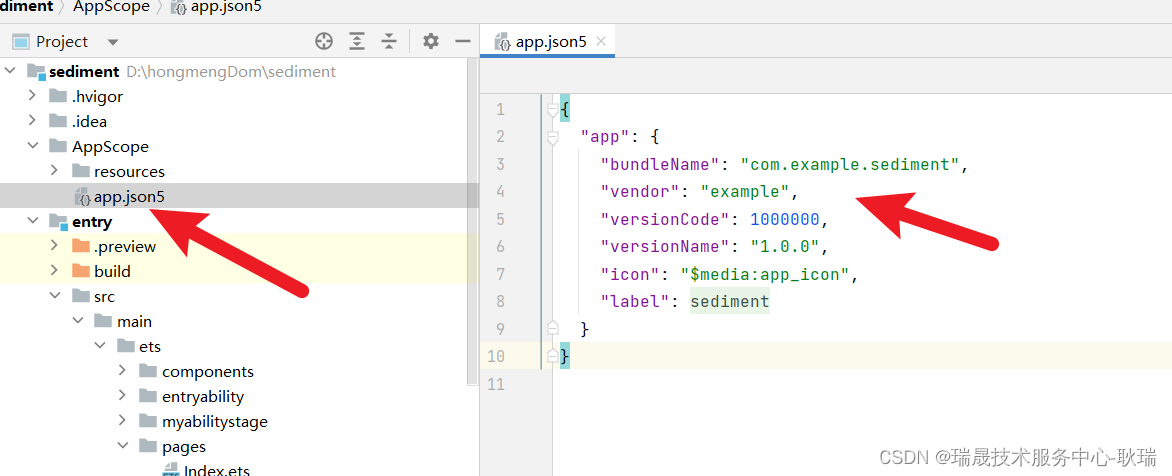
然后 abilityName 要用 哪个 Ability 写入口文件的名字上去就好了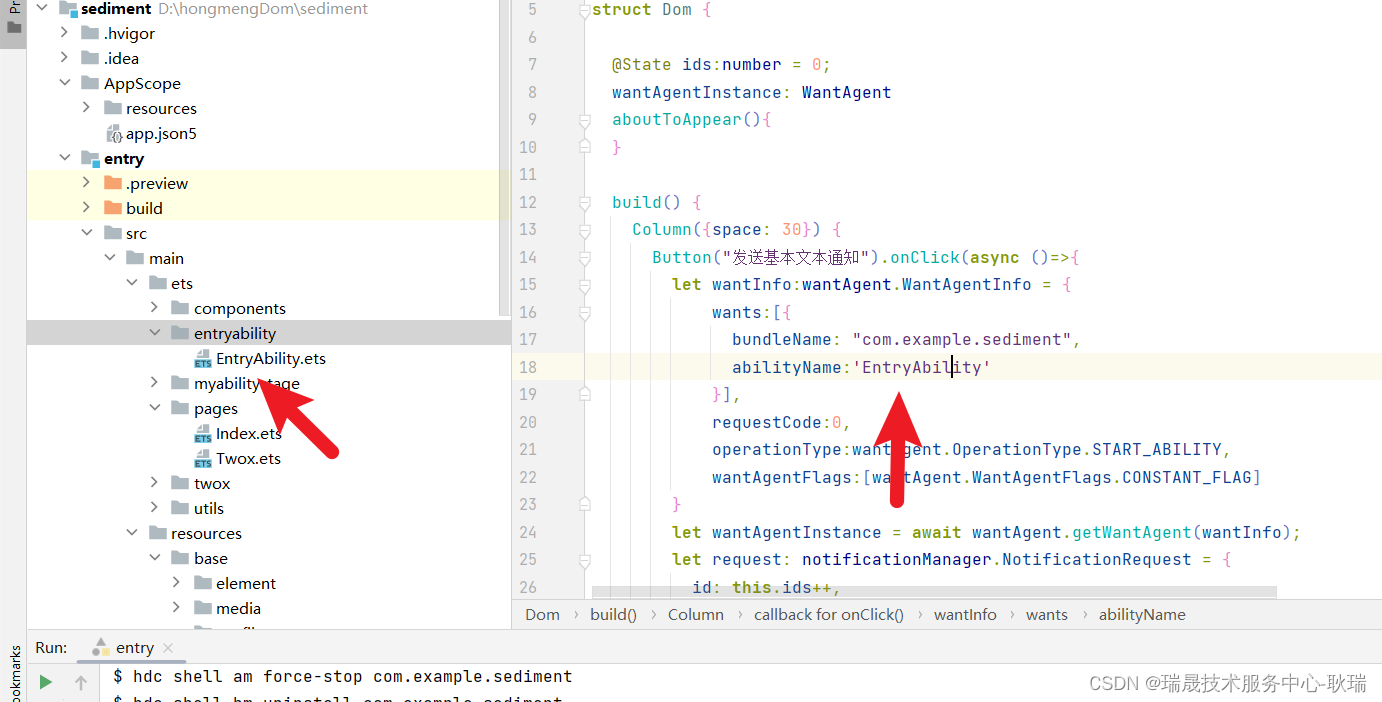
按我这样写 绑定给通知 请求对象的 wantAgent属性就好了
然后 我们运行代码
然后 我们点出通知 后 将应用切到后台 然后点击通知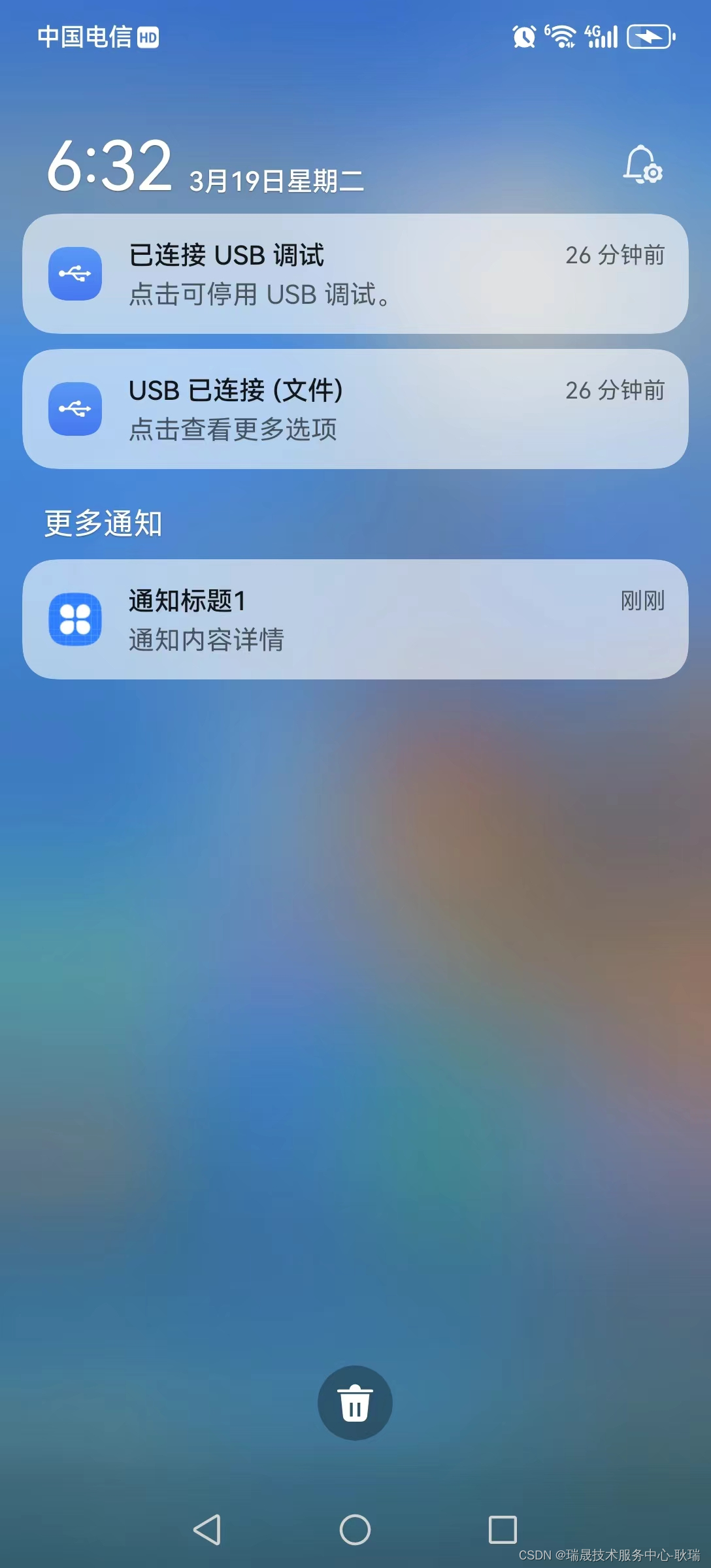
你会发现 直接就跳转进来了

讨论HarmonyOS开发技术,专注于API与组件、DevEco Studio、测试、元服务和应用上架分发等。
更多推荐
 10
10 0
0- 0


 已为社区贡献66条内容

所有评论(0)