【HarmonyOS实战】 UIAbility生命周期:应用是怎么“活“起来的?
文章目录
前言
每个 HarmonyOS 应用都有一个"心脏",叫做 UIAbility。应用的启动、进入前台、退到后台、被销毁,全都通过 UIAbility 的生命周期回调来管理。
项目里的 EntryAbility.ets 就是这个心脏的实现。这篇文章我们把它从头到尾解析清楚,让你彻底搞懂 HarmonyOS 应用是怎么"活"起来的。
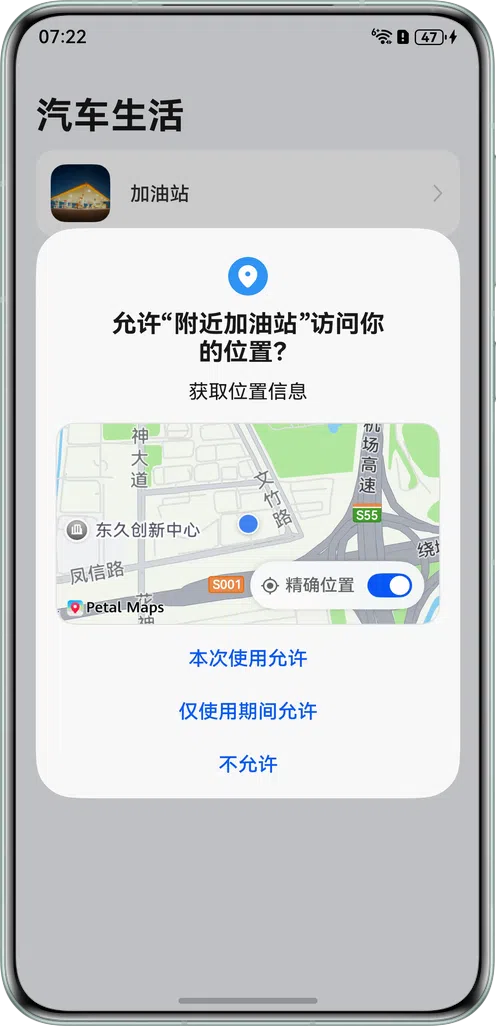
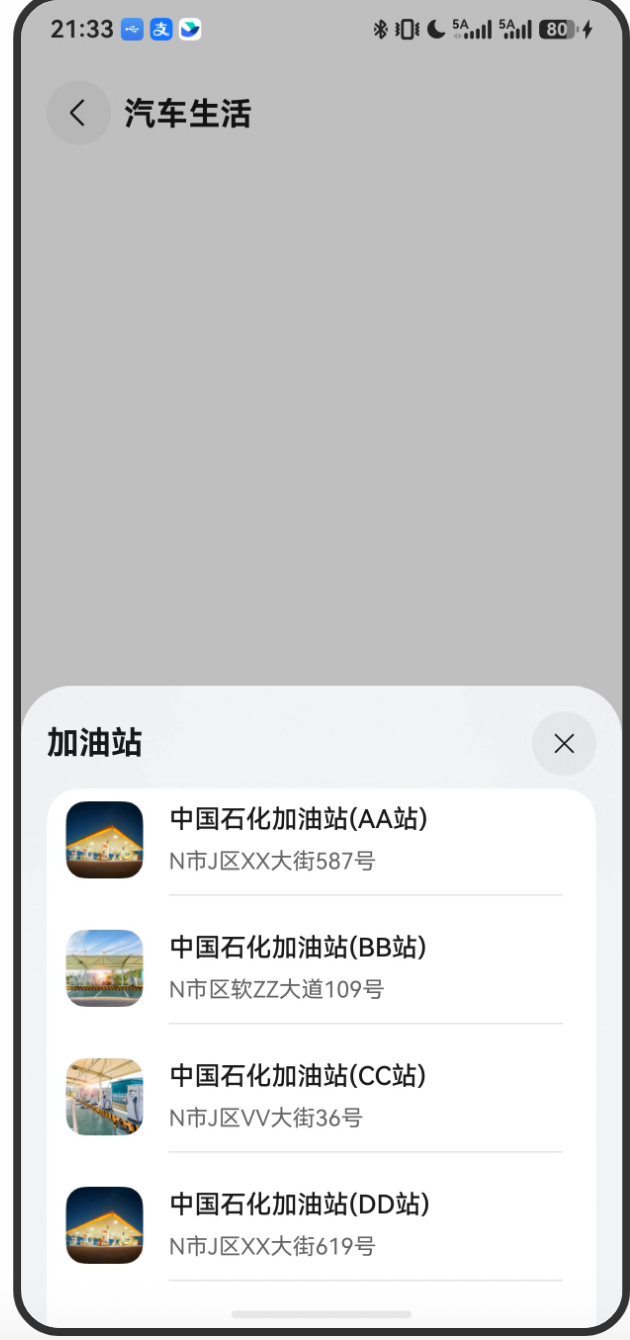
项目预览
一、UIAbility 是什么?
在 HarmonyOS 中,Ability 是应用的基本功能单元,分两种:
| 类型 | 作用 |
|---|---|
UIAbility |
有 UI 界面的功能单元(我们用这个) |
ExtensionAbility |
后台服务、输入法等无 UI 的扩展功能 |
每个 HarmonyOS 应用至少有一个 UIAbility。对于简单的应用,通常只有一个 EntryAbility;复杂的应用可能有多个 Ability(类似 Android 的多 Activity,但用法上更像多个"窗口")。
一句话:UIAbility 是应用窗口的管理者,页面(Page)在 UIAbility 内部运行。
二、EntryAbility 源码解析
完整的 EntryAbility.ets:
// entry/src/main/ets/entryability/EntryAbility.ets
import { AbilityConstant, ConfigurationConstant, UIAbility, Want } from '@kit.AbilityKit';
import { hilog } from '@kit.PerformanceAnalysisKit';
import { window } from '@kit.ArkUI';
import { BusinessError } from '@kit.BasicServicesKit';

const DOMAIN = 0x0000;

export default class EntryAbility extends UIAbility {

  // ① 应用创建时调用(只调用一次)
  onCreate(want: Want, launchParam: AbilityConstant.LaunchParam): void {
    // 强制设置亮色模式
    this.context.getApplicationContext().setColorMode(ConfigurationConstant.ColorMode.COLOR_MODE_LIGHT);
    hilog.info(DOMAIN, 'testTag', '%{public}s', 'Ability onCreate');
  }

  // ② 应用销毁时调用
  onDestroy(): void {
    hilog.info(DOMAIN, 'testTag', '%{public}s', 'Ability onDestroy');
  }

  // ③ 窗口创建时调用(做初始化配置)
  onWindowStageCreate(windowStage: window.WindowStage): void {
    // 设置全屏沉浸式布局
    let windowClass: window.Window = windowStage.getMainWindowSync();
    windowClass.setWindowLayoutFullScreen(true).then(() => {
      hilog.info(0x0000, 'testTag', 'Succeeded in setting the window layout to full-screen mode.');
    });

    // 获取并存储安全区域高度
    let avoidArea = windowClass.getWindowAvoidArea(window.AvoidAreaType.TYPE_NAVIGATION_INDICATOR);
    AppStorage.setOrCreate('bottomRectHeight', avoidArea.bottomRect.height);

    avoidArea = windowClass.getWindowAvoidArea(window.AvoidAreaType.TYPE_SYSTEM);
    AppStorage.setOrCreate('topRectHeight', avoidArea.topRect.height);

    // 监听安全区域变化
    windowClass.on('avoidAreaChange', (data) => {
      if (data.type === window.AvoidAreaType.TYPE_SYSTEM) {
        AppStorage.setOrCreate('topRectHeight', data.area.topRect.height);
      } else if (data.type === window.AvoidAreaType.TYPE_NAVIGATION_INDICATOR) {
        AppStorage.setOrCreate('bottomRectHeight', data.area.bottomRect.height);
      }
    });

    // 加载主页面
    windowStage.loadContent('pages/MainPage', (err) => {
      if (err.code) {
        hilog.error(DOMAIN, 'testTag', 'Failed to load the content. Cause: %{public}s', JSON.stringify(err));
        return;
      }
      hilog.info(DOMAIN, 'testTag', 'Succeeded in loading the content.');
    });
  }

  // ④ 窗口销毁时调用
  onWindowStageDestroy(): void {
    hilog.info(DOMAIN, 'testTag', '%{public}s', 'Ability onWindowStageDestroy');
  }

  // ⑤ 应用进入前台时调用
  onForeground(): void {
    hilog.info(DOMAIN, 'testTag', '%{public}s', 'Ability onForeground');
  }

  // ⑥ 应用切到后台时调用
  onBackground(): void {
    hilog.info(DOMAIN, 'testTag', '%{public}s', 'Ability onBackground');
  }
}
三、生命周期调用顺序
3.1 应用冷启动(首次打开)

onCreate(want, launchParam)
  ↓
onWindowStageCreate(windowStage)
  ↓
[页面加载:loadContent('pages/MainPage')]
  ↓
onForeground()
  ↓
[用户使用应用...]
3.2 应用退到后台
[用户按Home键或切换应用]
  ↓
onBackground()
  ↓
[应用在后台存活,但可能被系统回收]
3.3 应用从后台回到前台
[用户重新打开应用]
  ↓
onForeground()
  ↓
[应用恢复,不再调用 onCreate]
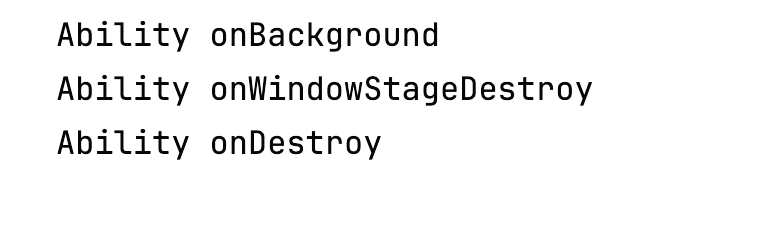
3.4 应用被销毁
[系统回收 或 用户强制退出]
  ↓
onWindowStageDestroy()
  ↓
onDestroy()
四、onCreate:应用初始化
onCreate(want: Want, launchParam: AbilityConstant.LaunchParam): void {
  // 设置应用颜色模式为亮色
  this.context.getApplicationContext().setColorMode(ConfigurationConstant.ColorMode.COLOR_MODE_LIGHT);
  hilog.info(DOMAIN, 'testTag', '%{public}s', 'Ability onCreate');
}
4.1 Want 是什么?
Want 是 HarmonyOS 中用于描述"启动意图"的对象,类似 Android 的 Intent。它包含:
interface Want {
  bundleName?: string;     // 应用包名
  abilityName?: string;    // 目标 Ability 名称
  parameters?: Record<string, Object>;  // 携带的自定义参数
  action?: string;         // 动作类型
  // ... 更多字段
}
通过 want.parameters 可以接收其他应用或系统传递过来的数据。
4.2 setColorMode:强制亮色模式
this.context.getApplicationContext().setColorMode(ConfigurationConstant.ColorMode.COLOR_MODE_LIGHT);
这一行把整个应用强制设置为亮色模式,即使用户手机开了暗色模式,这个 App 也不跟着变暗。
为什么这样做?因为地图类应用通常有精心设计的配色方案,贸然跟随系统暗色模式可能导致 UI 不协调。这是一个主动的设计决策。
五、onWindowStageCreate:最重要的初始化时机
onWindowStageCreate 是整个生命周期中最繁忙的方法,承担三项核心工作:
5.1 设置全屏沉浸式
let windowClass: window.Window = windowStage.getMainWindowSync();
windowClass.setWindowLayoutFullScreen(true);
setWindowLayoutFullScreen(true) 让 UI 内容延伸到状态栏和导航栏下方,实现沉浸式效果。这也意味着我们需要手动处理安全区域,避免内容被遮挡。
5.2 读取安全区域高度
// 导航栏高度
let avoidArea = windowClass.getWindowAvoidArea(window.AvoidAreaType.TYPE_NAVIGATION_INDICATOR);
let bottomRectHeight = avoidArea.bottomRect.height;
AppStorage.setOrCreate('bottomRectHeight', bottomRectHeight);

// 状态栏高度
avoidArea = windowClass.getWindowAvoidArea(window.AvoidAreaType.TYPE_SYSTEM);
let topRectHeight = avoidArea.topRect.height;
AppStorage.setOrCreate('topRectHeight', topRectHeight);
获取顶部状态栏和底部导航条的实际高度(单位:px),存入全局 AppStorage,后续页面用 @StorageProp 取出来,用于给内容区域设置对应的 padding,避免内容被系统 UI 遮挡。
5.3 监听安全区域变化
windowClass.on('avoidAreaChange', (data) => {
  if (data.type === window.AvoidAreaType.TYPE_SYSTEM) {
    AppStorage.setOrCreate('topRectHeight', data.area.topRect.height);
  } else if (data.type === window.AvoidAreaType.TYPE_NAVIGATION_INDICATOR) {
    AppStorage.setOrCreate('bottomRectHeight', data.area.bottomRect.height);
  }
});
为什么要监听变化?因为:
- 折叠屏展开/折叠时,状态栏高度会变
- 横竖屏切换时,安全区域也会变
- 键盘弹出时,导航条高度可能变化
用监听器动态更新,保证 AppStorage 里的值始终是最新的。
5.4 加载主页面
windowStage.loadContent('pages/MainPage', (err) => {
  if (err.code) {
    hilog.error(DOMAIN, 'testTag', 'Failed to load the content. Cause: %{public}s', JSON.stringify(err));
    return;
  }
  hilog.info(DOMAIN, 'testTag', 'Succeeded in loading the content.');
});
这是最后一步,告诉窗口:加载 pages/MainPage 这个页面作为主页面。'pages/MainPage' 对应的是 entry/src/main/ets/pages/MainPage.ets(不需要写 .ets 后缀)。
六、onForeground 和 onBackground
这两个回调一般用于:
onForeground(): void {
  // 应用进入前台时执行
  // 常见场景:
  // - 恢复网络连接
  // - 重新开始定位
  // - 刷新数据
}

onBackground(): void {
  // 应用切到后台时执行
  // 常见场景:
  // - 暂停视频播放
  // - 保存未完成的状态
  // - 停止耗电操作
}
这个项目的 onForeground 和 onBackground 只有日志,因为项目功能简单,地图和定位的生命周期由系统自动管理。
七、生命周期方法对比(Android vs HarmonyOS)
| HarmonyOS(UIAbility) | Android(Activity) | 触发时机 |
|---|---|---|
onCreate |
onCreate |
首次创建 |
onWindowStageCreate |
onStart / onResume 之间 |
窗口就绪 |
onForeground |
onResume |
进入前台 |
onBackground |
onPause / onStop |
进入后台 |
onWindowStageDestroy |
onStop |
窗口销毁 |
onDestroy |
onDestroy |
彻底销毁 |
总结
EntryAbility.ets 做了三件重要的事:
onCreate:锁定亮色模式onWindowStageCreate:设置全屏沉浸、读取并监听安全区域高度、加载主页面onForeground/onBackground:处理前后台切换(本项目只记日志)
整个应用的启动流程是:onCreate → onWindowStageCreate(设置全屏、存安全区域高度、加载页面)→ onForeground(用户开始使用)。
下一篇详细讲沉浸式全屏布局——为什么要全屏,怎么处理状态栏遮挡问题。

讨论HarmonyOS开发技术,专注于API与组件、DevEco Studio、测试、元服务和应用上架分发等。
更多推荐
 15
15 0
0- 0


 已为社区贡献317条内容

所有评论(0)