HarmonyOS7 监听左右手握持状态:智感握姿最核心的几行代码
·
这个项目最“智感”的部分,其实就藏在几行 motion.on() 里。小白第一次看可能觉得神奇:应用怎么知道我现在左手拿还是右手拿?答案是系统多模态感知能力。
项目源码:https://gitcode.com/HarmonyOS_Samples/SmartReach/tree/master
先导入 motion
MainPage.ets 里有这行导入:
import { motion } from '@kit.MultimodalAwarenessKit';
motion 不是页面组件,它来自多模态感知 Kit。项目通过它监听 holdingHandChanged 事件。
监听写在 aboutToAppear 里
页面出现时注册监听:
aboutToAppear(): void {
  this.showAlert();
  try {
    if (canIUse('SystemCapability.MultimodalAwareness.Motion')) {
      motion.on('holdingHandChanged', this.handleHoldingHandChange);
      Logger.info(TAG, `Succeed handle on holdingHandChanged`);
    } else {
      Logger.error(TAG, `Can not handle on holdingHandChanged`);
    }
  } catch (error) {
    Logger.error(TAG, `Failed on holdingHandChanged. cause${error.message}`);
  }
}
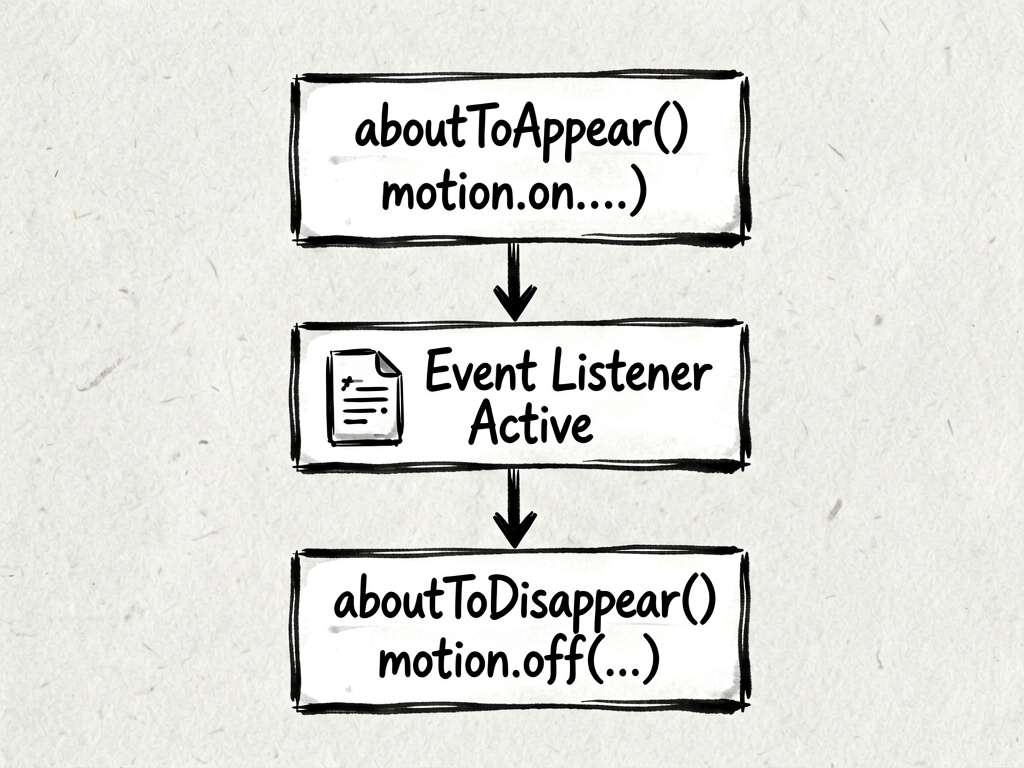
为什么放在 aboutToAppear()?因为这时候页面准备显示,注册监听刚刚好。太早可能 UI 还没准备好,太晚用户已经开始操作了。
页面消失时一定要解绑
这一步很容易忘:
aboutToDisappear(): void {
  try {
    if (canIUse('SystemCapability.MultimodalAwareness.Motion')) {
      motion.off('holdingHandChanged', this.handleHoldingHandChange);
    } else {
      Logger.error(TAG, `Can not handle off holdingHandChanged`);
    }
  } catch (error) {
    Logger.error(TAG, `Failed off holdingHandChanged. cause${error.message}`);
  }
}
注册和解绑要成对出现。否则页面销毁后,监听还留着,轻则日志混乱,重则出现重复响应。
回调里拿到什么
回调函数接收 motion.HoldingHandStatus:
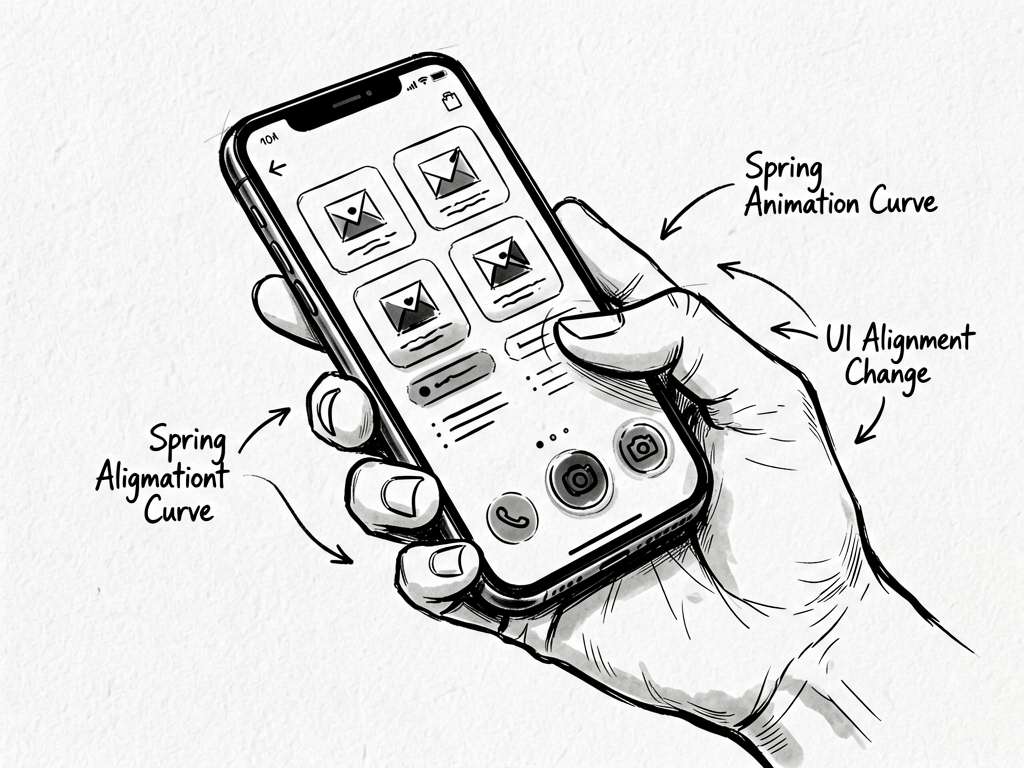
handleHoldingHandChange: Callback<motion.HoldingHandStatus> = (status: motion.HoldingHandStatus) => {
  Logger.info(TAG, `handle on holdingHandChanged:::${status}`);

  this.getUIContext().animateTo({ curve: curves.interpolatingSpring(0, 1, 288, 30) }, () => {
    if (canIUse('SystemCapability.MultimodalAwareness.Motion')) {
      if (status === motion.HoldingHandStatus.LEFT_HAND_HELD) {
        this.floatingAlignRules = {
          left: { anchor: '__container__', align: HorizontalAlign.Start },
          bottom: { anchor: '__container__', align: VerticalAlign.Bottom },
        };
      } else if (status === motion.HoldingHandStatus.RIGHT_HAND_HELD) {
        this.floatingAlignRules = {
          right: { anchor: '__container__', align: HorizontalAlign.End },
          bottom: { anchor: '__container__', align: VerticalAlign.Bottom },
        };
      }
    }
  });
}
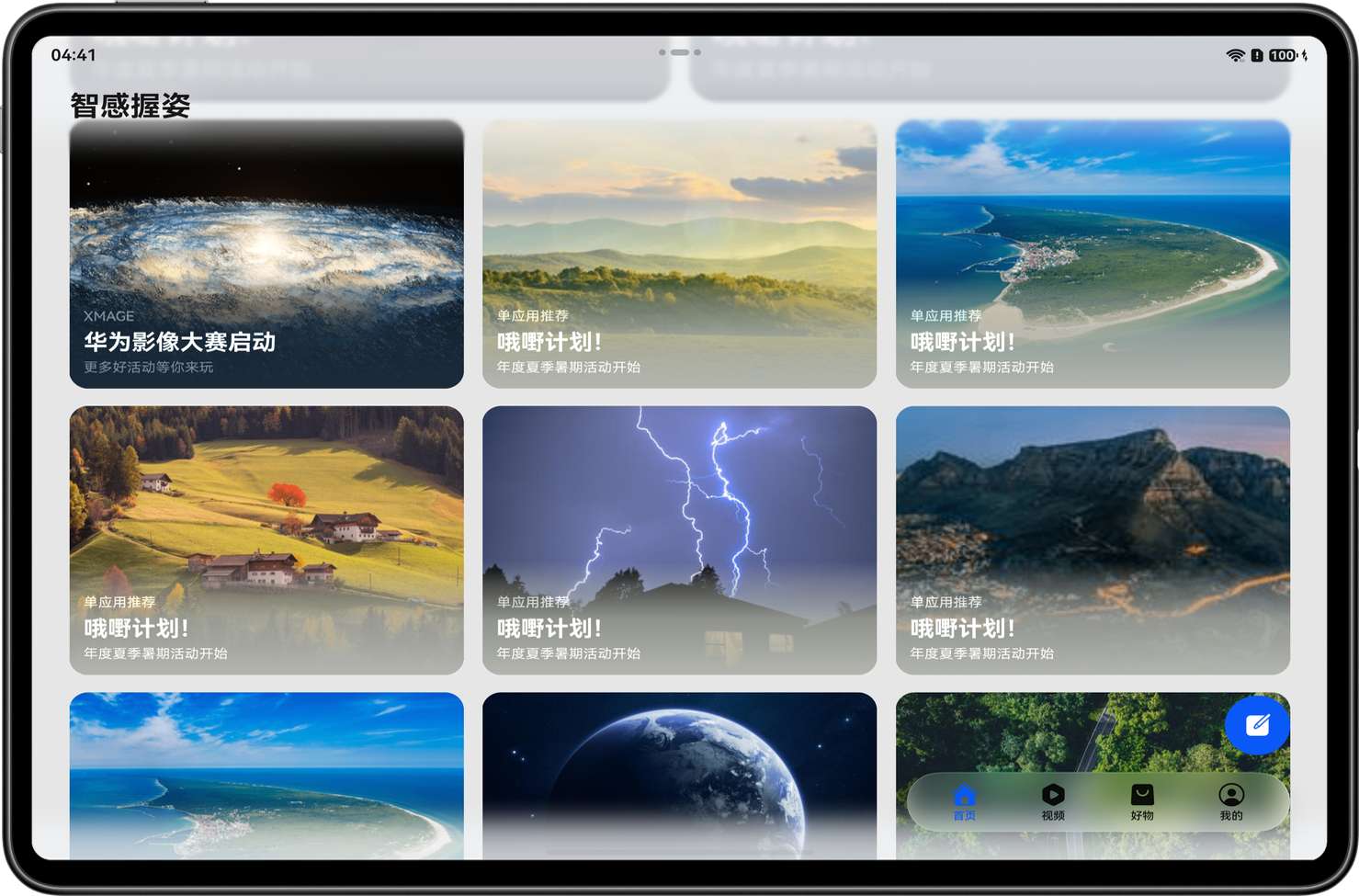
这段逻辑非常直白:左手握持就把悬浮按钮靠左,右手握持就靠右。
为什么还要 animateTo
如果位置瞬间跳过去,体验会有点硬。项目用了弹簧插值动画:
curves.interpolatingSpring(0, 1, 288, 30)
你可以先不纠结参数细节,只要知道它会让位置切换更顺滑。手感类功能,动画比你想象中重要。
用截图理解交互
在大屏设备上,左右手握持带来的差异更明显。比如平板场景:
写在最后
智感握姿不是魔法,核心链路就是:申请权限、判断系统能力、注册握持监听、根据状态更新 UI、页面销毁时解绑。这个顺序记住了,你以后接入类似系统感知事件也会轻松很多。

讨论HarmonyOS开发技术,专注于API与组件、DevEco Studio、测试、元服务和应用上架分发等。
更多推荐

 51
51 0
0- 0


 已为社区贡献604条内容

所有评论(0)