HarmonyOS7 HdsTabs 悬浮页签这样搭:智感握姿的界面骨架
智感握姿这个项目,表面看是“手势感知”,但界面骨架其实是 HdsTabs。没有这个悬浮页签,后面说左手右手跟手都没地方落。
项目源码:https://gitcode.com/HarmonyOS_Samples/SmartReach/tree/master
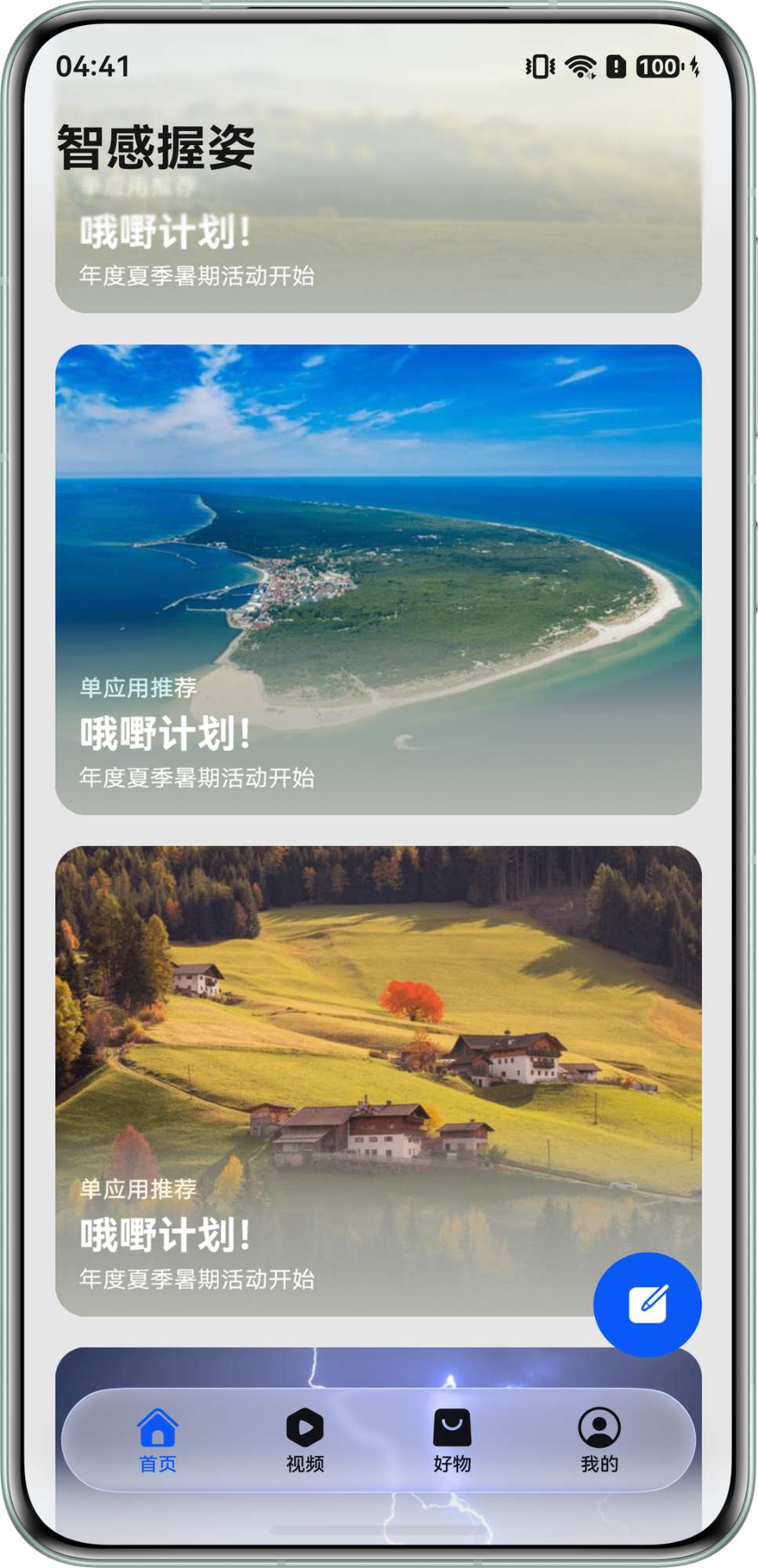
先看最终效果
底部这个悬浮导航就是本文主角。它不是普通 Tabs,而是来自 @kit.UIDesignKit 的 HdsTabs。
相关导入
MainPage.ets 里导入了这些 UIDesignKit 组件:
import {
  hdsMaterial,
  HdsNavigation,
  HdsNavigationTitleMode,
  HdsTabs,
  HdsTabsController,
  ScrollEffectType,
} from '@kit.UIDesignKit';
这里重点看三个:
HdsNavigation:页面外层导航;HdsTabs:底部页签容器;HdsTabsController:控制页签行为,比如预加载。
HdsTabs 怎么包内容
主页面里,HdsTabs 包了四个 TabContent,每个页签显示一个 WaterFlowView:
private controller: HdsTabsController = new HdsTabsController();
private tabsBar: BottomTabBarStyle[] = TabsBarModel.getTabBarByPage() ?? [];

HdsTabs({ controller: this.controller }) {
  Repeat(this.tabsBar).each((repeatItem: RepeatItem<BottomTabBarStyle>) => {
    TabContent() {
      WaterFlowView({
        currentTabIndex: repeatItem.index,
      })
    }
    .tabBar(repeatItem.item)
  })
}
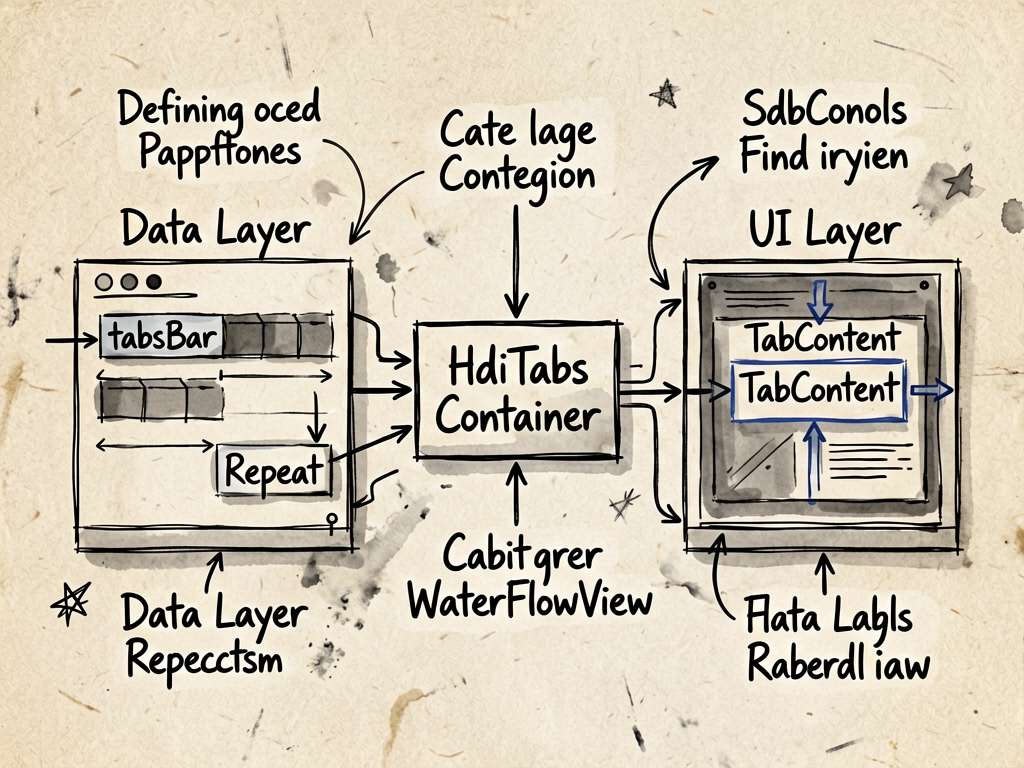
这段很适合小白学习,因为它把“数据”和“页面”分开了:
tabsBar 负责告诉页面有几个 tab、每个 tab 长什么样;TabContent 负责真正显示内容。
悬浮效果的关键配置
底部悬浮不是靠自己写绝对定位,而是 HdsTabs 自带配置:
HdsTabs({ controller: this.controller }) {
  // TabContent ...
}
.width('100%')
.height('100%')
.barOverlap(true)
.vertical(false)
.barPosition(BarPosition.End)
.barFloatingStyle({
  adaptToHandedness: true,
  barBottomMargin: this.globalInfoModel.naviIndicatorHeight > 0
    ? this.globalInfoModel.naviIndicatorHeight
    : $r('sys.float.padding_level8'),
  systemMaterialEffect: {
    materialType: hdsMaterial.MaterialType.ADAPTIVE,
    materialLevel: hdsMaterial.MaterialLevel.ADAPTIVE,
  },
})
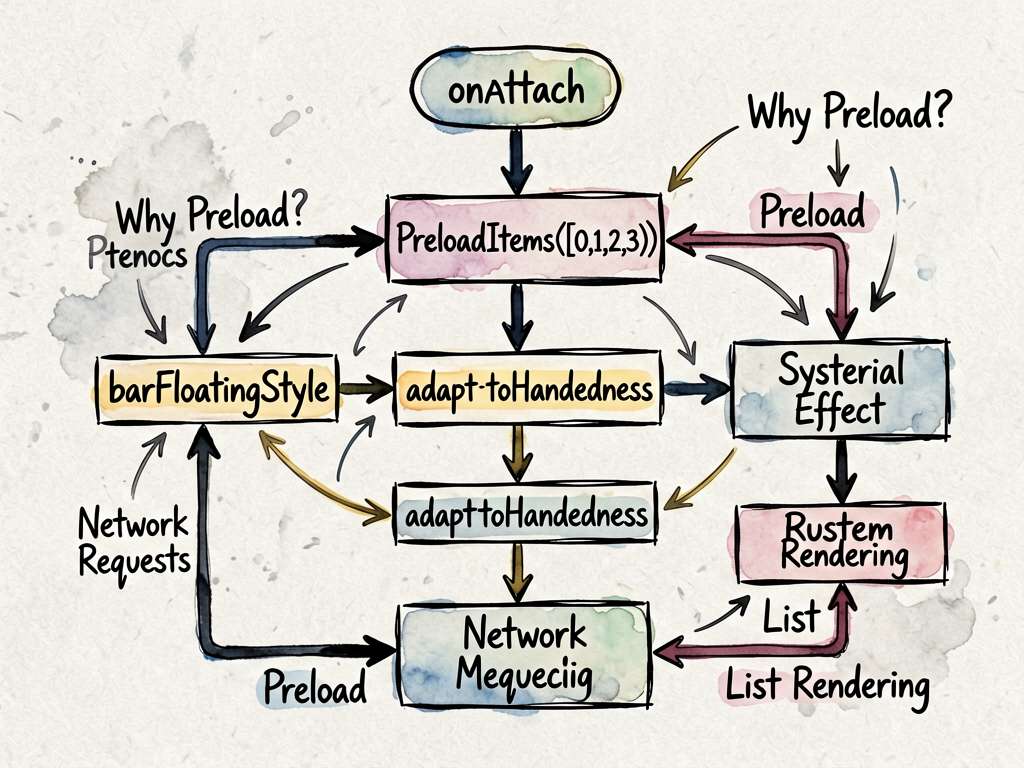
这里最重要的是 barFloatingStyle()。
adaptToHandedness: true 这个名字已经很直白了:让页签适配握持习惯。项目里的智感握姿,不是全部从零写,很多能力是建立在 HDS 组件能力之上的。
barOverlap 是什么
barOverlap(true) 表示页签可以和内容区域重叠。悬浮导航通常都会这么做,因为它不是占一整块固定布局,而是盖在内容上方。
这也解释了为什么 WaterFlowView 的底部 margin 要额外留空间:
bottom: this.globalInfoModel.naviIndicatorHeight + 64,
如果不留,瀑布流最后几张图可能被底部页签挡住。
预加载四个页签
项目里还有一段:
.onAttach(() => {
  try {
    this.controller.preloadItems([0, 1, 2, 3]);
  } catch (error) {
    Logger.error(TAG, `OnAttach preloadItems failed`);
  }
})
它的意思是组件挂载后预加载 0 到 3 四个页签。这样用户切换 tab 时不会明显卡一下。
小项目里你可能感觉不到差别,但真实业务里,每个 tab 都有列表、图片、网络请求,预加载就很实用了。
写在最后
HdsTabs 是这个项目的界面地基。你不需要手写一个悬浮底部导航,也不需要自己处理很多系统风格细节。用好组件能力,再把手势监听接上,智感握姿的核心体验就出来了。

讨论HarmonyOS开发技术,专注于API与组件、DevEco Studio、测试、元服务和应用上架分发等。
更多推荐

 53
53 0
0- 0


 已为社区贡献604条内容

所有评论(0)