HarmonyOS7 弹簧动画让握姿切换不生硬:animateTo 这一段别删
文章目录
智感握姿的交互如果只是“左边跳右边”,体验会很廉价。这个项目用了 animateTo 加弹簧曲线,让悬浮按钮移动得更像系统级交互。
项目源码:https://gitcode.com/HarmonyOS_Samples/SmartReach/tree/master
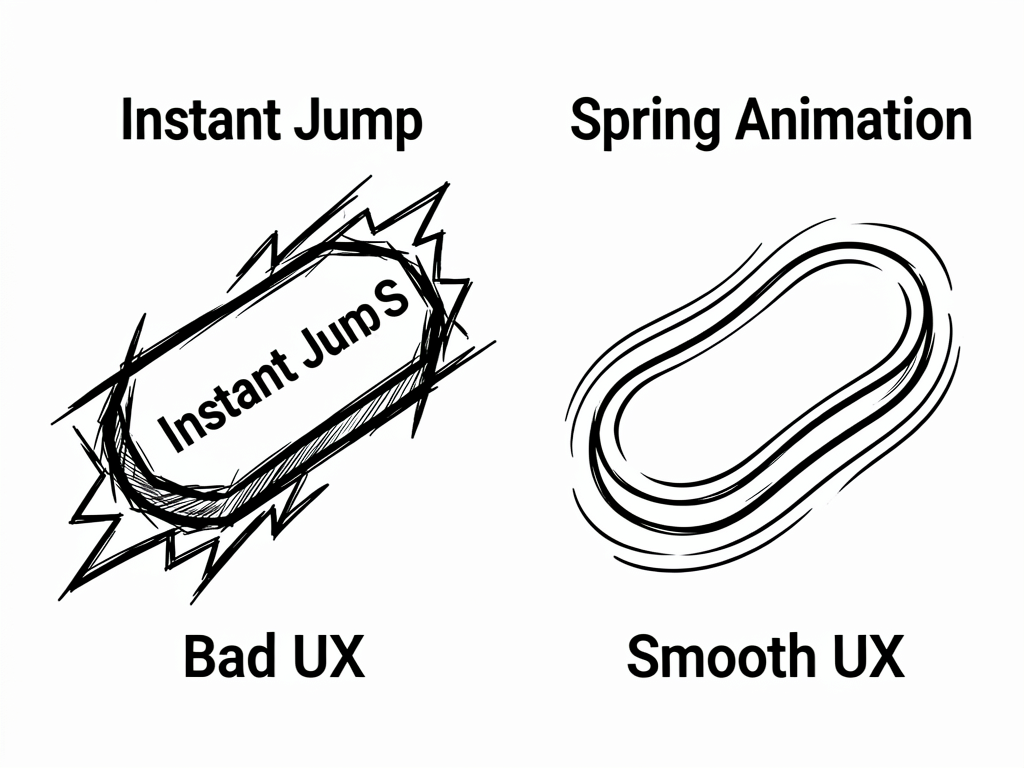
没动画会发生什么
假设你直接这样写:
this.floatingAlignRules = {
  left: { anchor: '__container__', align: HorizontalAlign.Start },
  bottom: { anchor: '__container__', align: VerticalAlign.Bottom },
};
功能上没问题,按钮会移动。但用户看到的是“瞬间切换”,尤其在平板大屏上,这种跳变会很突兀。
项目里的动画写法
MainPage.ets 的回调里用了:
this.getUIContext().animateTo(
  { curve: curves.interpolatingSpring(0, 1, 288, 30) },
  () => {
    if (status === motion.HoldingHandStatus.LEFT_HAND_HELD) {
      this.floatingAlignRules = {
        left: { anchor: '__container__', align: HorizontalAlign.Start },
        bottom: { anchor: '__container__', align: VerticalAlign.Bottom },
      };
    } else if (status === motion.HoldingHandStatus.RIGHT_HAND_HELD) {
      this.floatingAlignRules = {
        right: { anchor: '__container__', align: HorizontalAlign.End },
        bottom: { anchor: '__container__', align: VerticalAlign.Bottom },
      };
    }
  }
);
animateTo 的第二个参数是一个回调。你在这个回调里改状态,ArkUI 会把状态变化对应的 UI 更新用动画过渡出来。
curves.interpolatingSpring 是干什么的
这行参数看着有点吓人:
curves.interpolatingSpring(0, 1, 288, 30)
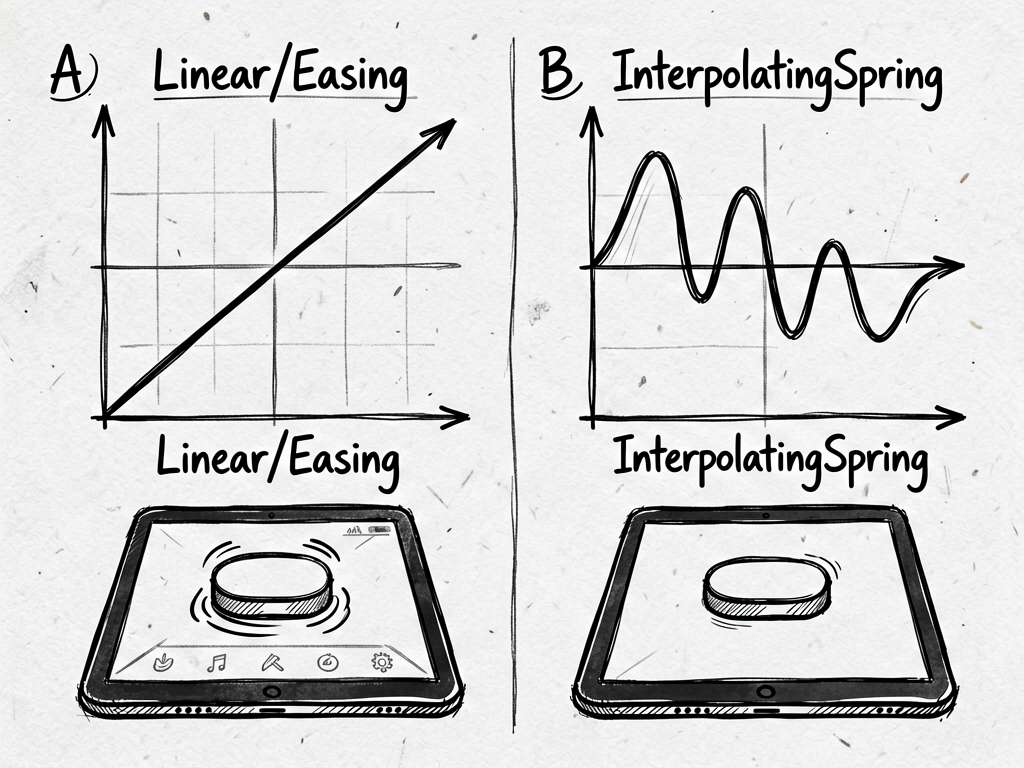
你可以先把它理解成“弹簧感动画”。相比线性动画,弹簧动画更适合位置切换,因为它不只是匀速移动,而是有一点自然的缓动。
在握姿切换这种场景里,弹簧动画会让控件像“跟过去”,而不是“闪过去”。
为什么用 getUIContext
项目没有直接调用全局动画,而是:
this.getUIContext().animateTo(...)
这样写的好处是动画绑定在当前 UI 上下文里,和页面生命周期更贴合。对于组件内状态变化,这是更自然的写法。
动画和状态要放在一起看
很多小白学动画,会只盯着动画 API。其实这个示例更重要的是“动画包裹状态变化”:
animateTo(animationOption, () => {
  // 在这里改 @Local 状态
});
floatingAlignRules 是 @Local 状态。它一变,.alignRules(this.floatingAlignRules) 对应的布局也会变。动画就是把这次布局变化变得顺滑。
截图不能展示动画,但能看出目标位置
截图只能看到静态结果,但你可以观察按钮和底部页签的位置关系:
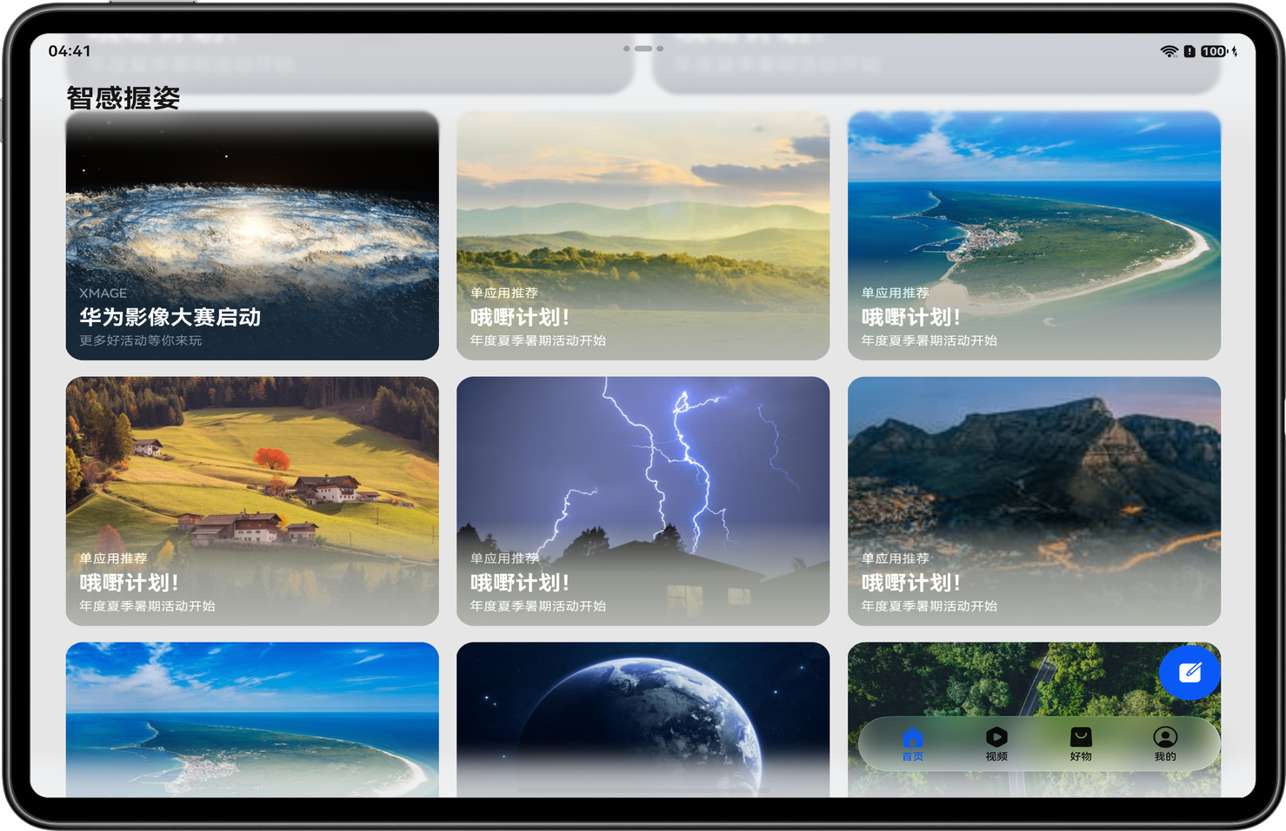
真实运行时,从左到右或从右到左的过渡才是这段动画的价值。
写在最后
手感类功能,动画不是装饰,是体验的一部分。智感握姿这种根据握持状态调整 UI 的场景,尤其不能生硬跳变。代码可以少,但 animateTo 这一段真的别删。

讨论HarmonyOS开发技术,专注于API与组件、DevEco Studio、测试、元服务和应用上架分发等。
更多推荐
 3
3 0
0- 0


 已为社区贡献604条内容

所有评论(0)